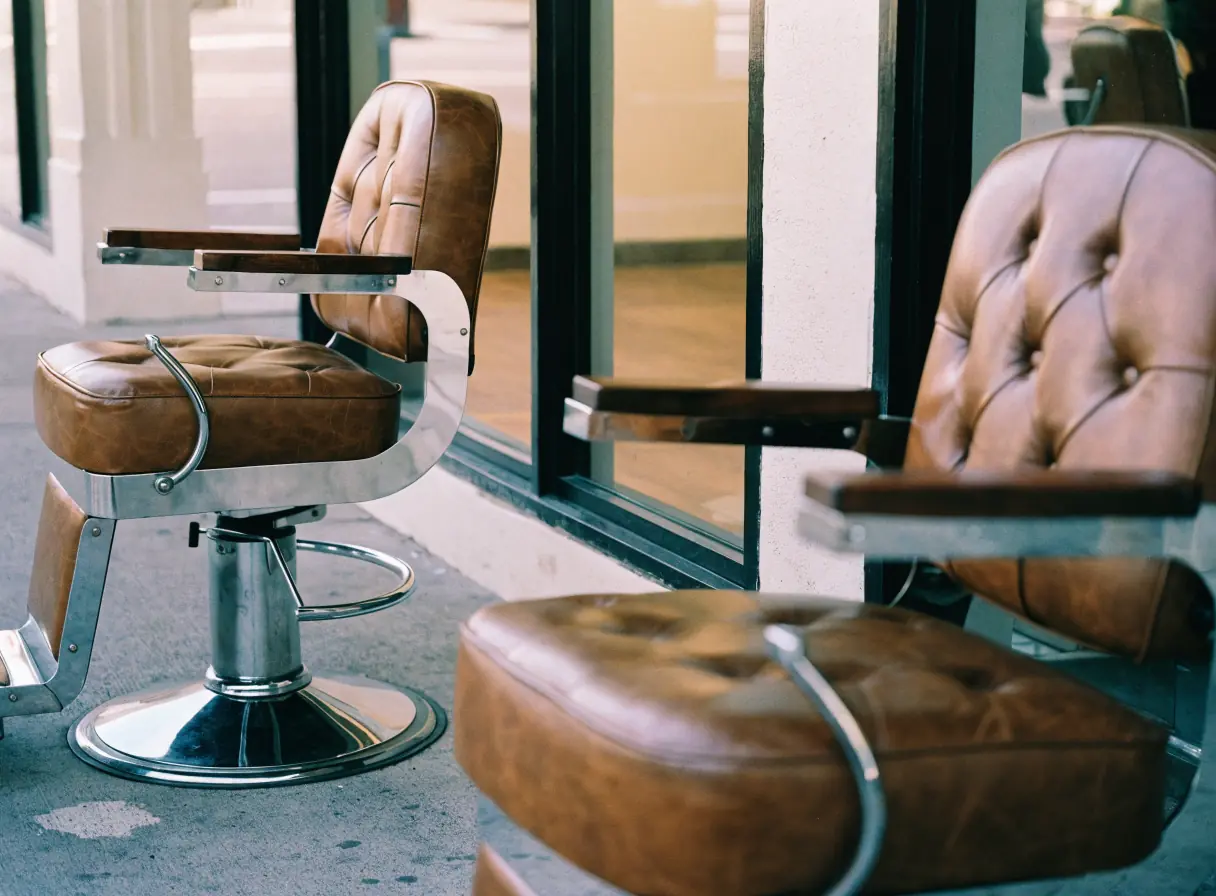
Two empty brown leather chairs sit side by side in a modern barber shop interior.

Barber shop website design that keeps chairs full.

Clients pick a barber by recent cuts and reviews. Barber shop website design puts each barber's work, walk-in hours, and booking in one phone-friendly place.

The services behind a busy shop.

Each service below covers a step between a client's search and the chair. Start with the one where you lose clients today.

Illustration of Barber Shops: the business, the customer path in four steps and five linked services.
Barber Shops

Appointment Booking Systems

For barber shops when clients want to book their barber without calling while everyone is mid-cut. Clients can pick the barber, the service, and an open time, and get a reminder before the visit.

Start here when the phone rings through cuts and nobody can answer it.

Explore Appointment Booking Systems

Local SEO

For shops when someone searches for a barber nearby and compares the map results. Current hours, photos of real cuts, and recent reviews decide where they walk in.

Start here when your map listing shows old photos or the wrong hours.

Explore Local SEO

Social Media Management

For barbers when clients choose by scrolling through fades, tapers, and beard work. Regular posts of fresh cuts, tagged by barber, show what each chair does best.

Start here when your best cuts live on phones and never get posted.

Explore Social Media Management

Logo Design

For shops when the mark on the window also has to work on the site, the social profile, and the merch you sell. A clear logo makes the shop easy to spot and remember.

Start here when your logo only exists as a blurry file.

Explore Logo Design

Marketing Automation

For shops when regulars drift to another barber between cuts. A reminder when they are due, sent only to clients who opted in, invites them back to the same chair.

Start here when regulars go quiet and you only notice months later.

Explore Marketing Automation

Barber Shops, discipline by discipline.

What each service family must get right in this field. Open one to see its services.

    Trace a walk-in's path from a phone search to a fresh fade.

    Take a common visit, like a fade and a beard trim before the weekend. Check each step on a phone, the way a new client would.

    Who here can do the cut I want?

    Clients look for a barber who does their style and hair type well. A shop page with no names or photos gives them nothing to go on.

    What the website needs to do

    Give each barber a profile with recent cuts, specialties, and a link to their book.

    Next: check the wait.

    Can I walk in, or do I need to book?

    Walk-in rules differ from shop to shop, and nobody likes to guess. Say plainly when walk-ins work and when booking saves a wait.

    What the website needs to do

    Put walk-in hours, open times, and a tap-to-call button near the top of every page.

    Next: check the cut and trim prices.

    What will a cut and a beard trim cost?

    Clients want the price before they sit down. A clear service list avoids an awkward moment at the register.

    What the website needs to do

    List each service with the price you set, and note add-ons like a hot towel shave.

    Next: book the chair.

    Can I book the same barber next time?

    Regulars want the same barber every visit. Booking should make it easy to pick that barber again.

    What the website needs to do

    Link each barber profile to that barber's booking page, and confirm with the shop address.

    Next: the client walks in knowing who cuts and when.

    Barber shop websites that put each barber's recent cuts up front.

    Barbering is personal and local. New clients decide fast, based on photos, reviews, and whether they can get in today.

    Barber profiles

    Showing each barber's work

    Clients pick a barber by their cuts. Profiles with recent photos, specialties, and a booking link help a new client choose the right chair.

    Chair renters

    Handling several booking apps

    Barbers who rent a chair often keep their own booking app. The site can link each one clearly, so the shop still reads as one place.

    Walk-in rules

    Making walk-in rules clear

    A client who walks into a full shop may not come back. State when walk-ins work best and when booking saves a wait.

    Hours and listings

    Keeping hours right everywhere

    Shop hours change with the seasons and the staff. Wrong hours on a map listing send a client to a locked door.

    Be the barber they find nearby.

    New clients often find a barber on the map. Keep your address, hours, and photos the same everywhere a client might look.

    1. Post real cuts on the map profile

      Add your services, hours, and real photos of cuts and the shop. Match them to the website so nothing conflicts.

    2. Ask for reviews after the cut

      Ask happy clients for a review while the cut is fresh, and reply to every review in public.

    3. Help clients find the door

      Describe parking, the entrance, and nearby landmarks. A shop inside a plaza or up a flight of stairs is easy to miss.

    How the work splits between your shop and our team.

    Barber profiles and a clear booking path come first. Fresh photos and reviews keep the shop looking current after launch.

    1. Together

      Build a profile for each barber

      Show each barber's photo, specialties, recent cuts, and booking link.

    2. Scayver Graphix

      Link each barber's booking

      Link the shop's booking tool, or each barber's own, after we confirm what each one supports.

    3. Your team

      Post fresh cuts on a steady schedule

      Share real cuts, tagged by barber, with a link to book.

    4. Your team

      Keep the map listing current

      Update hours for holidays and staff changes, and add new photos.

    5. Scayver Graphix

      Set up rebooking reminders

      Remind opted-in regulars when they are due for their next cut.

    Bring your barbers' names and prices first.

    Bring the basics: who cuts, what each cut costs, and when walk-ins are welcome. That lets the first call stay on how a phone search turns into a chair someone actually sits in. Your ticks here never leave this page.

    Select the inputs you have ready.

    More beside Barber Shops.

    Other specialty pages under Salon and Spa.

    1. Beauty Services

      Show your lash, brow, and makeup work, your policies, and a simple path to book or request a quote.

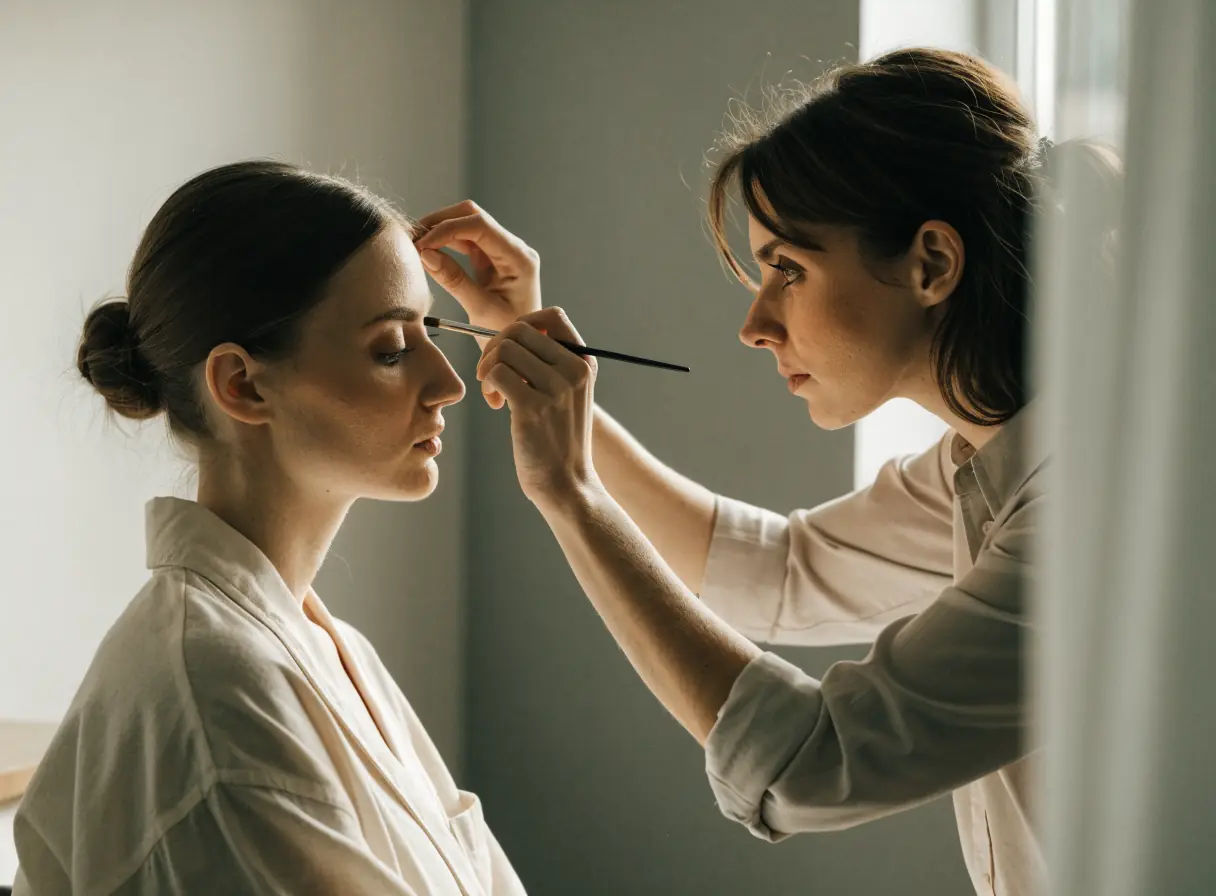
      A makeup artist applying eyeshadow to a woman seated in a bright, modern salon.
    2. Cosmetic Surgery

      Explain procedures plainly, show verified credentials, and keep private details off the public site.

      Person closely inspecting another person’s face near the eye in a bright, clinical setting.
    3. Hair Salons

      Show each stylist's work, explain the menu, and send bigger color changes to a consultation first.

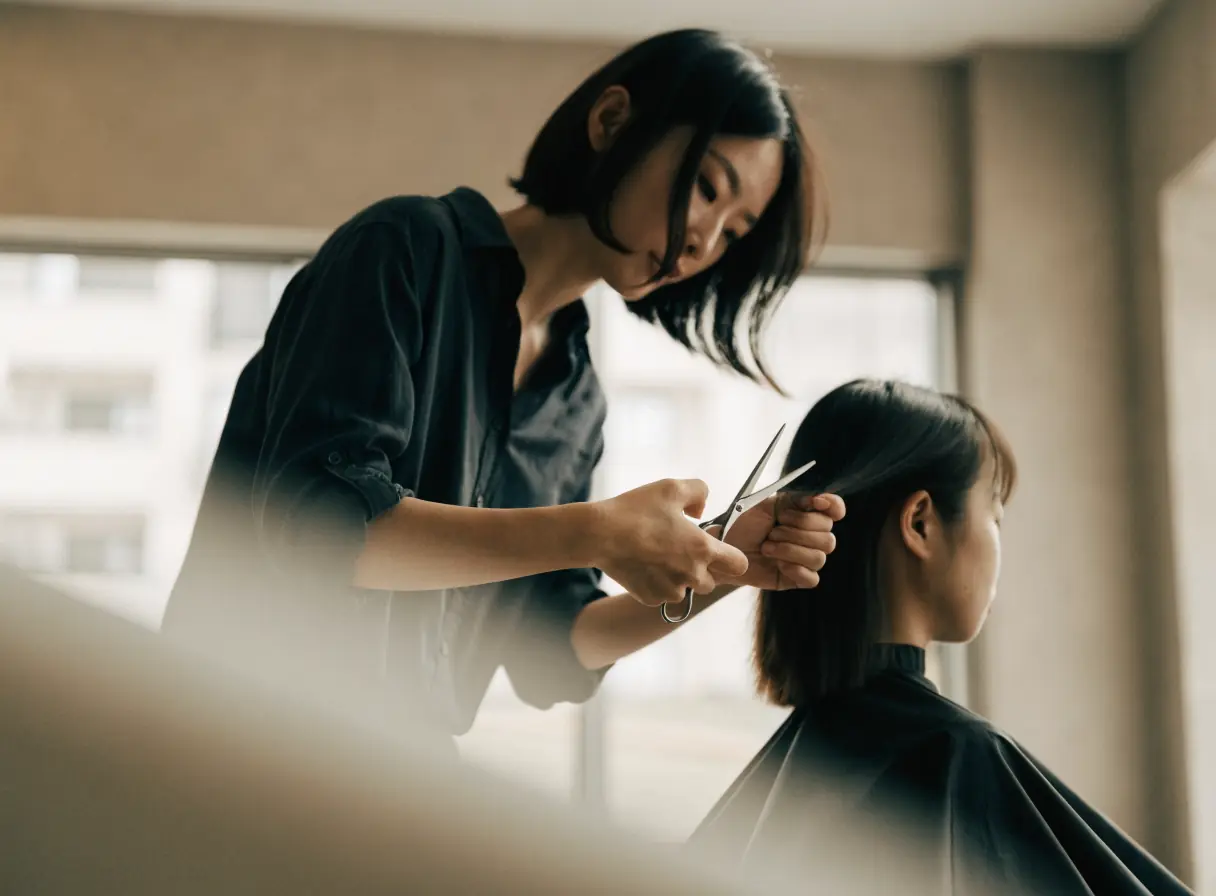
      A hairdresser cuts a woman’s hair in a bright, modern salon interior.
    4. Massage Therapy

      Explain your techniques, introduce your therapists, and keep health intake in the tools your practice approves.

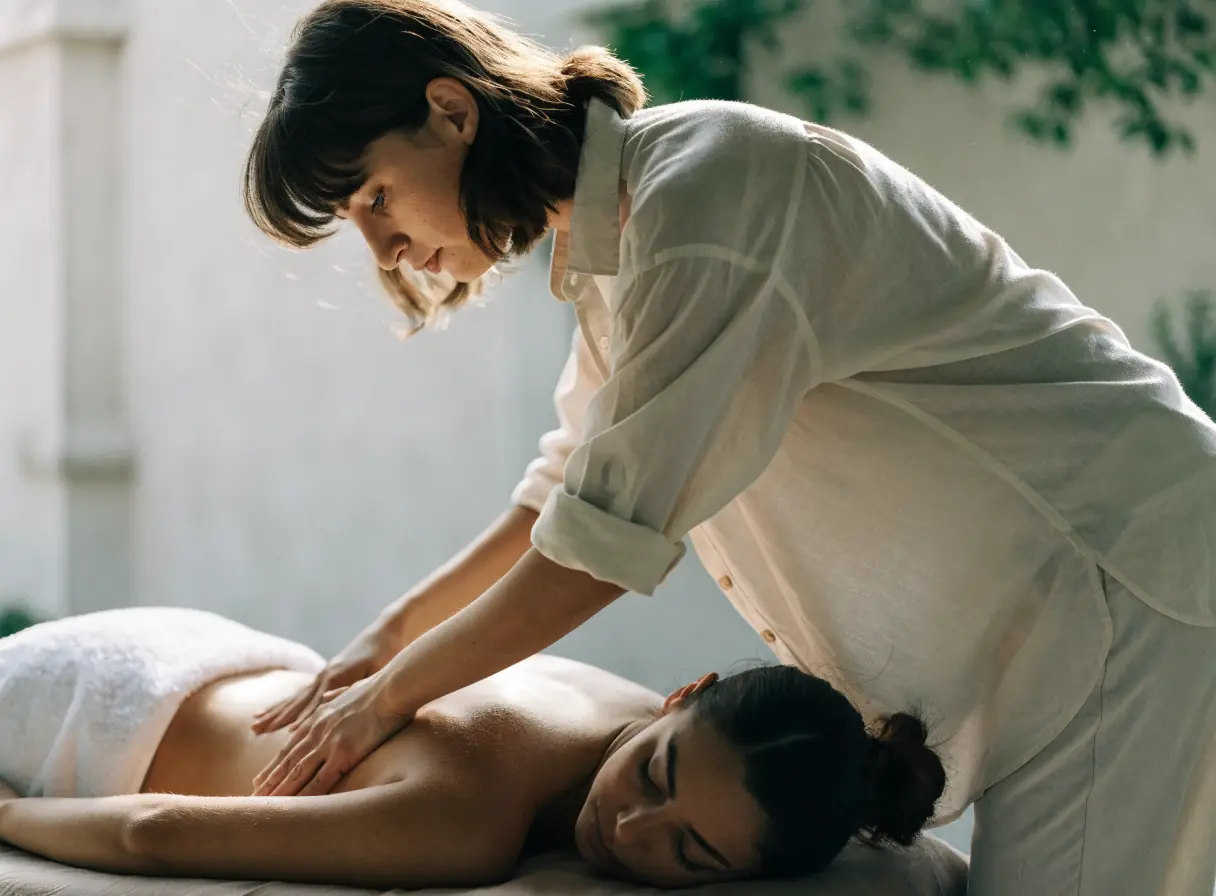
      A person dressed in white massages another person lying on a table in a bright room.
    5. Nail Salons

      Show real nail work, a menu that reads on a phone, and clear walk-in and booking options.

      Woman having her nails painted in a bright, minimalist room with simple decor.
    6. Skin Care

      Explain treatments plainly, show honest results, and keep skin histories in approved intake tools, not public forms.

      One person uses a facial roller on another’s face in a calm, spa-like setting.
    7. Spas

      Show the space, explain packages and amenities, and make spa days, couples visits, and gift cards easy to book.

      Four white towels folded neatly stacked by a window with soft natural light filtering in.
    8. Tanning Salons

      Explain memberships, bed levels, and spray tans plainly, and make booking and joining simple.

      Smiling woman leaning back and relaxing in a sunlit setting.
    9. Wellness Centers

      Organize many services clearly, introduce practitioners, and make sessions, classes, and memberships simple to book.

      Two women sit cross-legged on yoga mats in a bright, sunlit room.

    What barbers want to know before a new site.

    Can each barber keep their own booking app?

    Often, yes. Each profile can link to that barber's own booking page. Before we plan the links, we check what each app allows.

    Can the site show a live wait time?

    Only if your booking or check-in tool offers one. Some tools share a wait list that a site can link to. We confirm what yours supports, and if it does not, we state walk-in hours clearly.

    Should the cut prices go online?

    That is your call. A clear price list answers a question new clients often have. The prices online should match the ones at the register.

    What happens to the site when a barber leaves?

    The shop's name, reviews, and address stay at the center, with barbers as profiles. When someone leaves, you hide their profile and update the booking links.

    Back to top