Tablet with a colour-coded plan beside brushes and sketchbooks on an art studio desk

Art and education websites for programs and events

Art and education website design helps students, parents, visitors, and supporters each find the programs, events, and requirements they need.

One homepage cannot answer every visitor’s question equally well.

A student may be choosing a program while a parent checks dates and requirements. A visitor may be looking for an exhibition, class, or event, and a supporter may want to understand the organization’s purpose before getting involved. Scayver Graphix plans the site around the paths each audience needs. Design, copy, development, and search structure work together to make the right information easier to find and keep current.

Art and education website design organized by the task.

An organization may think in departments, collections, seasons, or programs. Visitors think in actions: explore a class, compare options, register, attend, contact someone, or revisit a resource. We map the most important tasks and give each an appropriate route through the site.

That may mean clearer navigation, a program directory, distinct event information, or an easier way to compare requirements. Every category comes from something you actually offer, so each page has a real job.

Answer who, what, when, and where on each program page.

A page should help someone answer practical questions before they contact the organization. Who is it for? What will happen? When and where does it take place? What does participation require? What should the person do next? Different programs will need different fields, but consistent structure makes updates easier.

Website copywriting can turn source information into useful, plain-language pages. Information architecture helps decide how those pages relate. Dates, prices, eligibility, instructor credentials, accessibility features, and availability come from your team.

Build for the way content changes.

Schedules, cohorts, exhibitions, and resources can change more often than an organization’s core story. The website needs a way for the right person to update those details without leaving old information in search results or sending visitors to a closed registration page.

We identify content owners, required fields, review points, and what happens when an event or program ends. A page may become a historical resource, redirect to a current offering, or be retired. That decision belongs to the content lifecycle, not just the launch checklist.

Keep access and participation visible.

The path to information should work for readers on small screens and for people navigating with assistive technology. Clear headings, descriptive links, readable layouts, and understandable forms matter especially when a visitor has to complete a time-sensitive action. Accessibility is part of the page and content review. Installing a template or widget does not make a site compliant.

The educational institutions page focuses on program selection and enrollment information. The libraries page focuses on finding services, collections, and events.

Which programs or resources are hardest to find?

List them, along with the details your team struggles to update. We can map the content and site work around those two problems.

Services for Art and Education.

Each service links to its own page. The drawing shows the same services around the business.

Illustration of Art and Education: the business, the customer path in four steps and five linked services.

Specialties in Art and Education.

  1. Art Galleries

    Clear show, artist, and work pages that help collectors look closely and ask about a piece.

    Two people stand in front of an abstract painting displayed on a white gallery wall.
  2. Art Schools & Classes

    Class pages and registration that help students pick the right art class and sign up without a phone call.

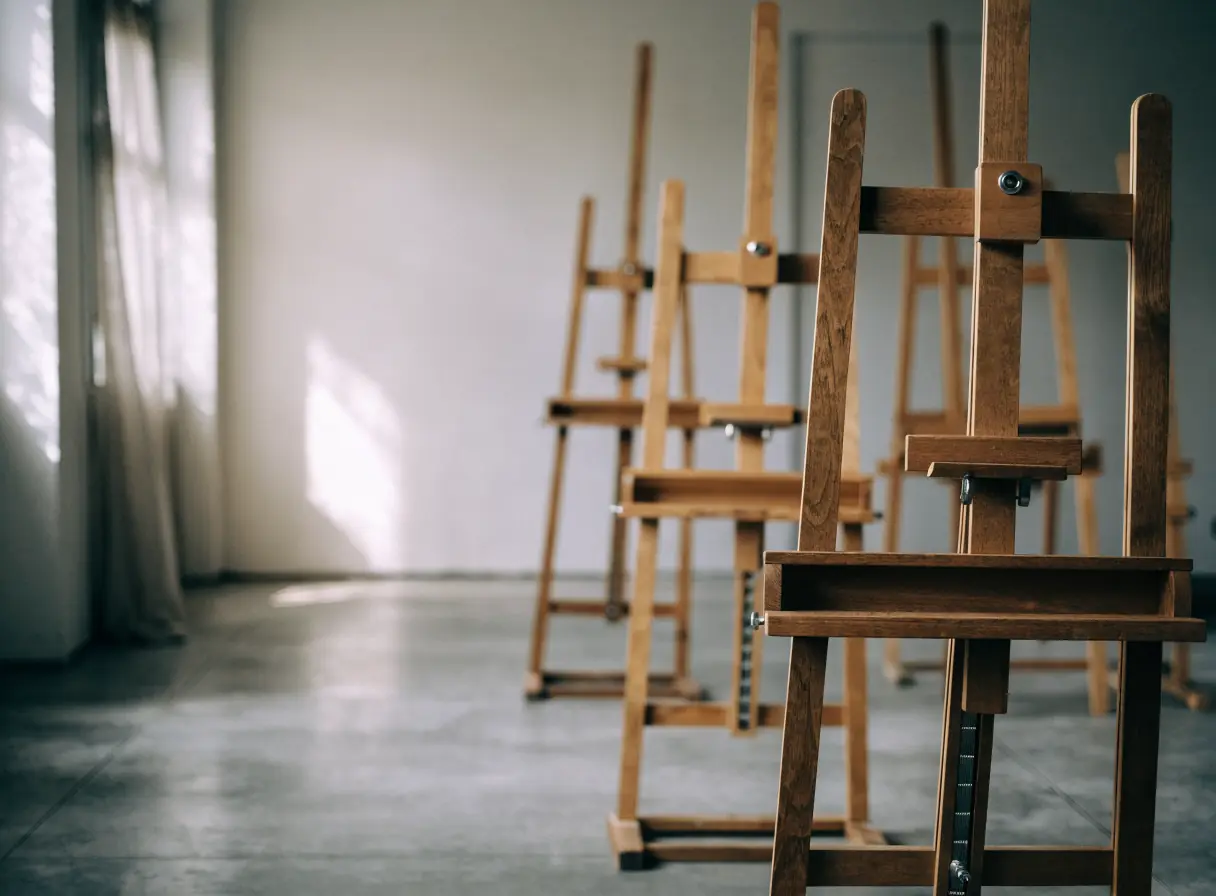
    Sunlight streams into a studio with several empty wooden easels arranged in a row.
  3. Educational Institutions

    Clear admissions paths, program pages, and calendars that serve new and current families alike.

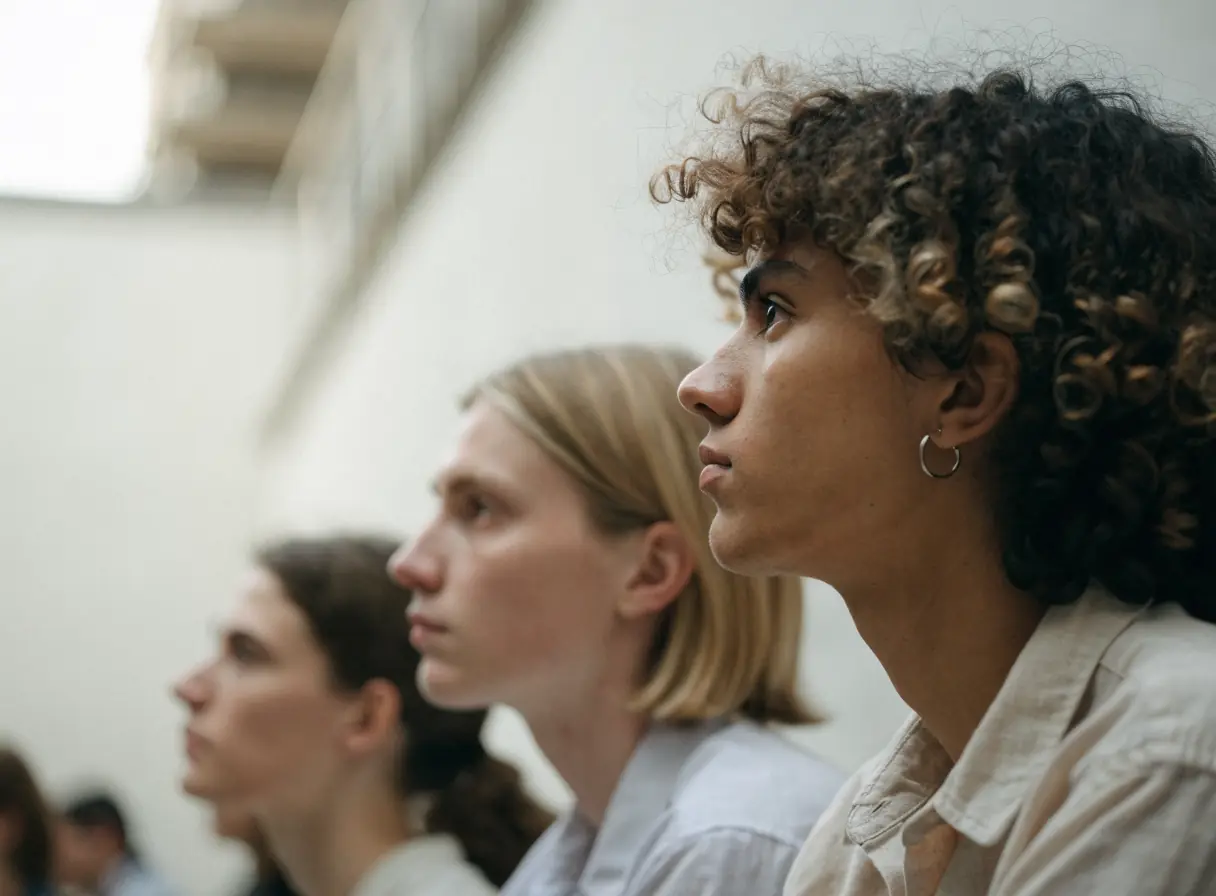
    Three people sitting side by side in a row, all looking intently toward something off to the left.
  4. Libraries

    Clear paths to the catalog, programs, digital resources, and branch details for patrons of every age.

    Modern office with a desk, chair, beige sofa, and bookshelves against the wall.
  5. Museums

    Plan-your-visit pages, exhibitions, tickets, and memberships organized so visitors can plan a trip and return.

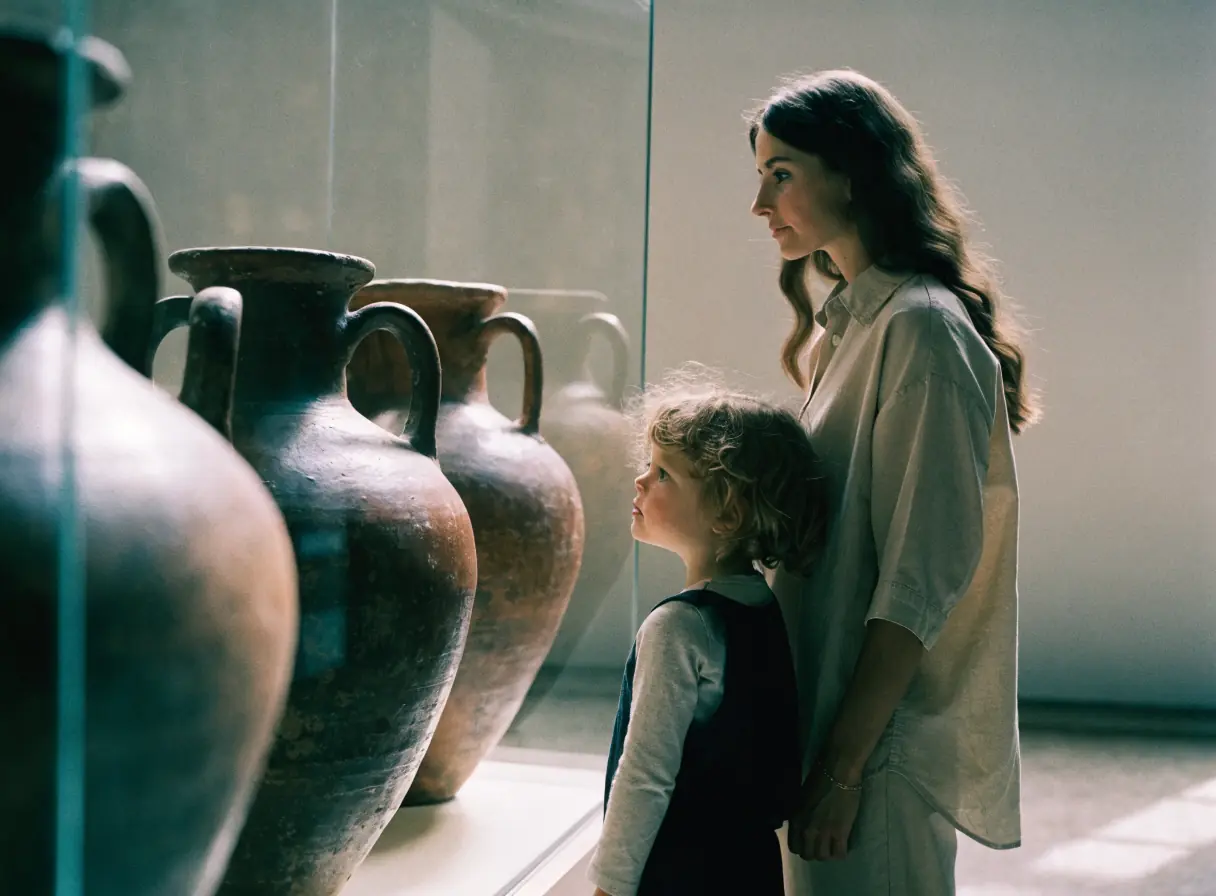
    A woman and child observe large ancient pottery jars in a museum exhibition display.
  6. Online Education

    Course pages, enrollment, and a learning system that help students choose a course and actually start it.

    Man wearing headphones sits on a couch with a laptop on his lap.
  7. Performing Arts

    Season and production pages, video, and audience email that help companies sell tickets and keep supporters close.

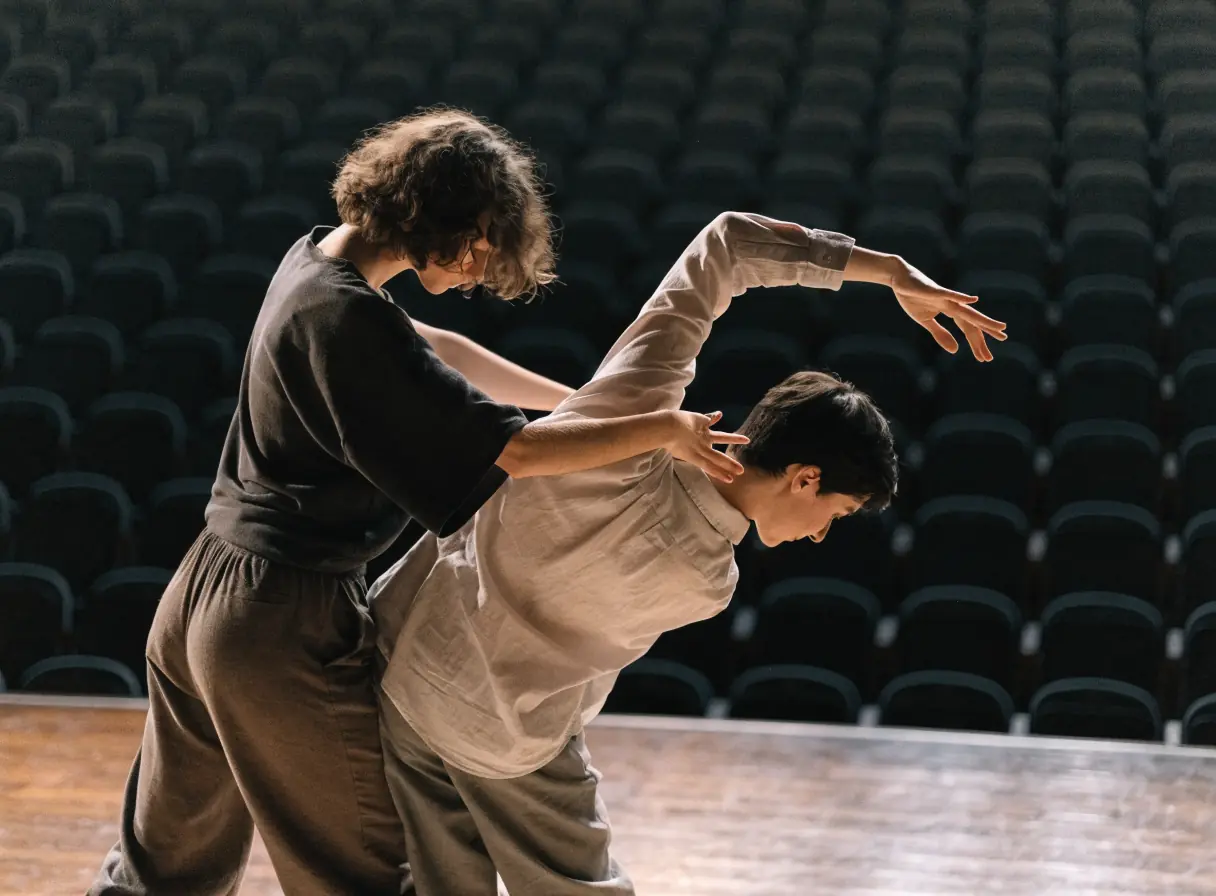
    Two people perform contemporary dance together on a stage with dramatic lighting.
  8. Private Tutoring

    Subject pages, tutor profiles, and simple booking that help parents choose a tutor with confidence.

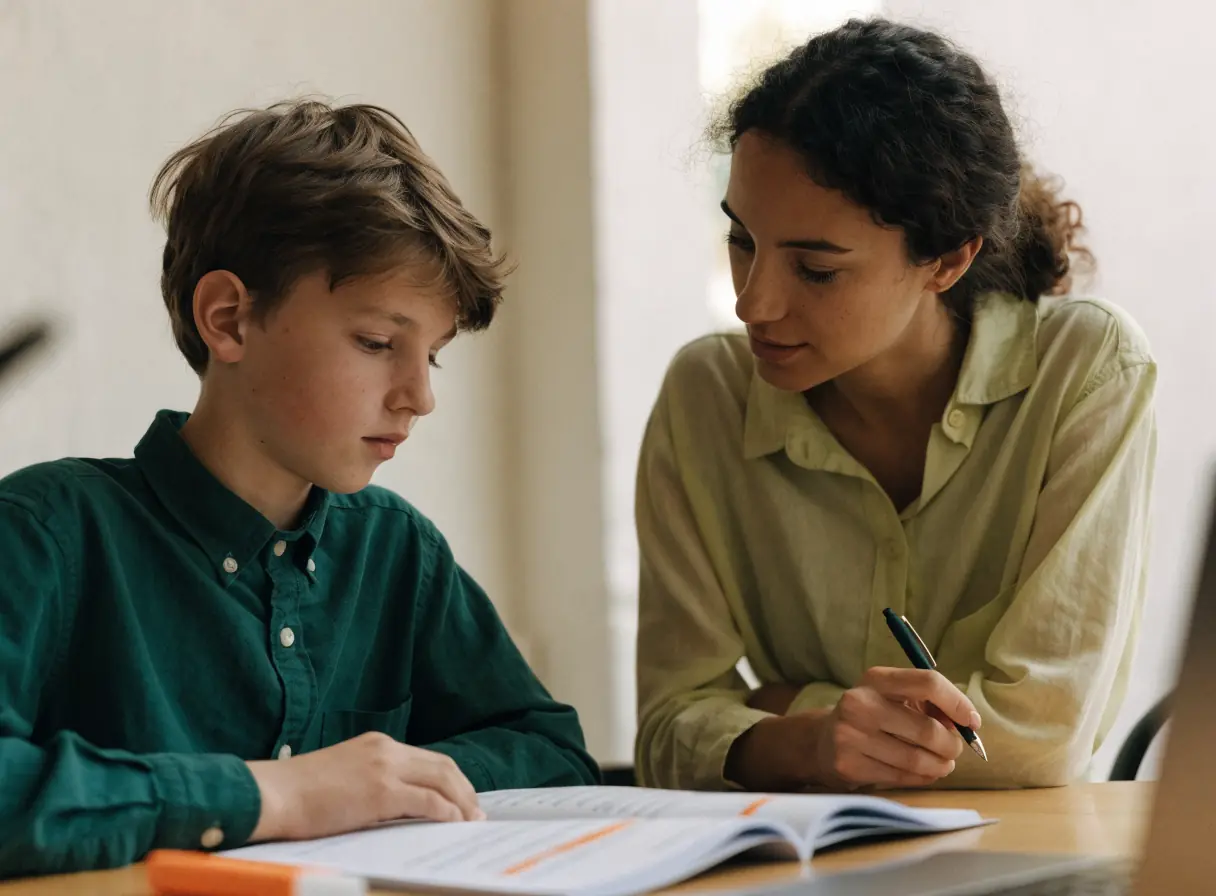
    Woman and boy sitting at a desk looking at a laptop together.
  9. Publishing

    Book pages, author pages, and a browsable catalog that help readers buy and help authors submit.

    Man painting sheets at a desk in sunlight with paint jars nearby.
  10. Workshops & Seminars

    Session pages, registration, and reminders that help organizers fill workshops and seminars.

    Man in suit standing at front of bright room, addressing seated audience.

Art and Education, discipline by discipline.

What each service family must get right in this field. Open one to see its services.

    What do studios, schools, and museums ask about their website?

    The things people ask on the first call. If yours is not here, ask us directly.

    How can one site serve students, parents, and visitors?

    Start with the questions each audience brings, then give them recognizable paths to the pages that answer those questions. Shared information can stay central. Specialized information should be easy to reach.

    Should dated events and recurring classes get pages?

    Only when the information and action justify it. A recurring program may need a durable parent page, while dated events may use individual records that clearly show their status.

    What happens to our current website?

    We review its content, platform, editing needs, and visitor paths before recommending a focused improvement or a larger rebuild.

    Back to top