


What is this production about?
Lead with a strong image or clip, a short description, and the dates.
What the website needs to do
Add runtime, age guidance, and content notes you have confirmed with the creative team.
Next: choose a performance.
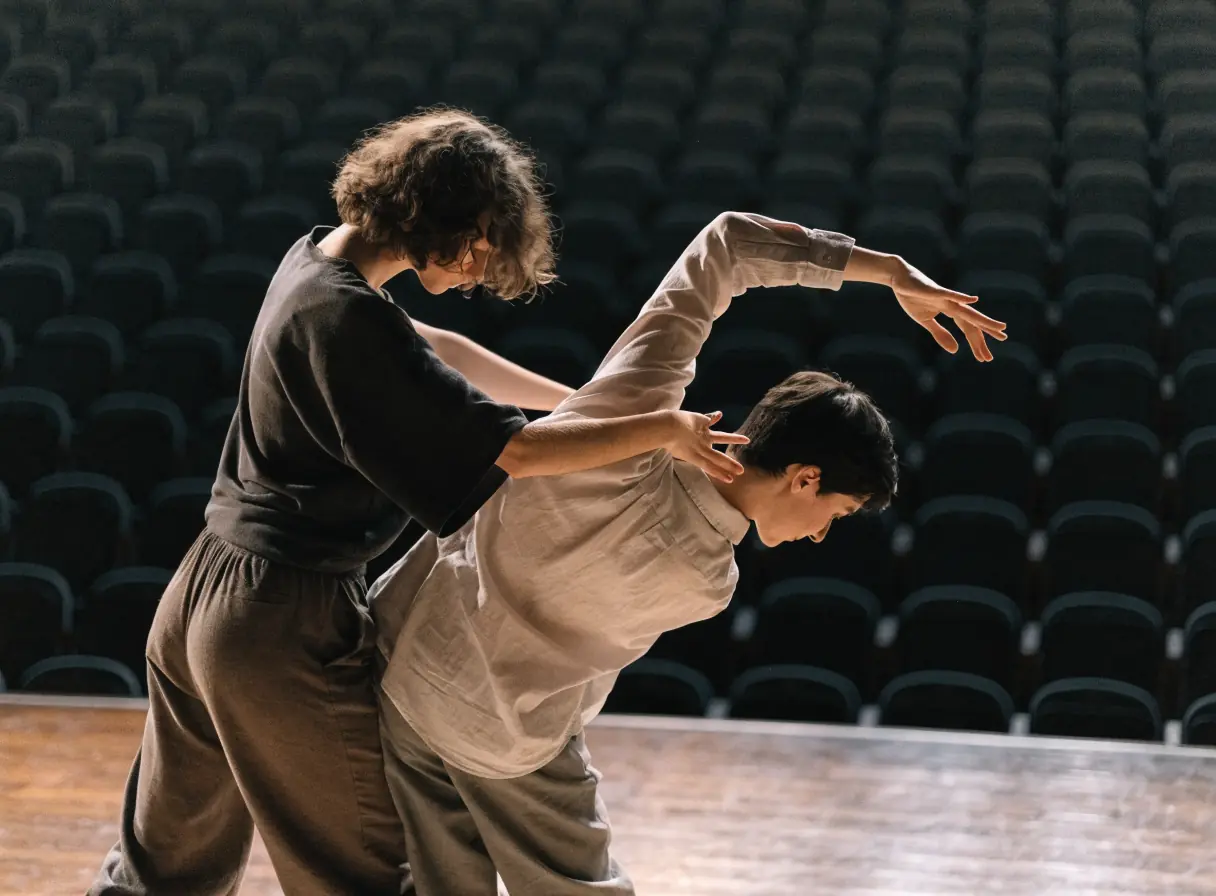
Audiences decide from a clip, a photo, and a date that works. Performing arts website design gives each production a clear page and keeps the path to tickets short.
Services
Each service below supports a moment in the season, from announcement to curtain. Start with the one closest to your next on-sale date.
For companies when each production needs its own page with dates, venue, cast, runtime, and content notes. A season page then ties the productions together.
Start here when your season lives in one long page or a PDF.
Explore Web DesignFor companies when a still photo cannot show movement, sound, or energy. Short rehearsal and performance clips let people sample the work before they buy.
Start here when you have footage but no plan for where it goes.
Explore Video MarketingFor companies when past audiences and subscribers should hear about the season first. A planned email calendar supports each on-sale date.
Start here when your list only hears from you in the week of a show.
Explore Email MarketingFor companies when auditions, classes, or talkbacks need sign-ups outside the main box office. A registration tool, reviewed and confirmed first, keeps those lists in one place.
Start here when audition sign-ups arrive by email and text.
Explore Event ManagementDisciplines
What each service family must get right in this field. Open one to see its services.
Customer journey
Choose one upcoming production. Go from the first social post to a bought ticket on a phone, and note each pause.
Lead with a strong image or clip, a short description, and the dates.
Add runtime, age guidance, and content notes you have confirmed with the creative team.
Next: choose a performance.
List every performance with date, time, venue, and extras such as talkbacks.
Link each performance directly to its ticket page, not a general box office page.
Next: buy the ticket.
Say when a link opens the venue or ticketing system, and show price ranges you have confirmed.
Check the path on a phone, including the seat map and the confirmation email.
Next: attend the performance.
Offer the rest of the season, subscriptions, and the email list after purchase.
Invite people to support the company with a clear, honest ask.
Next: a subscriber or a returning audience member.
Information
A performance happens and then it is gone. The site has to build interest early and hold it until the next season.
Photos flatten movement and sound. Short clips, rehearsal images, and a clear description help people imagine the evening.
Companies often perform in venues with their own box offices. Each performance needs a direct, labeled link to the right one.
Donors and subscribers want to know what their support makes possible. Show the real work, the season, and the education programs.
Performers, designers, and rights holders may limit what you can publish. Confirm permissions before you post a clip.
Local search
Local audiences often decide close to the date. Keep the details they check the same everywhere.
Give each venue its address, parking, transit, and access details on the production page.
Add performances to your listing and local event calendars with dates and a link to tickets.
Send production pages to venues, schools, and community groups so their links point to the right place.
Process
Seasons are planned far ahead, but details shift until opening. Clear ownership keeps dates, casts, and ticket links right.
Create templates for productions with dates, venues, cast, media, and ticket links.
Review each venue's ticketing system and confirm how the site links to it before the season goes on sale.
Keep cast lists, performance times, and content notes current as they change.
Schedule trailers, rehearsal clips, and emails around each on-sale date.
Readiness
A draft season with dates and venues is enough. It lets us trace how someone goes from a trailer or a poster to a booked seat. None of your answers on this checklist leave the browser.
Select the inputs you have ready.
More specialties
Other specialty pages under Art and Education.
Clear show, artist, and work pages that help collectors look closely and ask about a piece.

Class pages and registration that help students pick the right art class and sign up without a phone call.

Clear admissions paths, program pages, and calendars that serve new and current families alike.

Clear paths to the catalog, programs, digital resources, and branch details for patrons of every age.

Plan-your-visit pages, exhibitions, tickets, and memberships organized so visitors can plan a trip and return.
Course pages, enrollment, and a learning system that help students choose a course and actually start it.

Subject pages, tutor profiles, and simple booking that help parents choose a tutor with confidence.

Book pages, author pages, and a browsable catalog that help readers buy and help authors submit.

Session pages, registration, and reminders that help organizers fill workshops and seminars.

Questions
Usually the venue's box office keeps the sale, so each performance page links straight to the right date on its ticket page. If you sell some shows yourself, we review your ticketing platform first. Then we agree with you which performances sell where, so buyers never land at the wrong box office.
Yes, when you have permission from the performers and any rights holders. Contracts and agreements can limit recording and publishing, so check them before you post.
A donation page can explain what support makes possible and link to your payment or donor system. We confirm the platform and how confirmations work with you before building.
Yes. Past productions can move to an archive with photos and credits, so current shows stay up front. Clear dates keep the archive apart from the current season.