A person dressed in white massages another person lying on a table in a bright room.

Massage therapy websites that book the session clients need.

Clients wonder what a session involves, who the therapist is, and when they can book. Massage therapy website design explains your work and keeps health questions in the approved intake.

The work behind a full schedule.

Each service below speaks to a doubt that keeps clients from booking a massage. Start where people hesitate today.

Illustration of Massage Therapy: the business, the customer path in four steps and five linked services.
Massage Therapy

Appointment Booking Systems

For practices when clients want to choose a technique, a session length, and a therapist themselves. Booking can show real openings and send a reminder before each visit.

Start here when you answer booking texts between sessions.

Explore Appointment Booking Systems

Website Copywriting

For practices when clients cannot tell deep tissue from sports or relaxation massage. Plain descriptions of each technique and of a first visit help them choose.

Start here when first-time clients arrive unsure what to expect.

Explore Website Copywriting

Local SEO

For therapists when someone searches for a massage nearby and compares the map results. Accurate hours, photos of your real space, and recent reviews help them pick you.

Start here when your practice is hard to find on the map.

Explore Local SEO

Payment Gateway Integration

For memberships and packages when clients pay monthly or buy sessions in advance. Payments must match your terms, so we review the platform and fees before setup.

Start here when memberships run on paper cards and manual reminders.

Explore Payment Gateway Integration

Email Marketing

For practices when clients mean to come back but forget. Notes about unused package sessions and open times, sent to clients who opted in, give them a reason to book.

Start here when package sessions go unused and clients drift away.

Explore Email Marketing

Massage Therapy, discipline by discipline.

What each service family must get right in this field. Open one to see its services.

    A first-time client's route from search to the massage table.

    Take a first-time client who has never had a professional massage. Walk through your site on a phone and note where they would hesitate.

    Which massage is right for me?

    Clients know how they feel, not the names of techniques. Plain descriptions help them pick without guessing.

    What the website needs to do

    Describe each technique, who it suits, and what the session involves, without promising results.

    Next: meet the therapist.

    Who will I be working with?

    Clients want to know the therapist's training, focus, and style. Some also prefer a certain therapist for personal reasons.

    What the website needs to do

    Give each therapist a profile with their techniques and the license details your practice has verified.

    Next: know what to expect.

    What happens at my first visit?

    Nerves keep some first-time clients from booking. Explain arrival, intake, draping, and how to speak up about pressure.

    What the website needs to do

    Write a first-visit page in calm, plain words, and link it from every booking button.

    Next: book the session.

    How do I book and fill out the forms?

    Booking is simple, but the health intake needs care. It belongs in your approved intake tool, not a general contact form.

    What the website needs to do

    Link booking to your approved tool, and send the intake form through that tool after booking.

    Next: the therapist reviews the intake before the session.

    Massage therapy websites that explain the session before booking.

    Massage is personal, and new clients often feel unsure. Clear information and a professional look help them take the first step.

    First visits

    Explaining what a session involves

    First-time clients worry about the unknown. Explain the intake, draping, pressure, and how the session ends, in plain words.

    Professional look

    Looking clearly professional

    Calm photos of your real space and plain language make it clear what your practice offers. Show your actual team and rooms.

    Memberships and packages

    Selling memberships and packages

    Memberships and packages help clients return on a schedule. Give each one a page with what it includes and the terms.

    Payment questions

    Answering payment questions

    Some clients ask whether they can use insurance or a health spending account. State only what your practice can confirm, and point to your front desk for the rest.

    Help nearby clients find the door.

    Clients often book massage close to home or work. Keep your location details consistent and easy to find.

    1. Match the map to the site

      Match your services, hours, and photos of your real space to the website.

    2. Describe the arrival

      Explain parking, the entrance, and where to wait. A calm arrival helps the session start well.

    3. Reply to reviews with care

      Thank clients in public without mentioning their health or the reason for their visit.

    Open about your work. Careful with health details.

    Your website and your intake process do different jobs. Decide what each one holds before adding forms, chat, or booking links.

    Public information

    Shared openly with anyone booking.

    Explain techniques, introduce therapists, share hours and policies, and link to booking. Ask only for the contact details a booking needs.

    Private workflows

    In your approved intake and booking tools

    Keep health history, injuries, medications, and session notes in intake and records tools your practice selects and reviews.

    Privacy and licensing rules must be reviewed for your practice. A new website does not make your practice compliant.

    Technique pages, intake, and membership terms.

    Clear technique pages and a first-visit guide come first. Booking and intake then need a careful handoff to the tools your practice approves.

    1. Together

      Write technique and first-visit pages

      Describe each technique and the first visit in plain words, without promising results.

    2. Scayver Graphix

      Connect booking and intake

      Link your booking tool after we confirm what it supports, and keep intake inside the tool you approve.

    3. Scayver Graphix

      Set up memberships and packages

      Give each option a page with what it includes, the terms, and how to buy.

    4. Your team

      Keep profiles and policies current

      Update therapist profiles, hours, and cancellation terms as they change.

    5. Together

      Send reminders to opted-in clients

      Remind clients about unused sessions and open times, without mentioning health details.

    Bring the practice facts. We will sort them.

    List your techniques with session lengths and prices, your therapists' license details, and the intake tool you use now. With that we can sketch how a search for relief becomes a booked session with the right therapist. The boxes you tick are kept on your screen only.

    Select the inputs you have ready.

    More beside Massage Therapy.

    Other specialty pages under Salon and Spa.

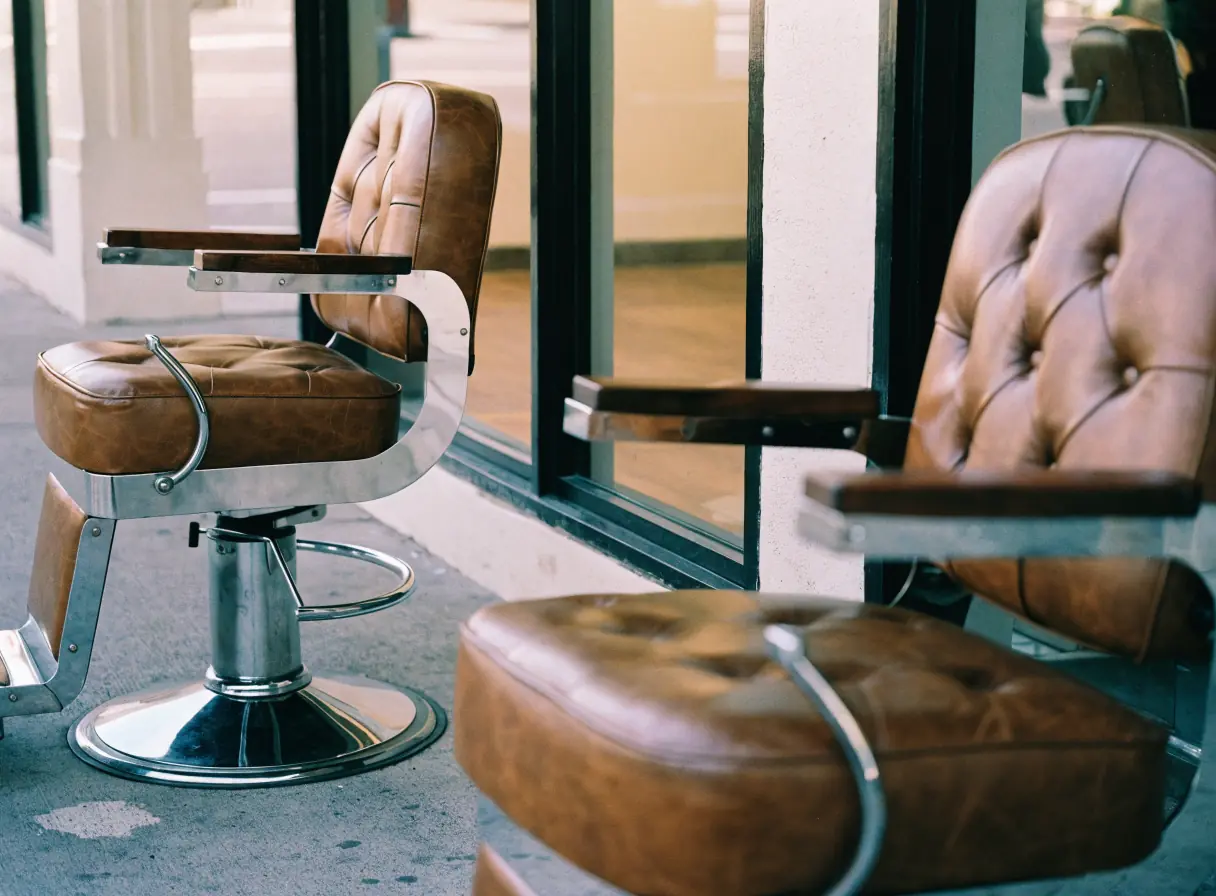
    1. Barber Shops

      Show each barber's work, your walk-in hours, and a booking path that works on a phone.

      Two empty brown leather chairs sit side by side in a modern barber shop interior.
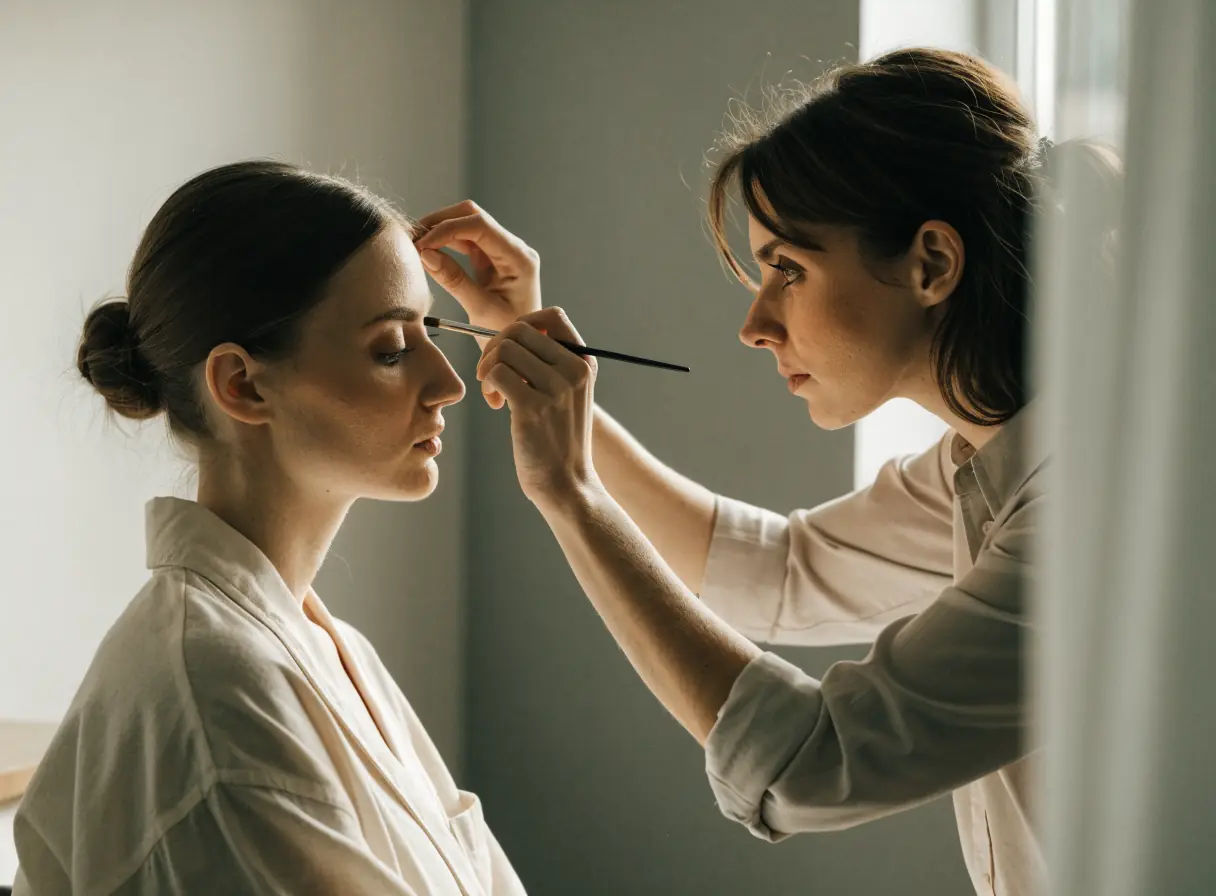
    2. Beauty Services

      Show your lash, brow, and makeup work, your policies, and a simple path to book or request a quote.

      A makeup artist applying eyeshadow to a woman seated in a bright, modern salon.
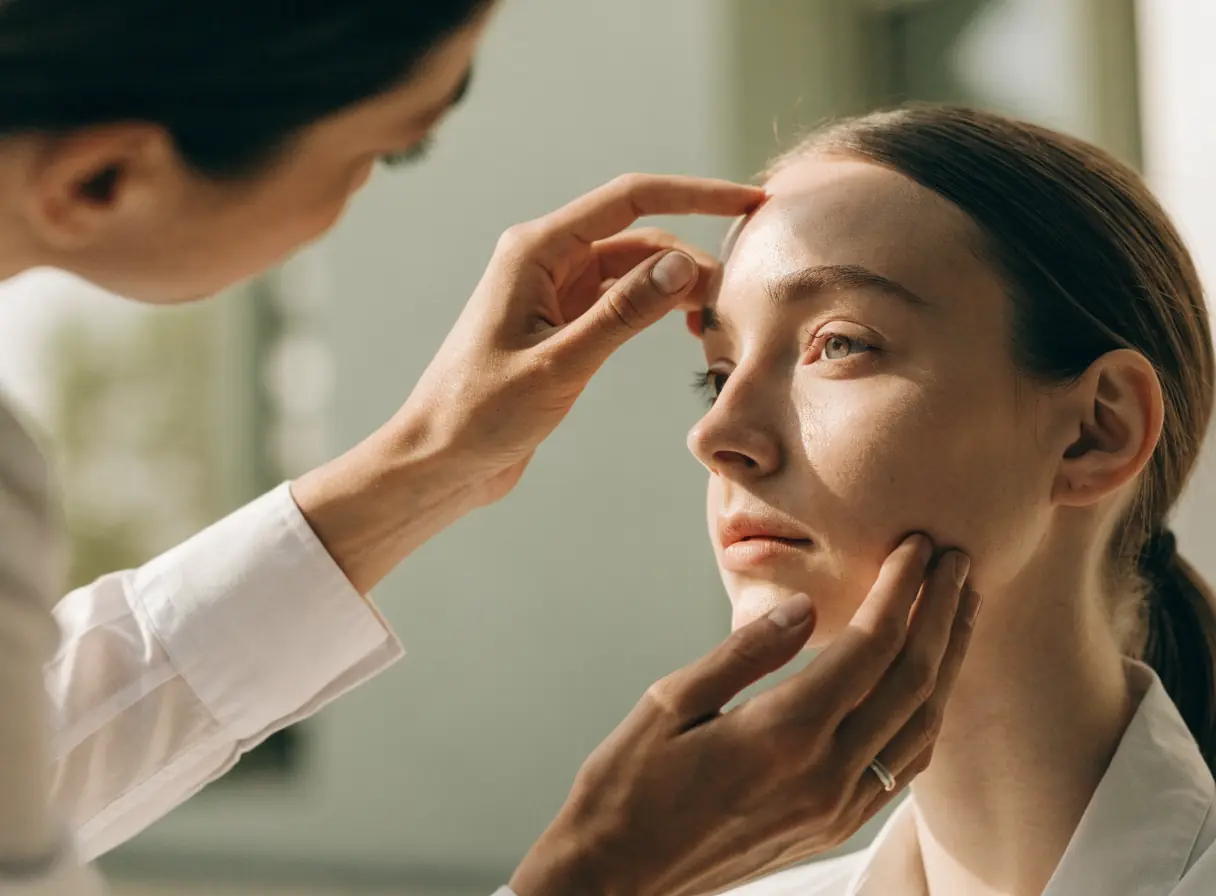
    3. Cosmetic Surgery

      Explain procedures plainly, show verified credentials, and keep private details off the public site.

      Person closely inspecting another person’s face near the eye in a bright, clinical setting.
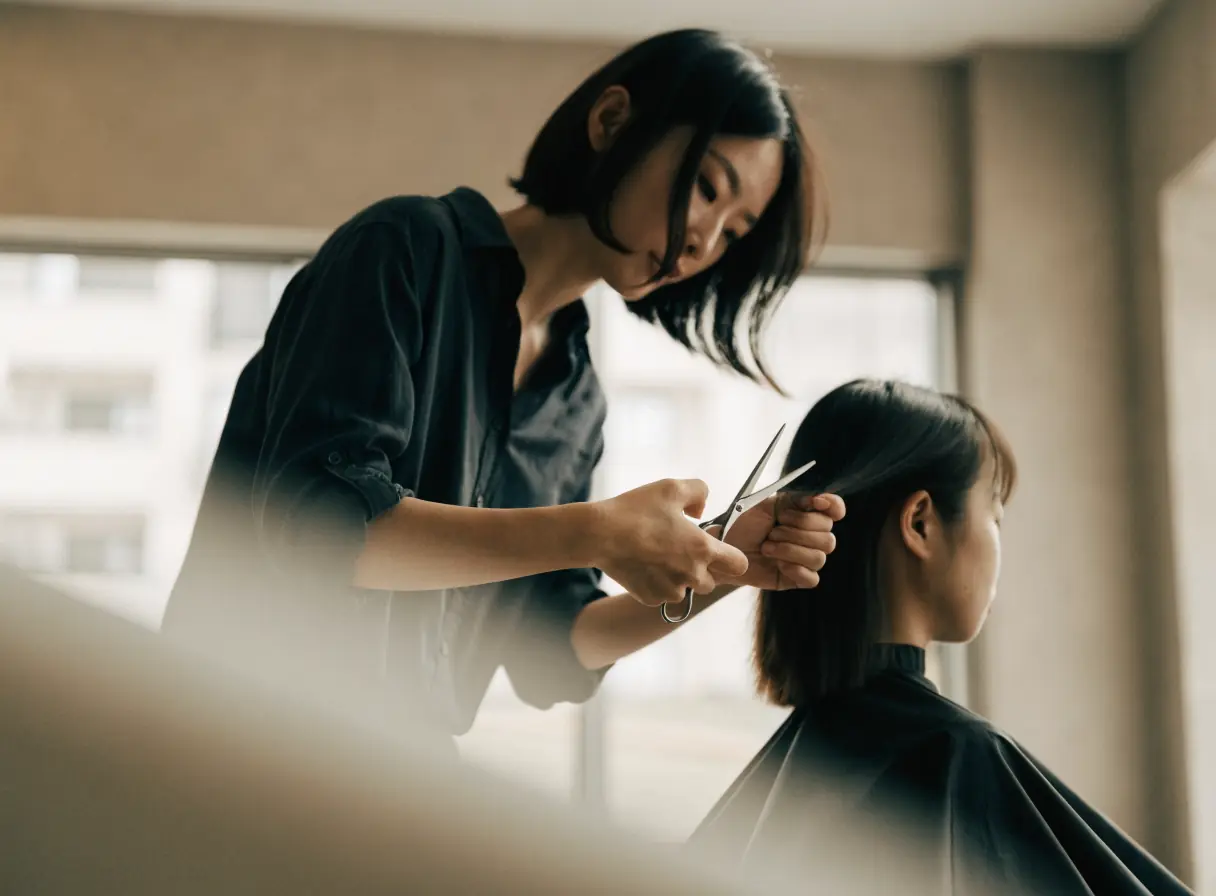
    4. Hair Salons

      Show each stylist's work, explain the menu, and send bigger color changes to a consultation first.

      A hairdresser cuts a woman’s hair in a bright, modern salon interior.
    5. Nail Salons

      Show real nail work, a menu that reads on a phone, and clear walk-in and booking options.

      Woman having her nails painted in a bright, minimalist room with simple decor.
    6. Skin Care

      Explain treatments plainly, show honest results, and keep skin histories in approved intake tools, not public forms.

      One person uses a facial roller on another’s face in a calm, spa-like setting.
    7. Spas

      Show the space, explain packages and amenities, and make spa days, couples visits, and gift cards easy to book.

      Four white towels folded neatly stacked by a window with soft natural light filtering in.
    8. Tanning Salons

      Explain memberships, bed levels, and spray tans plainly, and make booking and joining simple.

      Smiling woman leaning back and relaxing in a sunlit setting.
    9. Wellness Centers

      Organize many services clearly, introduce practitioners, and make sessions, classes, and memberships simple to book.

      Two women sit cross-legged on yoga mats in a bright, sunlit room.

    Questions massage therapists ask first.

    Can clients fill out the health intake on our website?

    Health history belongs in an intake tool your practice has reviewed for that purpose, not a general website form. The site can link to that tool or explain when the form arrives. We plan that handoff with you before we build.

    Should we show our license numbers?

    Show license details where your licensing rules call for them, and keep them current. Your practice confirms what must appear and where.

    Can clients book a specific therapist?

    If your booking tool allows it, yes. Each therapist profile can link to that therapist's openings, so clients with a preference can choose from the start.

    Can we sell memberships online?

    It can run through your booking or payment platform. We review the platform, the fees, and your terms before we set up recurring payments.

    Back to top