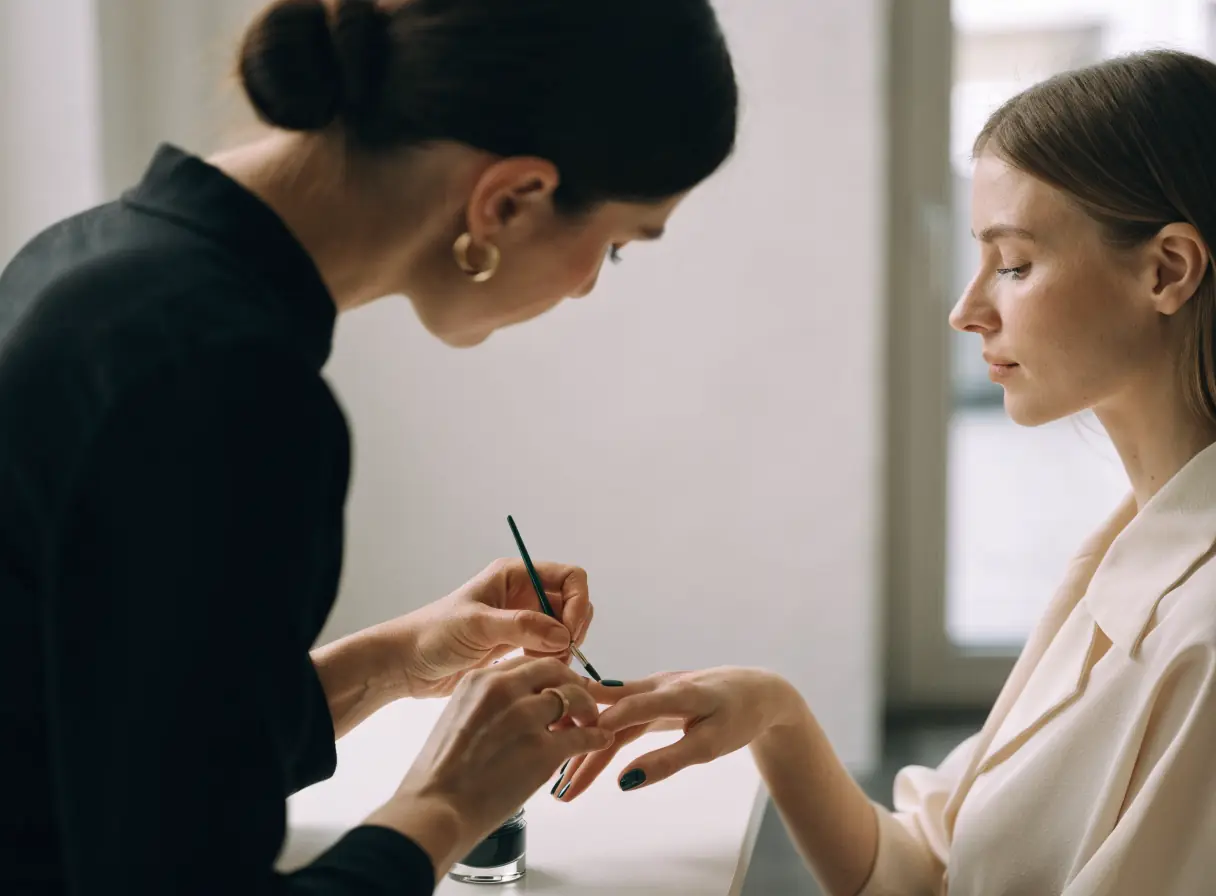
Woman having her nails painted in a bright, minimalist room with simple decor.

Nail salon website design that turns nail art into bookings.

Designs, cleanliness, and a same-day opening decide where clients get their nails done. Nail salon website design presents real work, a clear menu, and walk-in or booking options.

The services that bring clients to the table.

Nail clients decide fast, and often on a phone. Each service below removes one reason they might choose the salon next door.

Illustration of Nail Salons: the business, the customer path in four steps and five linked services.
Nail Salons

Local SEO

For nail salons when someone searches for nails nearby and compares salons on the map. Fresh photos of real sets, correct hours, and recent reviews help them choose you.

Start here when the salon down the street shows up first.

Explore Local SEO

Appointment Booking Systems

For salons when clients want a set time for a full set or a pedicure instead of a wait. Booking can sit beside your walk-in hours, so both kinds of clients know what to do.

Start here when long walk-in waits send clients back out the door.

Explore Appointment Booking Systems

Social Media Management

For salons when clients pick a design from photos before they come in. Regular posts of your own nail art, sorted by style, give them a design to ask for.

Start here when clients show your techs designs from other salons.

Explore Social Media Management

Web Design

For salons when the menu online is a photo of the price board on the wall. A text menu with services, add-ons, and your prices reads well on any phone.

Start here when clients call just to ask what things cost.

Explore Web Design

Marketing Automation

For regulars whose gel or acrylic fill comes due. Clients who opted in get a reminder before the set grows out, with a link to book their usual service.

Start here when regulars disappear between fills.

Explore Marketing Automation

Nail Salons, discipline by discipline.

What each service family must get right in this field. Open one to see its services.

    Follow one client from a saved design to the chair.

    Try the appointment your team books most, maybe gel extensions with art for a birthday. Book it from start to finish on your phone, and mark each spot where a client would leave to message you instead.

    Can this salon do the look I saved?

    Clients arrive with a photo in mind. Your own work, sorted by style, shows them you can do it.

    What the website needs to do

    Build a gallery of your own sets by style, and link each one to booking.

    Next: add up length, art, and removal.

    What will this cost with the add-ons?

    Nail prices often depend on length, art, and removal. Clients want a sense of the total before they sit down.

    What the website needs to do

    List services and add-ons clearly with your own prices, and say what can change the total.

    Next: check the salon.

    Is this place clean?

    Clients care about how tools and stations get cleaned. Honest photos and a plain description of your routine answer the worry.

    What the website needs to do

    Describe your real cleaning routine and show the salon as it looks on a normal day.

    Next: choose a time.

    Can I come in now, or should I book?

    Some clients want to walk in and others want a set time. Say which works best, and when.

    What the website needs to do

    Show walk-in hours and booking side by side, and confirm booked visits with the address.

    Next: the client arrives knowing the price and the time.

    Nail salon website design so clients stay instead of going next door.

    Nail salons often sit close together. Clients compare photos, cleanliness, prices, and wait times on a phone before they choose.

    Nail art gallery

    Showing designs that bring clients in

    Clients choose nail art by eye. A gallery of your own work, sorted by style, gives them a design to ask for.

    Readable menu

    Making the menu readable

    A photo of the wall menu is hard to read on a phone. A text menu with add-ons answers price questions before the call.

    Clean stations

    Answering the cleanliness question

    Hygiene worries keep some clients away. Describe your real routine and show clean stations, without claims you cannot back up.

    Walk-ins and groups

    Handling walk-ins and groups

    Walk-ins, parties, and bridal groups need different paths. Give group requests their own form so they do not tie up the phone.

    Get chosen on the map.

    Nail clients often book close to home, work, or where they shop. Keep your details the same wherever they search.

    1. Keep hours and photos current

      Update holiday hours and add new photos of real work to the map profile and the site.

    2. Ask for reviews after each visit

      Ask happy clients for a review before they leave, and answer every review in public.

    3. Help clients find the entrance

      Name the plaza, nearby stores, and parking. A salon in a busy strip mall is easy to drive past.

    A clear menu, nail art by style, and booking.

    A readable menu and a real gallery come first. Booking, walk-in details, and reminders then keep the tables busy.

    1. Together

      Build the menu and gallery

      Turn the price board into a clear menu, and sort your nail art by style.

    2. Scayver Graphix

      Pair booking with walk-in hours

      Link your booking tool next to your walk-in hours, after we confirm what it supports.

    3. Your team

      Photograph new work

      Take photos of finished sets in good light, with the client's okay.

    4. Your team

      Keep listings current

      Update hours, closures, and photos on the map profile.

    5. Scayver Graphix

      Set up group requests and reminders

      Add a request form for parties, and send fill reminders to opted-in clients.

    Bring the salon details. We will shape them.

    A photo of your price board and a few pictures of your own nail art are a fine start. Add your walk-in hours and we can plan how a saved design turns into a booked seat at the station. None of your checklist answers are uploaded.

    Select the inputs you have ready.

    More beside Nail Salons.

    Other specialty pages under Salon and Spa.

    1. Barber Shops

      Show each barber's work, your walk-in hours, and a booking path that works on a phone.

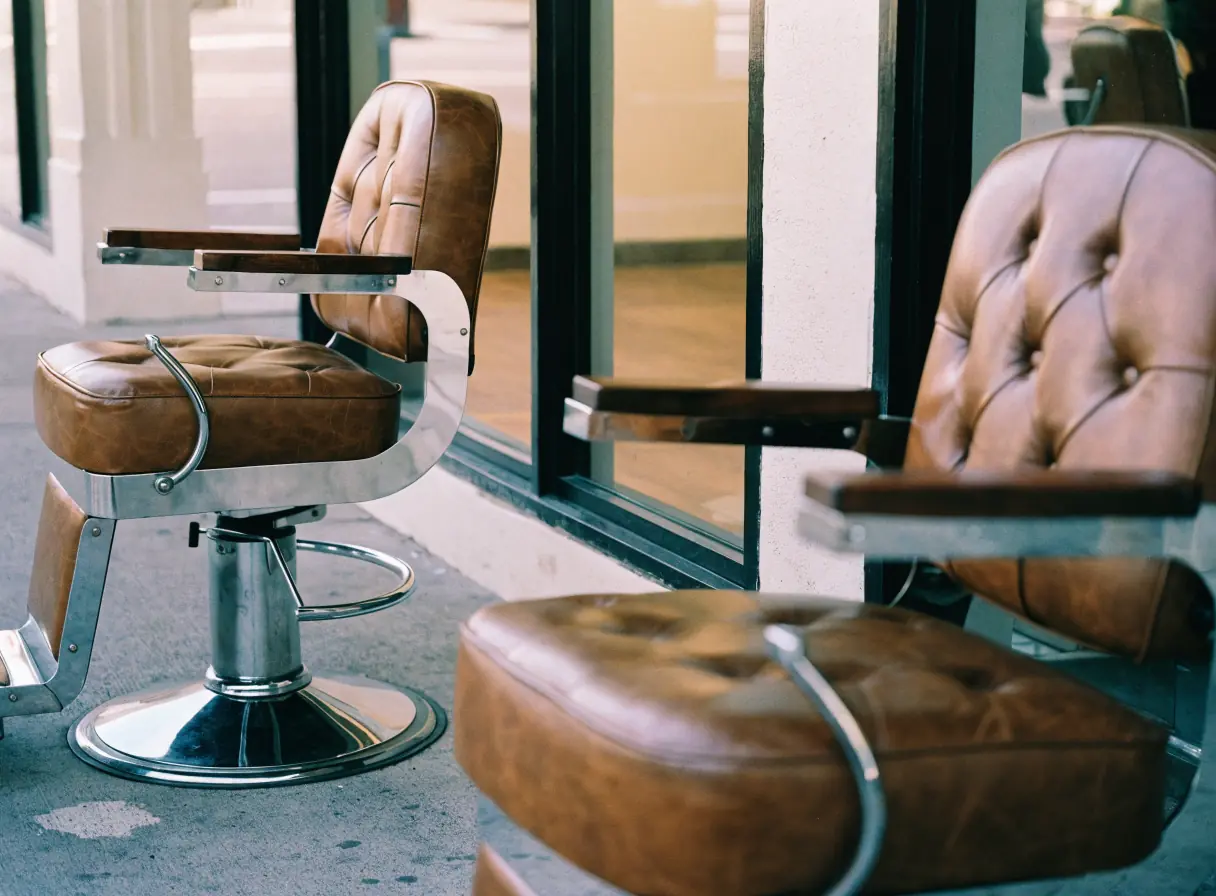
      Two empty brown leather chairs sit side by side in a modern barber shop interior.
    2. Beauty Services

      Show your lash, brow, and makeup work, your policies, and a simple path to book or request a quote.

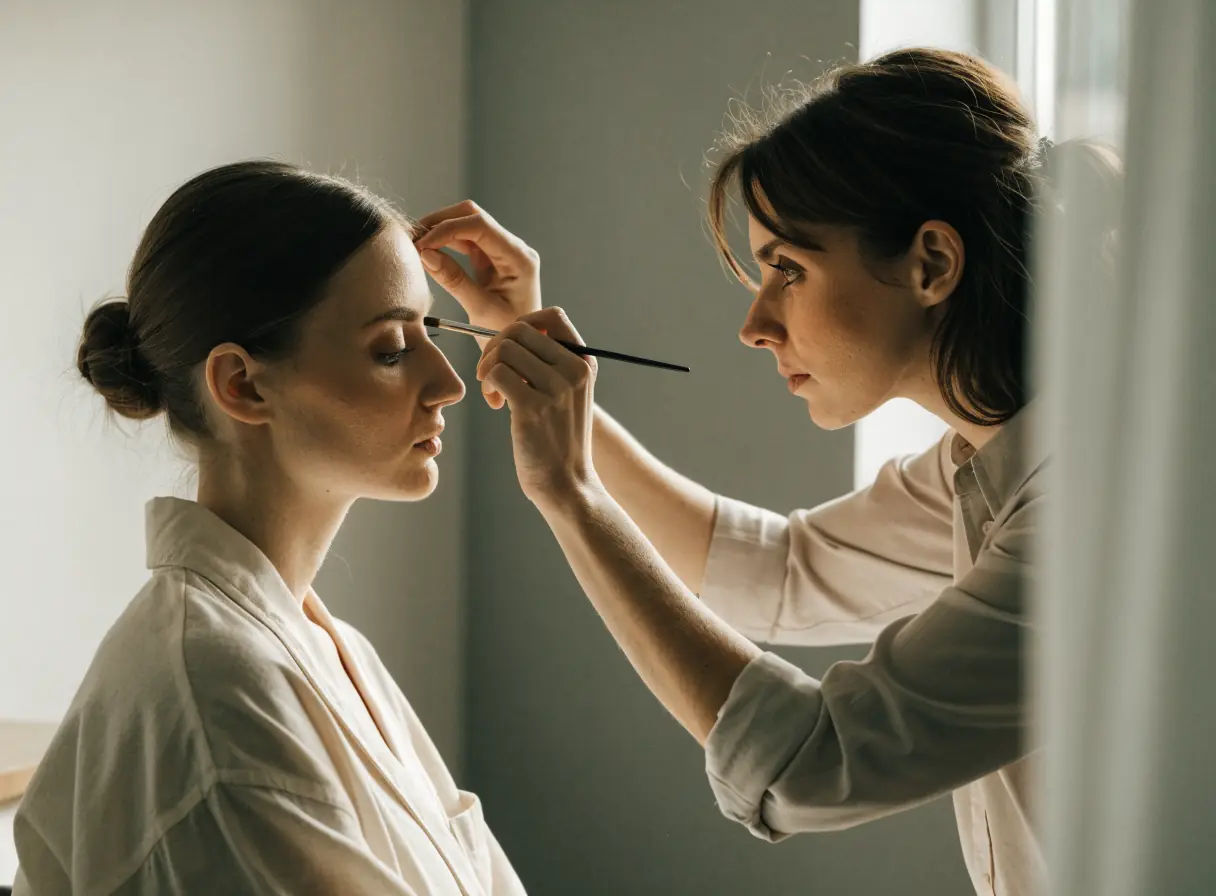
      A makeup artist applying eyeshadow to a woman seated in a bright, modern salon.
    3. Cosmetic Surgery

      Explain procedures plainly, show verified credentials, and keep private details off the public site.

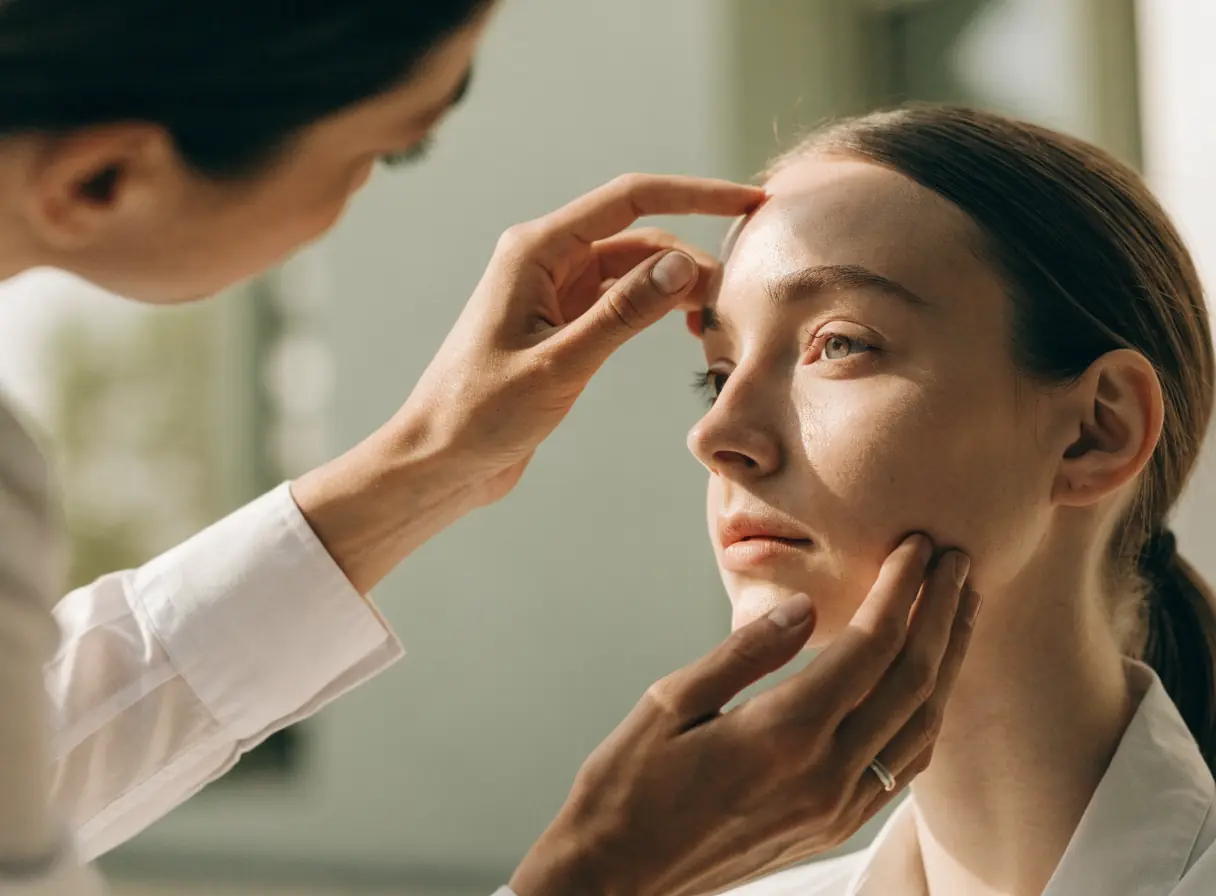
      Person closely inspecting another person’s face near the eye in a bright, clinical setting.
    4. Hair Salons

      Show each stylist's work, explain the menu, and send bigger color changes to a consultation first.

      A hairdresser cuts a woman’s hair in a bright, modern salon interior.
    5. Massage Therapy

      Explain your techniques, introduce your therapists, and keep health intake in the tools your practice approves.

      A person dressed in white massages another person lying on a table in a bright room.
    6. Skin Care

      Explain treatments plainly, show honest results, and keep skin histories in approved intake tools, not public forms.

      One person uses a facial roller on another’s face in a calm, spa-like setting.
    7. Spas

      Show the space, explain packages and amenities, and make spa days, couples visits, and gift cards easy to book.

      Four white towels folded neatly stacked by a window with soft natural light filtering in.
    8. Tanning Salons

      Explain memberships, bed levels, and spray tans plainly, and make booking and joining simple.

      Smiling woman leaning back and relaxing in a sunlit setting.
    9. Wellness Centers

      Organize many services clearly, introduce practitioners, and make sessions, classes, and memberships simple to book.

      Two women sit cross-legged on yoga mats in a bright, sunlit room.

    Nail salon questions about menus, walk-ins, and groups.

    Do we need online booking if most clients walk in?

    Not always. Some salons show walk-in hours and offer booking only for longer services or busy days. We look at how your clients arrive before we recommend either.

    Can the site be in more than one language?

    Yes. Key pages like the menu and booking details can appear in each language your team and clients use. A fluent speaker should review every translation before it goes live.

    Can clients book group visits online?

    Yes, through a request form that asks for the date, the number of people, and the services. Your team then confirms the time and any deposit.

    Should we post prices for nail art?

    You can list starting prices for common designs and say that detailed art gets priced at the table. That keeps expectations clear without pricing every design.

    Back to top