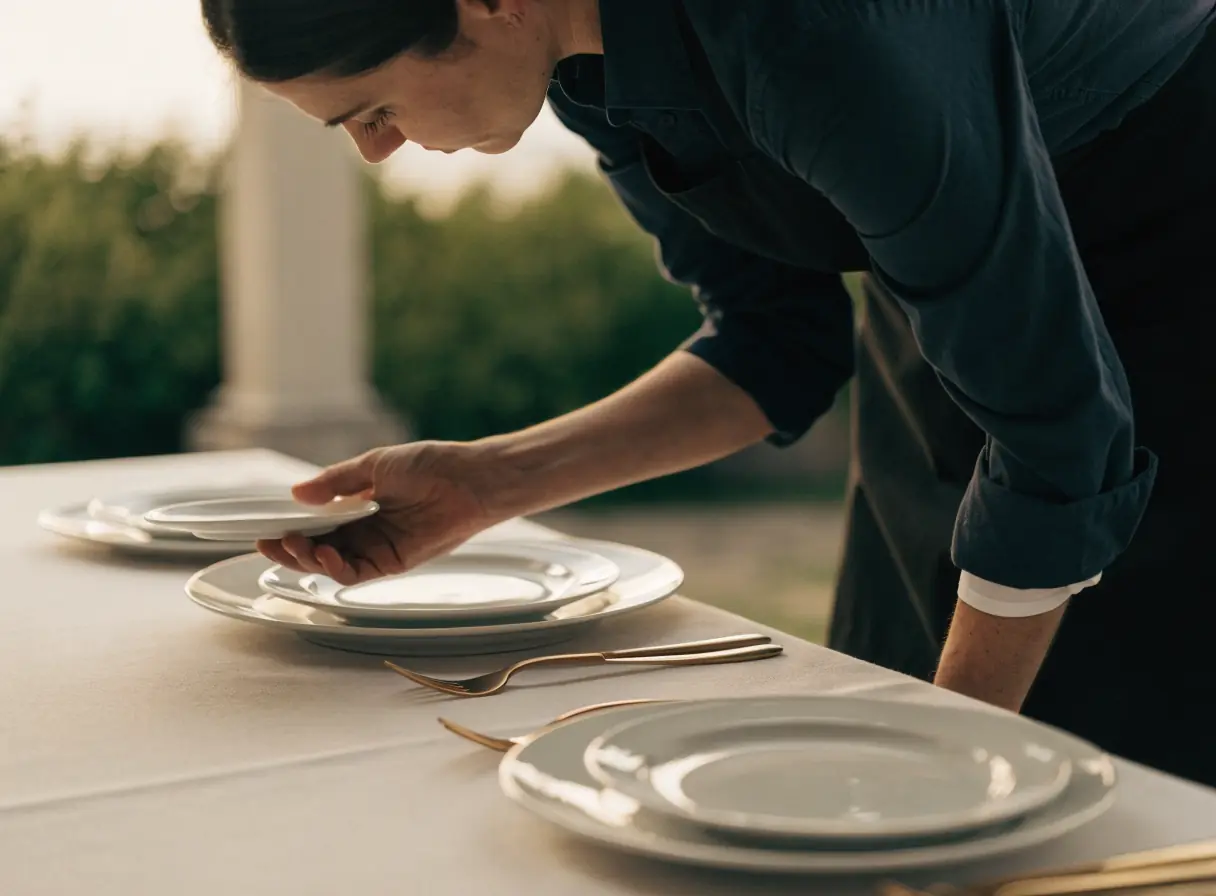
Person arranging plates and gold cutlery on a table set for a formal meal.

Event planner websites where past events sell the next one.

Clients hire a planner who has done events like theirs. Event planner website design presents that work, then lets the inquiry form ask the first questions.

The work behind a full event calendar.

Each service answers a question a client asks before reaching out. Start where good inquiries slip away today.

Illustration of Event Planning: the business, the customer path in four steps and five linked services.
Event Planning

Web Design

For planners when couples and companies judge your style before they read a word. Galleries of real events, each with a short story, show what working with you looks like.

Start here when your best events are buried in a social feed.

Explore Web Design

Custom Quote Forms

For planners when inquiries arrive without a date, a guest count, or a budget range. The form asks what you need to know before you reply.

Start here when first calls are spent finding out whether the event fits.

Explore Custom Quote Forms

Appointment Booking Systems

For planners when a qualified lead should book a consultation without trading emails. Leads pick a time from the hours you set.

Start here when good leads cool off while you agree on a call time.

Explore Appointment Booking Systems

Event Management

For planners who run conferences, galas, or ticketed events for clients, when registration and guest lists live in spreadsheets. Registration, tickets, and attendee lists move into one system.

Start here when every new event starts with a fresh spreadsheet.

Explore Event Management

Local SEO

For planners when clients search for a planner in their city or at a specific venue. Your map profile, reviews, and venue pages are what they compare.

Start here when searches for your area show other planners first.

Explore Local SEO

Event Planning, discipline by discipline.

What each service family must get right in this field. Open one to see its services.

    Follow one inquiry from first look to consultation.

    Choose one real booking, like a rehearsal dinner or a product launch. Read your pages from a phone with that client's budget and date in mind, and mark each spot where a question goes unanswered.

    Have you planned an event like ours?

    Clients look for events that match their size, style, and type. A mixed gallery with no context makes them guess.

    What the website needs to do

    Group the portfolio by event type and give each featured event a short story, with the venue and the vendors you worked with.

    Next: compare planning levels.

    What do you handle, and what do we handle?

    Full planning, partial planning, and day-of coordination mean different things to different clients. Spell out each option.

    What the website needs to do

    Write one clear page per service level with what is included, what is not, and how far ahead to book.

    Next: confirm date and budget.

    Are you free on our date, and does our budget work?

    Date and budget are the first things to settle. Asking for them up front saves both sides a call that goes nowhere.

    What the website needs to do

    Use an inquiry form that asks for the date, location, guest count, and a budget range, in plain words.

    Next: set up the first call.

    What happens after we reach out?

    People who inquire want to know when they will hear back and what the first call covers.

    What the website needs to do

    Send an automatic reply that confirms the details and offers a link to book the consultation.

    Next: you lead the consultation and send a proposal.

    Event planner website design that lets past events sell the next one.

    Hiring a planner is a trust decision, often made well before the date. Clients need proof of your work and a clear sense of the process before they reach out.

    Portfolio proof

    Showing your style through real events

    Clients hire the planner whose past events look like the one they imagine. Stock photos and a thin gallery give them nothing to picture.

    Lead quality

    Qualifying inquiries before the first call

    A form that only asks for a name and a message leads to calls about dates you already booked. Ask the questions that decide fit.

    Service clarity

    Explaining what planning includes

    Clients hiring a planner for the first time need the process, the service levels, and the timeline before they compare proposals.

    Vendor referrals

    Earning referrals from venues and vendors

    Venues and vendors send clients to planners they trust. Pages that credit your partners and show real events together give them a reason to share your name.

    Be the planner people find for their venue.

    Clients look for a planner who knows their area and their venue. Show the venues, towns, and event types you actually work with.

    1. Name the venues you know

      Write about venues where you have planned events, with details only someone who worked there would know. Clients often search by venue name.

    2. List weddings, galas and corporate events on your profile.

      Add your service area, event types, and photos from real events. Ask each client for a review once the event is over.

    3. Define your travel area

      Say where you work locally and whether you take destination events. Clients outside your area should know before they inquire.

    Guest lists belong in your planning tools.

    Planning brings in guest names, addresses, dietary needs, accessibility requests, and budgets. The website should collect only what the first conversation needs.

    Public information

    What a couple or company sees before they inquire.

    Your services, process, portfolio, service area, and an inquiry form for the date, guest count, and budget range.

    Private workflows

    Stays in your planning system

    Guest lists, dietary and accessibility notes, contracts, payment schedules, and client budgets.

    We review where inquiry data goes before we connect the form to any planning or CRM tool. Privacy requirements need your own review.

    Split the work: what we build and what your planners keep.

    The portfolio earns the first look. The inquiry form and consultation booking turn that look into a conversation.

    1. Together

      Build the portfolio pages

      Turn your strongest events into gallery pages with a short story for each one.

    2. Scayver Graphix

      Set up the inquiry form

      Ask for the date, location, guest count, and budget range, and route each inquiry to your inbox, or to your CRM once we confirm the connection.

    3. Scayver Graphix

      Connect consultation booking

      Let qualified leads pick a call time from the hours you set, after we review your calendar tool.

    4. Together

      Follow up with open inquiries

      Send a short email series with your process and a booking link to people who have not scheduled a call.

    5. Your team

      Request a review once the event wraps

      Ask each client for a review after the event and reply to every review in public.

    Bring what you already use to sell.

    Pull together two or three recent proposals and the questions that come up on discovery calls. They show us what the inquiry form has to capture before you can quote. Nothing typed into this list is sent to us.

    Select the inputs you have ready.

    More beside Event Planning.

    Other specialty pages under Recreation and Entertainment.

    1. Amusement Parks

      Show current hours, ride rules, and ticket options so families can plan a park day and buy on a phone.

      A wooden roller coaster climbs and descends against a blue sky with white clouds.
    2. Fitness & Sports

      Show programs, current schedules, and an easy first class so new people can try you before they commit.

      Black foam roller, a pair of dumbbells, and an exercise ball on a plain background.
    3. Gaming & Arcades

      Show the games, explain play pricing, and make parties and station bookings easy to request.

      Two women smiling and playing an arcade game together.
    4. Movie Theaters

      Keep showtimes accurate, give each film a clear page, and shorten the path from showtime to seat.

      Rows of empty red theater seats face a large blank movie screen in a dark auditorium.
    5. Music & Dance

      Help families find the right class by age and level, try a lesson, and register without a phone call.

      Two people holding hands and dancing closely in natural light at a dance studio.
    6. Nightlife

      Post each night's lineup, state the door rules, and take table and party requests without direct messages.

      Four colorful mixed drinks with ice sit on a bar with a blurred background.
    7. Outdoor Recreation

      Show each trip clearly, open dates for online booking, and handle waivers and weather policy before guests arrive.

      Three people kayaking together on calm, clear water under a bright sky.
    8. Performing Arts Venues

      Show the season clearly, keep the path to seats short, and give single-ticket buyers a reason to subscribe.

      Empty theater stage with red seats and two standing microphones visible in the foreground.
    9. Sports Venues

      Keep the event calendar current, send fans to official tickets, and answer parking and bag questions before event day.

      Rows of empty stadium seats face a lush green sports field under clear daylight.
    10. Tourism & Sightseeing

      Stand out among similar tours, win direct bookings from resellers, and get every guest to the right meeting point.

      Two women on a city street holding a map and standing together in conversation.

    Questions event planners ask first.

    Should we share a starting price per service level?

    That is your call. Some planners share a starting point for each service level, and others share nothing until the first call. Whatever you choose, the page should match what you say on that call.

    Can we show events without naming the clients?

    Yes. You can describe the event type, the venue, and your approach without names. Get permission before you publish photos of guests or any client details.

    Can clients book a consultation directly?

    Yes. A booking tool can offer the call times you choose once an inquiry comes in. We review your calendar and CRM setup before we connect anything.

    What if we also produce ticketed events?

    Each ticketed event can have its own page on your site, with registration handled by an event platform. We look at the platforms you are considering and what each one costs before building.

    Back to top