Person sitting on steps outside a building with a laptop in their lap.

Property management websites for owners and residents alike.

Property management website design explains how you care for and report on a property for owners, and lets residents find a rental, pay rent, or report a leak online.

The work that serves owners and residents.

Each service below answers a question an owner or a resident asks. Start with the audience you lose most often today.

Illustration of Property Management: the business, the customer path in four steps and five linked services.
Property Management

Web Design

For management companies when owners and residents land on the same home page. Separate, clear paths send each one to the right place quickly.

Start here when residents call the office to ask where to pay rent.

Explore Web Design

Local SEO

For property managers when owners search for management in a specific city. A complete map profile and pages for each market help them find you.

Start here when owner inquiries come mostly from word of mouth.

Explore Local SEO

Custom Quote Forms

For companies when owners want a rental price opinion or a management proposal. A form that asks about the property, its condition, and the owner's goals prepares your first call.

Start here when owner inquiries arrive with only a name and a phone number.

Explore Custom Quote Forms

API Integration

For portfolios when vacancies change often. Pulling listings from your property management software, if it allows, keeps the site current without double entry.

Start here when the site shows units that are already leased.

Explore API Integration

Chatbot and Live Chat Setup

For offices when residents ask the same questions about rent, repairs, and move-out. Chat can answer the routine ones with wording your team approves and point emergencies to your phone line.

Start here when routine questions fill the office voicemail.

Explore Chatbot and Live Chat Setup

Property Management, discipline by discipline.

What each service family must get right in this field. Open one to see its services.

    Follow one owner from first search to signed agreement.

    Owners choose a manager carefully, because they are trusting you with a valuable asset. Read your site as a first-time landlord would.

    What do you handle, and what do I still do?

    List what management includes, such as leasing, rent collection, maintenance, and reporting, and what stays with the owner.

    What the website needs to do

    Give owners a plain services page with the scope your agreement actually covers.

    Next: read the fee terms.

    How do you charge?

    Explain how your fees work in the terms you actually use, such as a management fee and a leasing fee.

    What the website needs to do

    Describe your fee structure plainly and say what the proposal will confirm.

    Next: see how you report.

    How will I know what is happening with my property?

    Owners want regular statements and a way to reach their manager. Show what the owner portal offers, if you have one.

    What the website needs to do

    Show sample screens or a plain description of owner statements and contact routes.

    Next: request a proposal.

    What happens after I send my details?

    Say who reviews the request, what they need from the owner, and how your team follows up.

    What the website needs to do

    Confirm each request right away and tell the owner what information to gather.

    Next: your team prepares the proposal.

    Property management websites for the owners and residents you lose.

    Owners judge you by how clearly you explain your care of their property. Residents judge you by how easy the daily tasks are.

    Owners and residents

    Serving two audiences on one site

    Owners and residents need different things. A home page that mixes them makes both work too hard to find their path.

    Fee clarity

    Explaining fees and scope honestly

    Owners compare managers on cost and coverage. Clear fee terms and a plain list of what is included prevent surprises later.

    Current listings

    Keeping listings accurate

    Leased units that still show online waste everyone's time. Listings pulled from your software, or updated on a set routine, stay current.

    Maintenance routes

    Handling repair requests well

    Residents judge a manager by repairs. A clear request route and a separate emergency line show that you take maintenance seriously.

    Show the markets you manage in.

    Owners want a manager who knows their rental market. Residents want listings in the neighborhoods they are searching.

    1. Build a page for each market

      Describe each city or area you manage in, the property types you take on, and what you know about that rental market.

    2. Keep office profiles complete

      Keep every office listing in step with the site, from street address and hours to the main line and the after-hours maintenance number residents call when a pipe leaks.

    3. Syndicate listings with care

      Send listings to the rental sites your software supports, and have each one link back to your site and application.

    Clear for everyone. Private where it counts.

    A marketing website and a resident portal do different jobs. Decide which one handles each task before building forms or payments.

    Public information

    What owners and residents can see before logging in.

    Show services, fees, markets, listings, and clear routes for owners and residents. Collect only what a first owner inquiry or a showing request needs.

    Private workflows

    In your property management software

    Keep rental applications, screening results, identity and income details, rent payments, and owner statements in the portals your company already uses.

    Fair housing, tenant screening, and privacy rules apply to your listings and applications. Your team and advisers review them. A website is not a compliance review.

    Owner pages, resident tasks, and who handles each step.

    Separate paths serve owners and residents. Listings and applications stay in your software. Your team keeps fees, policies, and emergency details accurate.

    1. Together

      Map separate owner and resident paths

      Decide what each audience needs first and design the home page around both.

    2. Scayver Graphix

      Connect listings and portal links

      Pull listings and link to the application, payment, and repair portals, after we review your software.

    3. Together

      Write owner service and fee pages

      Explain services, fees, and reporting in the terms your agreement uses.

    4. Your team

      Review listing and screening wording

      Check listings, screening criteria, and policies against the rules that apply to you.

    5. Your team

      Keep office details current

      Update hours, phone numbers, and the emergency line whenever they change.

    Gather the portfolio facts. We will plan the paths.

    Rough notes are enough. These inputs show us what owners and residents need from the site. This checklist stays in your browser and sends nothing.

    Select the inputs you have ready.

    More beside Property Management.

    Other specialty pages under Real Estate.

    1. Appraisal Services

      Explain the appraisals you perform, the areas and property types you cover, and how private clients and lenders can order.

      Woman smiling indoors holding a clipboard, standing in an unfinished room with bare walls.
    2. Home Inspection

      Show what your inspections cover, the add-on tests you offer, and a booking path that works for buyers and their agents.

      Person in a cap holds a thermal camera and faces exposed insulation in an attic space.
    3. Mortgage Services

      Explain loan options in plain words, introduce your loan officers, and route applicants to your secure application system.

      Three people sit at a table in a bright room, two writing while one observes.
    4. Real Estate Brokerage

      Route buyer and seller leads to the right agent, keep every agent on brand, and show recruits why your brokerage is worth joining.

      Three people in business attire talk outside a white building.
    5. Real Estate Development

      Present each project with honest renderings, construction updates, and an interest list that keeps buyers and renters informed until launch.

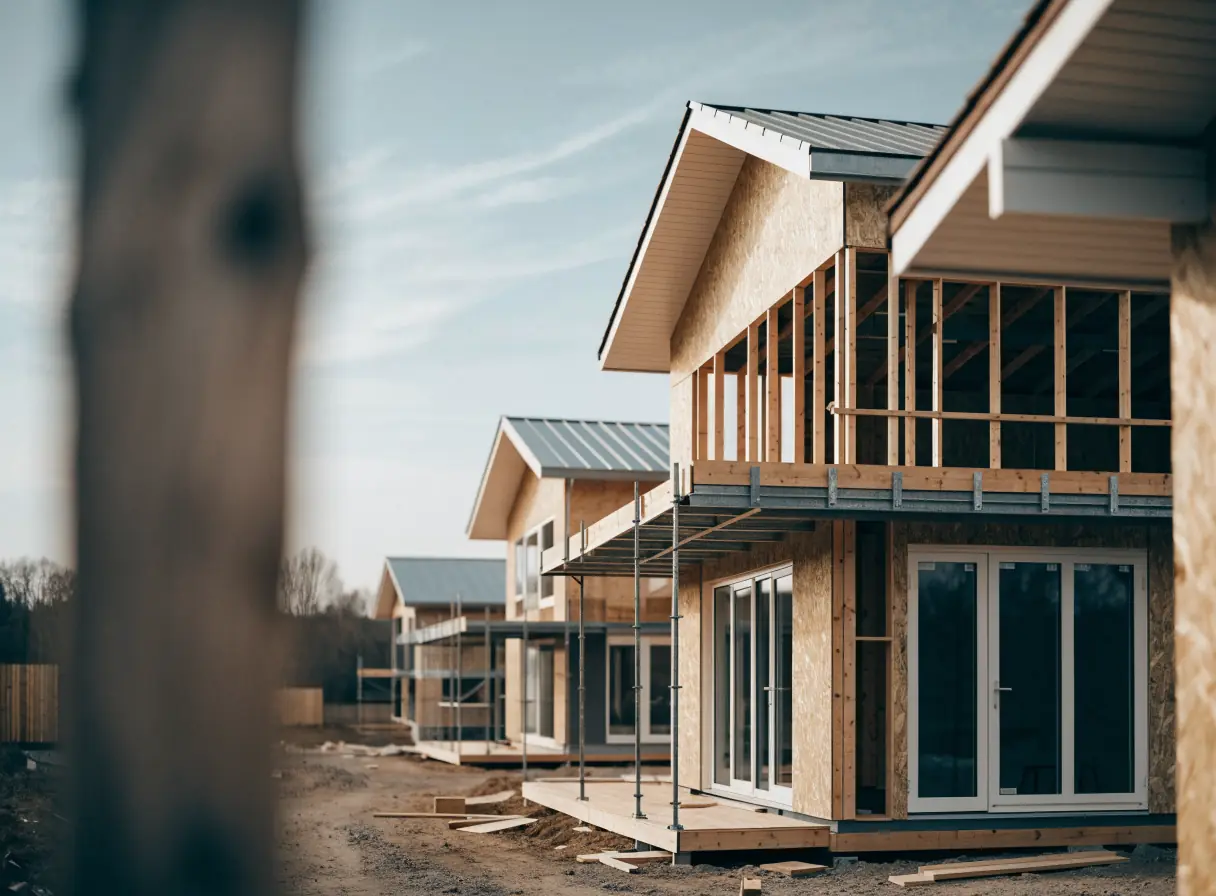
      Row of partially built wooden houses under construction on a clear day.
    6. Real Estate Investment

      Give sellers and brokers a simple way to submit properties, and present your approach to investors in wording your counsel has reviewed.

      Three people looking at blueprints together in a modern office with large windows.
    7. Real Estate Law

      Explain your real estate practice areas in plain words and give clients a careful, confidential route to a first consultation.

      Three people sit together at a table near a window with papers in front of them.
    8. Real Estate Marketing

      Show your listing media work, explain your packages, and let agents book shoots around their listing dates.

      Woman taking a photo of a neatly made bed in a bright, modern bedroom.
    9. Title & Escrow

      Make title orders easy for agents and lenders, explain closing to buyers and sellers, and warn clients plainly about wire fraud.

      A single key lies on top of escrow documents on a wooden table by a sunlit window.

    Questions property managers ask first.

    Can the site show our vacancies automatically?

    Often, if your property management software offers a listings feed or widget. We confirm what it allows before planning the listings pages.

    Can residents pay rent on the website?

    Rent payments should run through your property management software or payment portal. The site gives residents a clear, visible link to it.

    Should we publish our management fees?

    That is your call. Many managers explain how fees work and confirm exact amounts in a proposal. The site should match your management agreement.

    Can owners and residents have separate sections?

    Yes. Each audience can have its own path from the home page, with its own questions and contact routes. That keeps residents out of owner pages and owners out of resident pages.

    Back to top