Tablet and tools on the tailgate of a service van

Home services websites for urgent and planned work

Home services website design helps homeowners confirm the service, the coverage area, and how to reach your team, whether the job is urgent or planned.

A homeowner with a leak is not browsing the same way as someone planning a roof replacement or comparing cleaning plans.

Each one needs the response path and next step without guessing, so Scayver Graphix connects those decisions across site structure, content, forms, search, and care.

Home services website design that separates the leak from the remodel.

An urgent visitor may need a phone number, operating hours, and a clear description of the types of calls the business can take. A planned-project visitor may need service scope, preparation, estimate process, and examples of the work. The site should not imply emergency availability unless the business actually provides it.

We structure the navigation and calls to action around those differences. A plumbing company may need a direct path for an active problem and a separate path for a fixture project. A landscaping company may organize around recurring care and one-time projects. The right structure follows the actual service mix.

Let service and geography work together.

People need to know whether the business performs the work and whether it serves their address. Service descriptions should explain what the team handles, where boundaries exist, and what information a customer should bring to the conversation. Service-area content should reflect real coverage and useful local context.

Local SEO can align verified location information with those service pages. It cannot make an unserved area into a real service area. If coverage changes, the site needs a straightforward way to update that fact across relevant pages.

Ask enough to route the inquiry.

A good estimate form helps the team respond, but it does not turn the first contact into a long questionnaire. The useful questions vary by trade. Location, service type, urgency, and a short description may be enough to begin. Photos or measurements can be optional when they genuinely help. Custom quote forms should route information to the person who can act on it and confirm to the customer what happens next.

If the business already uses scheduling or a CRM, we review the current handoff before proposing a new connection. A missed notification or duplicate request can be as damaging to the experience as a confusing page.

Keep the site true to how the business works.

Availability, service areas, licenses, warranties, financing, and response times require current business-provided facts. Website copywriting can make approved information easier to understand, while website care can support checks as details and tools change.

Name the requests that arrive unclear.

Which jobs bring vague inquiries, and where do customers lose the path? Put those answers next to how your team responds today, and they show which pages and forms to change first.


Services for Home Services.

Each service links to its own page. The drawing shows the same services around the business.

Illustration of Home Services: the business, the customer path in four steps and five linked services.

Specialties in Home Services.

  1. Appliance Repair

    Show the appliances and brands you service, the areas you cover, and a booking path that works for someone with a broken fridge.

    A man in overalls kneels while working on an open dishwasher in a kitchen.
  2. Cleaning Services

    Show what each clean includes, where you work, and a quote path that turns a first clean into a regular schedule.

    Man wearing an apron and gloves cleans an office with desks, chairs, and computers.
  3. Electrical Services

    Show the electrical jobs you handle, your license details, and a clear path from a flickering light to a booked visit.

    Electrician wearing a yellow hard hat stands in front of an open electrical panel indoors.
  4. Home Renovation

    Show finished projects, a clear process, and a consultation path that helps homeowners plan a renovation with you.

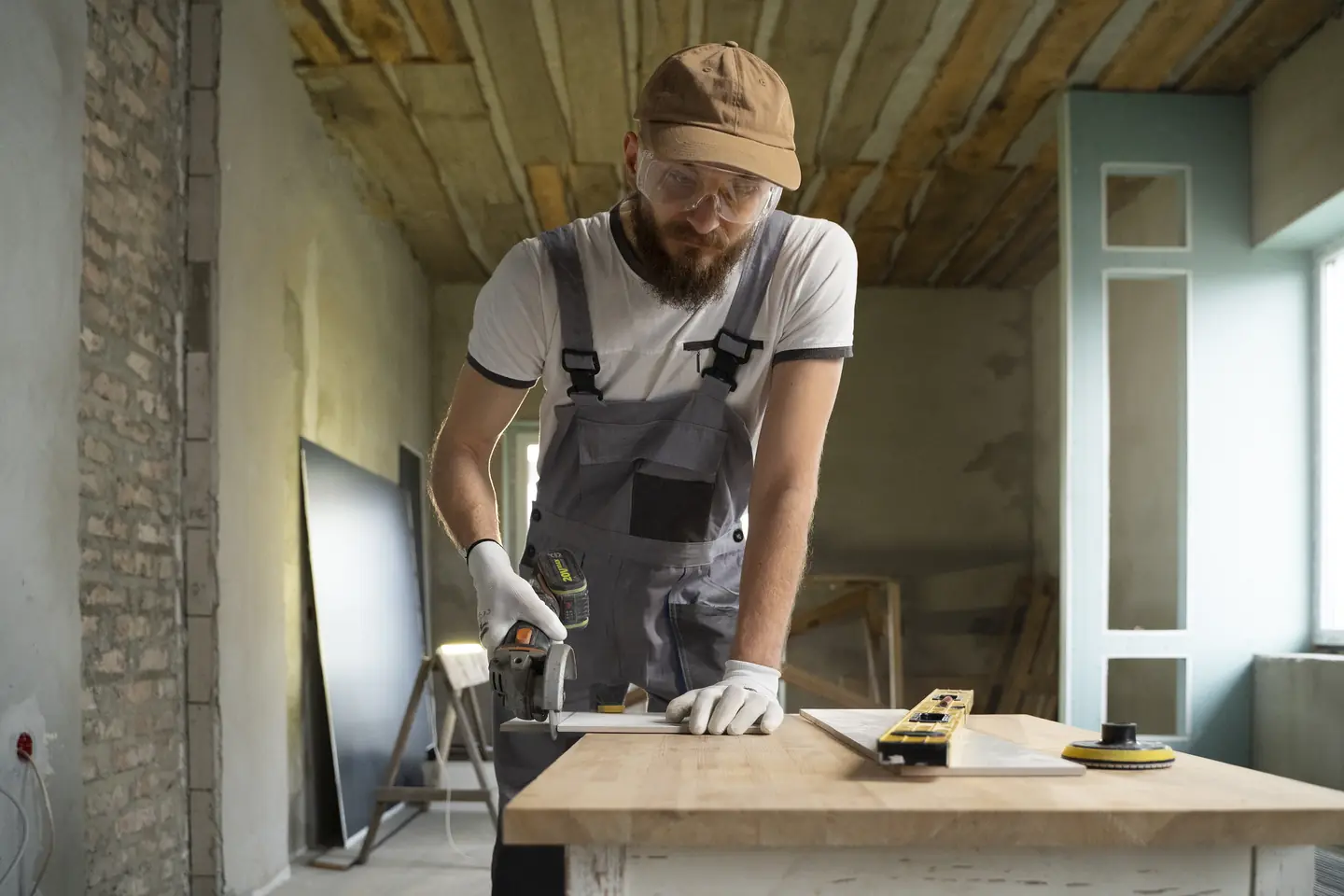
    Man in overalls uses a power drill on a wooden table indoors.
  5. Home Security

    Show the systems you install, how monitoring works, and a quote path that treats a family's security details with care.

    A security camera mounted on a green brick wall.
  6. HVAC

    Show the systems you service, your area and hours, and booking paths for urgent repairs, tune-ups, and replacements.

    Technician wearing blue overalls cleaning an outdoor air conditioning unit.
  7. Landscaping

    Show finished yards, the services you offer each season, and a quote path that turns a spring cleanup into a regular contract.

    Person uses pole trimmer to cut a tall hedge outdoors.
  8. Moving & Storage

    Show your moving and storage services, how estimates work, and a request path that gives customers confidence before moving day.

    Two smiling delivery workers lift a large cardboard box together in bright uniforms.
  9. Painting Services

    Show finished interiors and exteriors, how your crew preps and protects a home, and a quote path that is easy to start.

    Man standing on a step ladder painting a white wall blue.
  10. Pest Control

    Show the pests you treat, how treatments and follow-ups work, and a fast path from the first sighting to a booked visit.

    Person wearing a protective suit and gloves operates a handheld sprayer indoors.
  11. Plumbing

    Show the plumbing problems you fix, your area and emergency hours, and a one-tap path from a leak to a booked visit.

    Man mounting a thermostat on a white wall in a bright, well-lit room.
  12. Roofing

    Show real roofs, how inspections and estimates work, and a clear path from storm damage or an aging roof to a booked inspection.

    Two workers wearing safety gear are installing large panels on a rooftop.

Home Services, discipline by discipline.

What each service family must get right in this field. Open one to see its services.

Planning town pages and estimate forms before a rebuild.

The things people ask on the first call. If yours is not here, ask us directly.

Do we need a page for every town we serve?

No. Create a separate local page only when it gives a visitor distinct, accurate information that the business can maintain. A clear service-area explanation may be the better starting point.

Can a website help qualify estimate requests?

Yes, if the questions reflect how the team evaluates a real request. We map the minimum useful information and make the form easy to complete on a phone.

Should we rebuild before improving search content?

Not automatically. We first look at the current pages, navigation, forms, and mobile experience. A focused repair may be more useful than a full rebuild.

Back to top