Electrician wearing a yellow hard hat stands in front of an open electrical panel indoors.

Electrician website design homeowners feel safe calling.

Homeowners worry about safety and cost when the power acts up. Electrical contractor website design lists the jobs you handle, license and insurance details where they apply, and fast booking.

The work that keeps your electricians busy.

Each service below answers a question a homeowner or builder asks before they call an electrician. Start where the most calls are lost.

Illustration of Electrical Services: the business, the customer path in four steps and five linked services.
Electrical Services

Local SEO

For electricians who lose searches like panel upgrade near me or EV charger installation to shops with fuller listings. We complete your map profile, match its categories to your real services and keep fresh reviews coming in.

Start here when competitors show up in the map results and you do not.

Explore Local SEO

Custom Quote Forms

For project work when you need the job type, the age of the home, and photos of the panel before you price it. The right questions help you decide whether a site visit is needed.

Start here when every estimate starts with a long phone call.

Explore Custom Quote Forms

PPC Management

For urgent service calls when someone has lost power to part of the house. Ads can send them to an emergency page with your hours and a tap-to-call number.

Start here when urgent calls are the work you want more of.

Explore PPC Management

SEO Content Writing

For bigger projects when homeowners research upgrades, such as EV chargers, generators, or new panels, before they call. Clear pages answer their questions in your words.

Start here when you want more planned project work.

Explore SEO Content Writing

Appointment Booking Systems

For estimates and safety inspections that do not need a phone call. Homeowners pick an open slot on your calendar, and the address, panel details and photos arrive with the booking.

Start here when your office spends the day returning calls.

Explore Appointment Booking Systems

Electrical Services, discipline by discipline.

What each service family must get right in this field. Open one to see its services.

    Follow one electrical job from search to visit.

    Take a job you quote often, like replacing an old fuse box in a house built decades ago. Walk the site on a phone as that owner and mark where doubts about safety or licensing would stop them.

    Do you handle this kind of electrical work?

    List your services in homeowner language, such as outlets that stopped working or a breaker that keeps tripping.

    What the website needs to do

    Give each main service a page that explains the problem and the work involved.

    Next: check the electrician.

    Is this electrician qualified and insured?

    Show license and insurance details where they apply, the people who do the work, and reviews from real jobs.

    What the website needs to do

    Place credentials and reviews next to the call and quote buttons, not on a separate page.

    Next: quote from photos or a visit.

    Will you need to see it before you give me a price?

    Explain when you can quote from photos and when a site visit comes first, and how permits are handled where they apply.

    What the website needs to do

    Describe the steps from first call to finished job in plain words.

    Next: reach the office.

    What happens after I call or send this?

    Say whether urgent calls reach a person and when requests get a reply, using the hours your team actually keeps.

    What the website needs to do

    Confirm every request right away and route urgent calls to the person on duty.

    Next: your office schedules the electrician.

    Electrical contractor websites for the homeowners electricians lose.

    Electrical work feels risky to homeowners, so they look for proof before they call. A thin website makes a qualified electrician look like a gamble.

    Visible credentials

    Showing qualifications where homeowners look

    Homeowners want to know the person touching their wiring is qualified. Show license and insurance details where they apply, close to every call button.

    Two paths

    Separating urgent calls from planned projects

    A power loss and a kitchen rewire need different paths. Give urgent service and planned projects their own pages and contact routes.

    Visible proof

    Explaining work people cannot see

    Most electrical work hides inside walls. Photos of finished panels and clear job descriptions show homeowners what they are paying for.

    Trade partners

    Winning builder and contractor work

    Some electricians rely on general contractors and builders. A separate page for trade partners explains how you work on their projects.

    Be the electrician on their street.

    Electrical calls come from a short drive away. Keep your service area and contact details the same everywhere.

    1. Show the area you cover

      List the towns you serve. Say how you handle calls from just outside them.

    2. Match the map profile to the site

      Use the same business name, hours, phone number, and service list on the map profile and the website.

    3. Share local work

      Post project photos from nearby homes with the owner's permission. Local jobs show you know the homes in your area.

    Who handles each step.

    Clear service pages and visible credentials make the call feel safe. Separate paths for urgent service and planned projects send each request to the right person.

    1. Together

      Build clear service pages

      Explain each electrical service in plain words, with photos of real work.

    2. Scayver Graphix

      Split urgent and planned requests

      Give emergencies a tap-to-call path and projects a detailed quote form.

    3. Your team

      Keep credentials current

      Update license and insurance details on the site when they change.

    4. Your team

      Collect reviews after each job

      Ask satisfied customers for a review and answer each one in public.

    5. Scayver Graphix

      Stay in touch with past customers

      Send seasonal safety tips and reminders to customers who agreed to hear from you.

    Bring the details. We will map the route.

    Start with the jobs you take and the ones you pass on. That tells us how a homeowner should move from searching to a scheduled electrical visit. Your answers stay on this screen and are not sent.

    Select the inputs you have ready.

    More beside Electrical Services.

    Other specialty pages under Home Services.

    1. Appliance Repair

      Show the appliances and brands you service, the areas you cover, and a booking path that works for someone with a broken fridge.

      A man in overalls kneels while working on an open dishwasher in a kitchen.
    2. Cleaning Services

      Show what each clean includes, where you work, and a quote path that turns a first clean into a regular schedule.

      Man wearing an apron and gloves cleans an office with desks, chairs, and computers.
    3. Home Renovation

      Show finished projects, a clear process, and a consultation path that helps homeowners plan a renovation with you.

      Man in overalls uses a power drill on a wooden table indoors.
    4. Home Security

      Show the systems you install, how monitoring works, and a quote path that treats a family's security details with care.

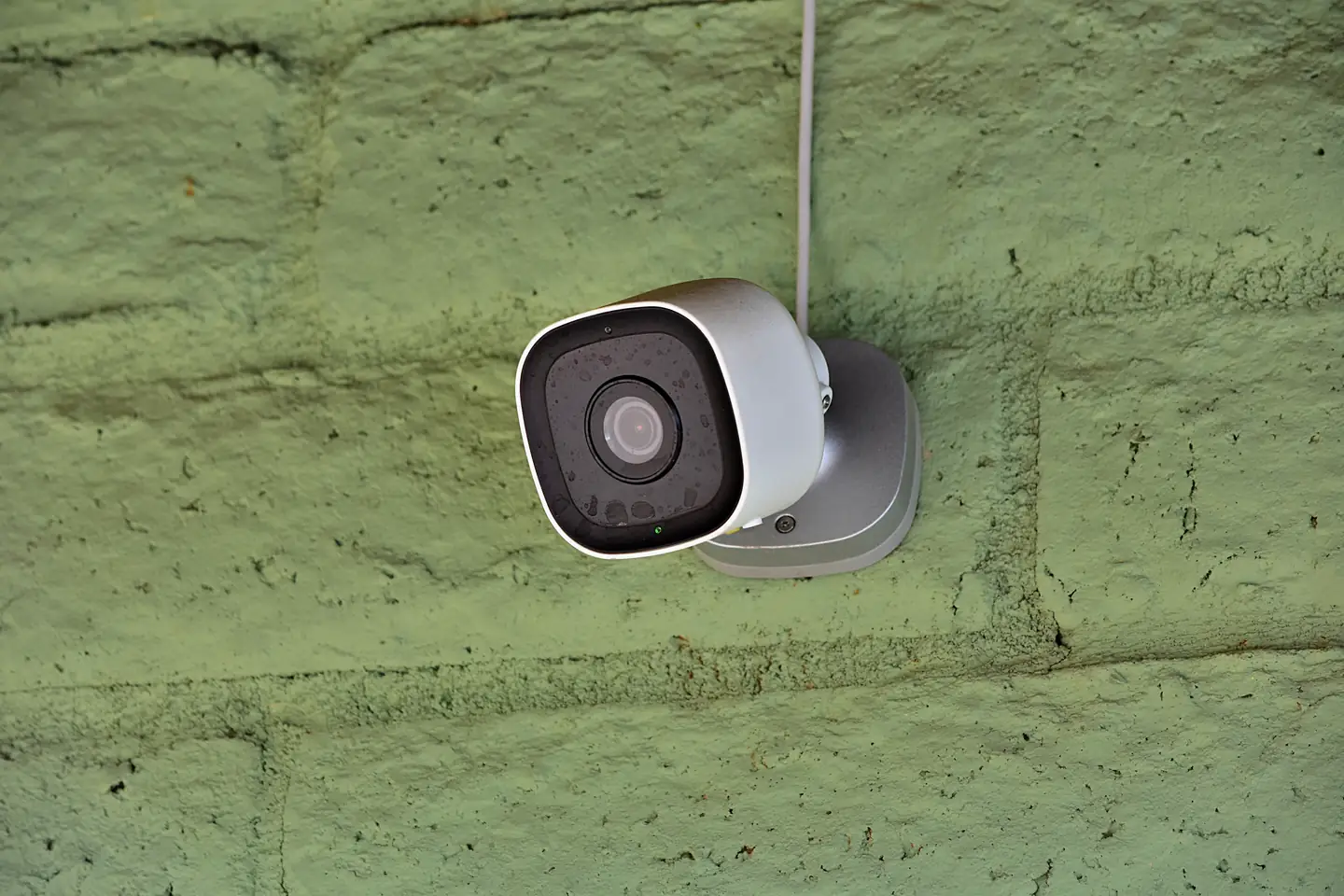
      A security camera mounted on a green brick wall.
    5. HVAC

      Show the systems you service, your area and hours, and booking paths for urgent repairs, tune-ups, and replacements.

      Technician wearing blue overalls cleaning an outdoor air conditioning unit.
    6. Landscaping

      Show finished yards, the services you offer each season, and a quote path that turns a spring cleanup into a regular contract.

      Person uses pole trimmer to cut a tall hedge outdoors.
    7. Moving & Storage

      Show your moving and storage services, how estimates work, and a request path that gives customers confidence before moving day.

      Two smiling delivery workers lift a large cardboard box together in bright uniforms.
    8. Painting Services

      Show finished interiors and exteriors, how your crew preps and protects a home, and a quote path that is easy to start.

      Man standing on a step ladder painting a white wall blue.
    9. Pest Control

      Show the pests you treat, how treatments and follow-ups work, and a fast path from the first sighting to a booked visit.

      Person wearing a protective suit and gloves operates a handheld sprayer indoors.
    10. Plumbing

      Show the plumbing problems you fix, your area and emergency hours, and a one-tap path from a leak to a booked visit.

      Man mounting a thermostat on a white wall in a bright, well-lit room.
    11. Roofing

      Show real roofs, how inspections and estimates work, and a clear path from storm damage or an aging roof to a booked inspection.

      Two workers wearing safety gear are installing large panels on a rooftop.

    Questions electricians ask first.

    Should we show our license number on the site?

    Where your license applies, show it where homeowners look, such as the footer and the contact page. Check your local rules for what must appear in advertising.

    Can homeowners send photos with a quote request?

    Yes. Homeowners can attach a picture of the breaker panel, the scorched outlet or the fixture they want moved. Your electrician sees the age and brand of the panel before deciding whether the job needs a visit to price.

    Should emergency calls go through a form?

    No. Urgent problems need a tap-to-call number and clear hours. A form suits planned projects that can wait for a reply.

    Do we need pages for commercial work?

    Only if you want more of it. Commercial clients ask different questions, so a separate page can explain the jobs you take on and how to reach you.

    Back to top