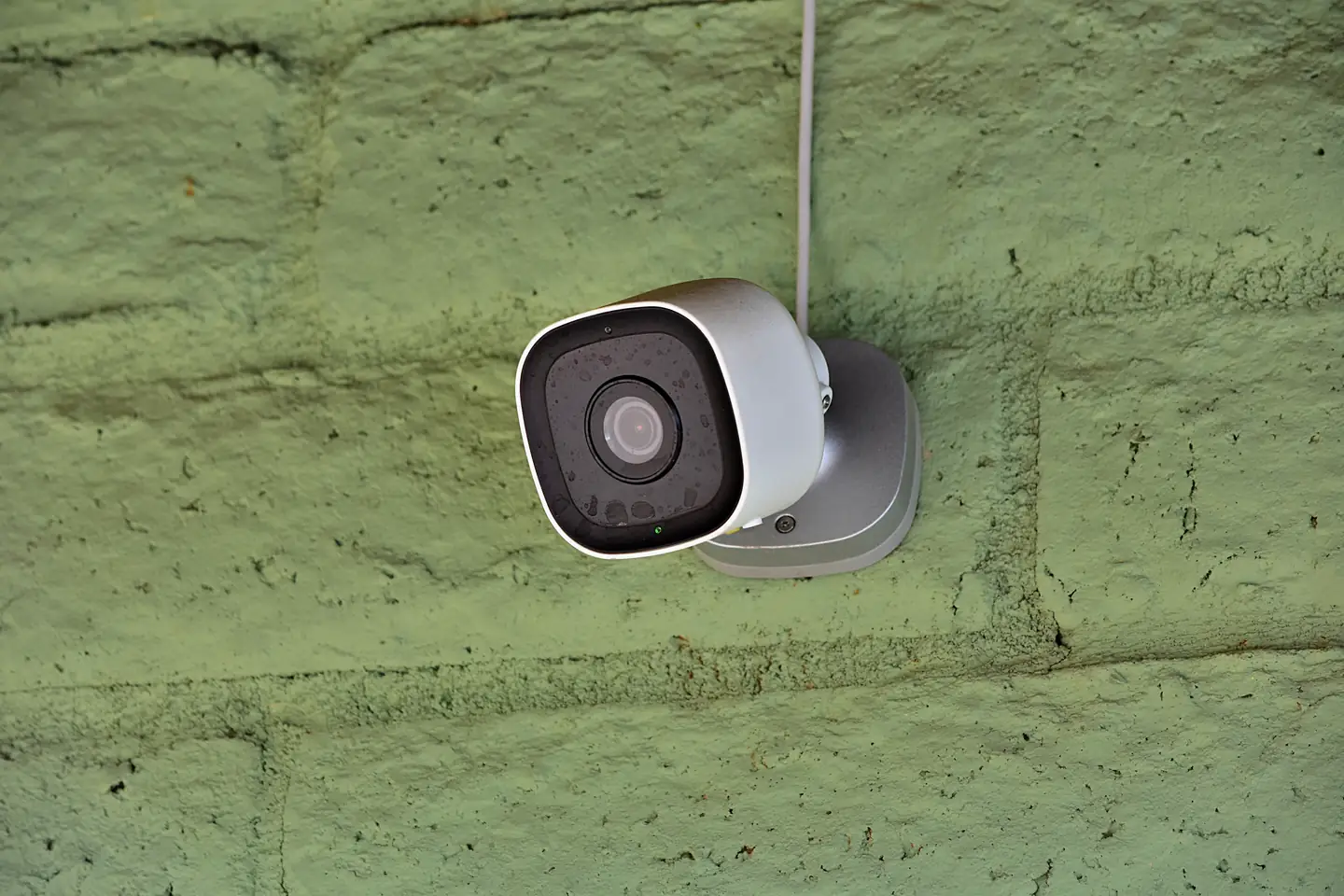
A security camera mounted on a green brick wall.

Home security website design families trust first.

Homeowners want to know what a system does, who installs it, and the monthly cost. Home security website design answers plainly and keeps sensitive details out of public forms.

The work that builds trust before the install.

Each service below answers a question a homeowner asks before they let a security company into the house. Start where buyers hesitate most.

Illustration of Home Security: the business, the customer path in four steps and five linked services.
Home Security

Website Copywriting

For security companies when buyers cannot tell cameras, alarms, smart locks, and monitoring plans apart. Plain explanations help them choose what fits their home.

Start here when every sales call starts with the basics.

Explore Website Copywriting

Custom Quote Forms

For consultation requests when you need the home type, the entry points, and the features wanted, but never alarm codes or schedules. The form asks only what the first conversation needs.

Start here when quote requests arrive too vague to price.

Explore Custom Quote Forms

Local SEO

For installers when homeowners search for security systems in their town. A complete map profile and recent reviews show you are a real, local company.

Start here when national brands crowd you out of local results.

Explore Local SEO

Website Maintenance and Security

For a security company's own website when a hacked or outdated site would damage trust fast. Planned updates, backups, and security checks give your site a clear owner.

Start here when no one owns your website updates.

Explore Website Maintenance and Security

Marketing Automation

For long decisions when a homeowner asks for information and then waits. Timed follow-ups answer common questions and keep the consultation offer in view.

Start here when inquiries go cold before the site survey.

Explore Marketing Automation

Home Security, discipline by discipline.

What each service family must get right in this field. Open one to see its services.

    Follow one homeowner from worry to consultation.

    Take a family that wants doorbell cameras after packages kept disappearing from the porch. Walk the site on your phone in their place and mark where a contract question or a pricing gap would stall them.

    What kind of system do I actually need?

    Explain alarms, cameras, smart locks, and monitoring in plain words, using the products and plans you really offer.

    What the website needs to do

    Give each system type a page that says who it suits and what it does.

    Next: check the company.

    Can I trust the people installing this?

    Show license details where they apply, the installers, and reviews from real customers.

    What the website needs to do

    Introduce the team and explain how installers are screened, as far as your policies allow.

    Next: understand the costs.

    What do I pay up front and each month?

    Explain equipment, installation, and monitoring costs in the terms you actually offer, including any contract length.

    What the website needs to do

    Describe how pricing works and what the consultation confirms, without numbers you cannot stand behind.

    Next: request a site visit safely.

    What happens to the details I send?

    Say what the form collects, who reads it, and what it never asks for, such as alarm codes.

    What the website needs to do

    Keep the form short and send a confirmation that explains the next step.

    Next: your team schedules the site visit.

    Home security website design that earns a careful buyer's trust.

    People often shop for security after something shakes them. They move carefully, and they walk away from any company that feels pushy or vague.

    Trust first

    Earning access to a family's home

    You are asking for access to a family's home and routines. Show real people, real reviews, and license details where they apply.

    Clear options

    Explaining systems in plain words

    Buyers compare cameras, sensors, and monitoring with little background. Clear pages help them ask better questions.

    Contract clarity

    Being honest about contracts

    Monthly plans and contract terms worry many buyers. Explain your terms plainly so the consultation starts with trust.

    Careful intake

    Handling sensitive details carefully

    Alarm codes, camera access, and daily schedules do not belong in a public form. Collect only what the first conversation needs.

    The local company they can meet.

    Many buyers prefer an installer based nearby. Make your local presence easy to confirm.

    1. Show the area you serve

      List the towns you install in. Say where your service team works from, if you can share that.

    2. Keep local details consistent

      Use the same name, address, phone number, and hours on the map profile and the website.

    3. Introduce the local team

      Show the installers and technicians homeowners will meet, with photos and introductions they have approved.

    Clear in public. Careful with access details.

    A marketing website and a monitoring system do different jobs. Decide what the site collects before choosing forms, chat, or integrations.

    Public information

    What prospects can see on the site

    Explain your systems and plans, introduce the team, share approved reviews, and take consultation requests with only the details that first conversation needs.

    Private workflows

    Inside your monitoring and customer tools

    Keep alarm codes, camera access, floor plans, daily schedules, and account or payment details in the monitoring and customer systems your company has chosen and approved.

    Security, privacy, and licensing requirements need review for your specific company. A new website alone does not make your data handling secure or compliant.

    How the security site work splits between us and your team.

    Plain system pages and visible credentials build trust. A short consultation form keeps sensitive details off the website and inside your own systems.

    1. Together

      Explain each system type

      Write plain pages for the alarms, cameras, smart locks, and monitoring you offer.

    2. Scayver Graphix

      Build a careful consultation form

      Ask only what the first conversation needs, and confirm every request right away.

    3. Your team

      Keep credentials and terms current

      Update license details and contract terms on the site when they change.

    4. Scayver Graphix

      Follow up without pressure

      Send useful answers to people who asked for information, then let them choose the time.

    5. Your team

      Answer reviews in public

      Reply to every review, and move account questions to a private channel.

    Bring the system facts. We will sort them.

    Start with the plans you sell and how your contracts work. From there we map the steps from a worried late-night search to a booked consultation. Ticking these boxes shares nothing with us or anyone else.

    Select the inputs you have ready.

    More beside Home Security.

    Other specialty pages under Home Services.

    1. Appliance Repair

      Show the appliances and brands you service, the areas you cover, and a booking path that works for someone with a broken fridge.

      A man in overalls kneels while working on an open dishwasher in a kitchen.
    2. Cleaning Services

      Show what each clean includes, where you work, and a quote path that turns a first clean into a regular schedule.

      Man wearing an apron and gloves cleans an office with desks, chairs, and computers.
    3. Electrical Services

      Show the electrical jobs you handle, your license details, and a clear path from a flickering light to a booked visit.

      Electrician wearing a yellow hard hat stands in front of an open electrical panel indoors.
    4. Home Renovation

      Show finished projects, a clear process, and a consultation path that helps homeowners plan a renovation with you.

      Man in overalls uses a power drill on a wooden table indoors.
    5. HVAC

      Show the systems you service, your area and hours, and booking paths for urgent repairs, tune-ups, and replacements.

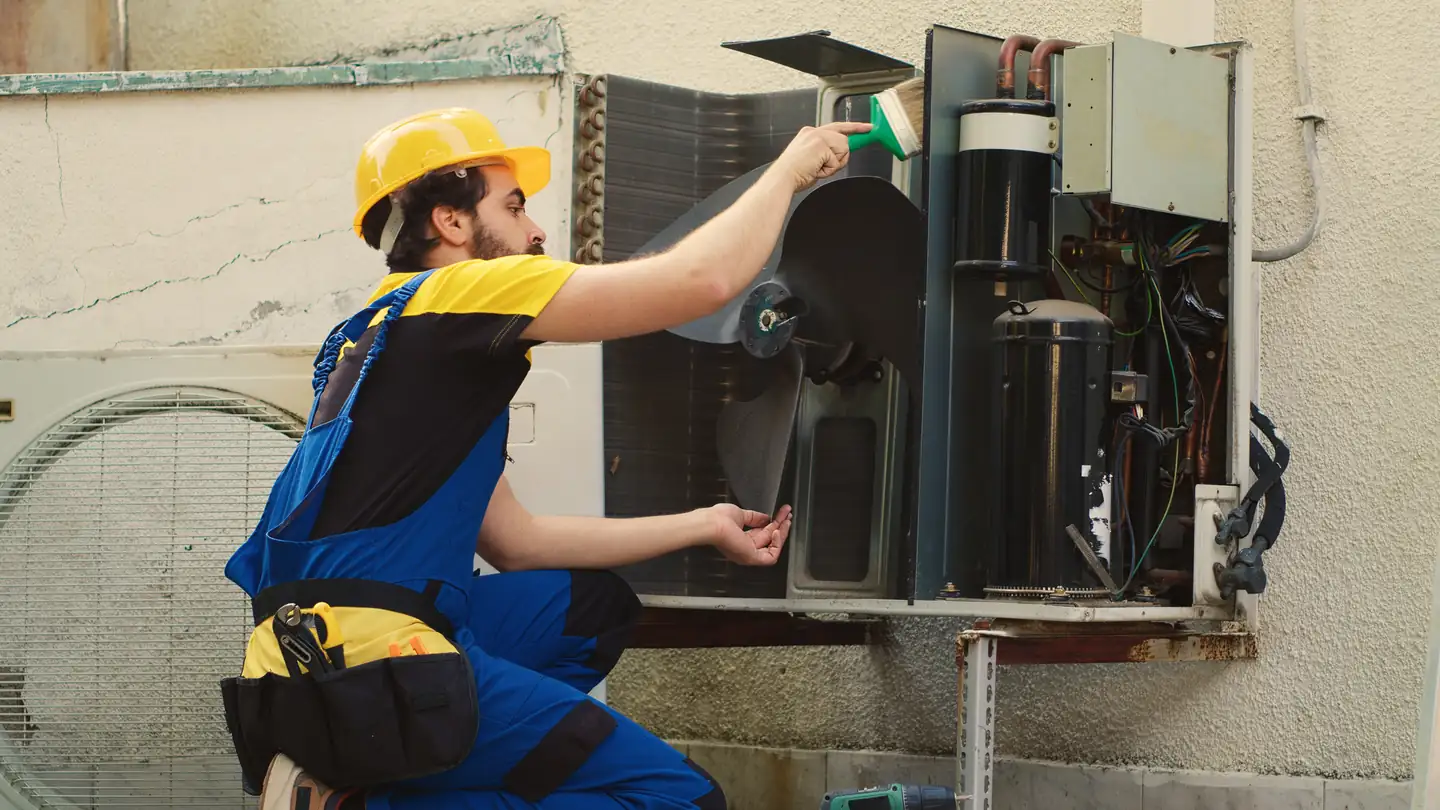
      Technician wearing blue overalls cleaning an outdoor air conditioning unit.
    6. Landscaping

      Show finished yards, the services you offer each season, and a quote path that turns a spring cleanup into a regular contract.

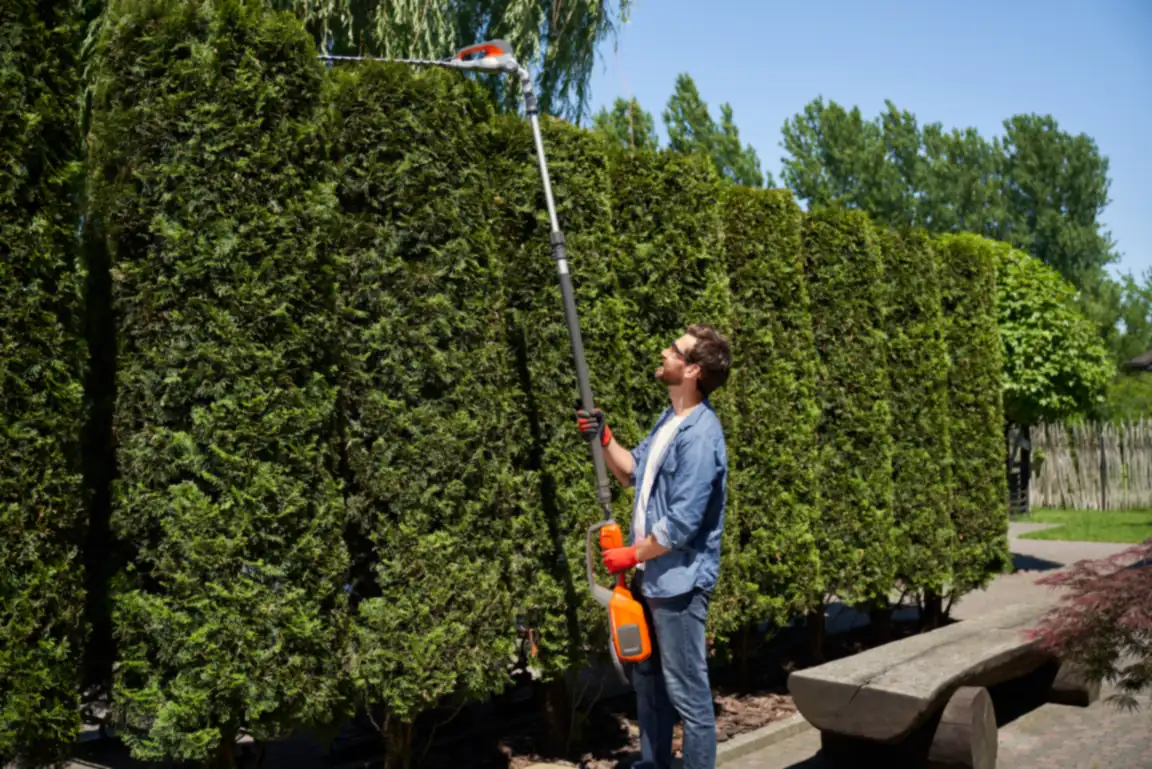
      Person uses pole trimmer to cut a tall hedge outdoors.
    7. Moving & Storage

      Show your moving and storage services, how estimates work, and a request path that gives customers confidence before moving day.

      Two smiling delivery workers lift a large cardboard box together in bright uniforms.
    8. Painting Services

      Show finished interiors and exteriors, how your crew preps and protects a home, and a quote path that is easy to start.

      Man standing on a step ladder painting a white wall blue.
    9. Pest Control

      Show the pests you treat, how treatments and follow-ups work, and a fast path from the first sighting to a booked visit.

      Person wearing a protective suit and gloves operates a handheld sprayer indoors.
    10. Plumbing

      Show the plumbing problems you fix, your area and emergency hours, and a one-tap path from a leak to a booked visit.

      Man mounting a thermostat on a white wall in a bright, well-lit room.
    11. Roofing

      Show real roofs, how inspections and estimates work, and a clear path from storm damage or an aging roof to a booked inspection.

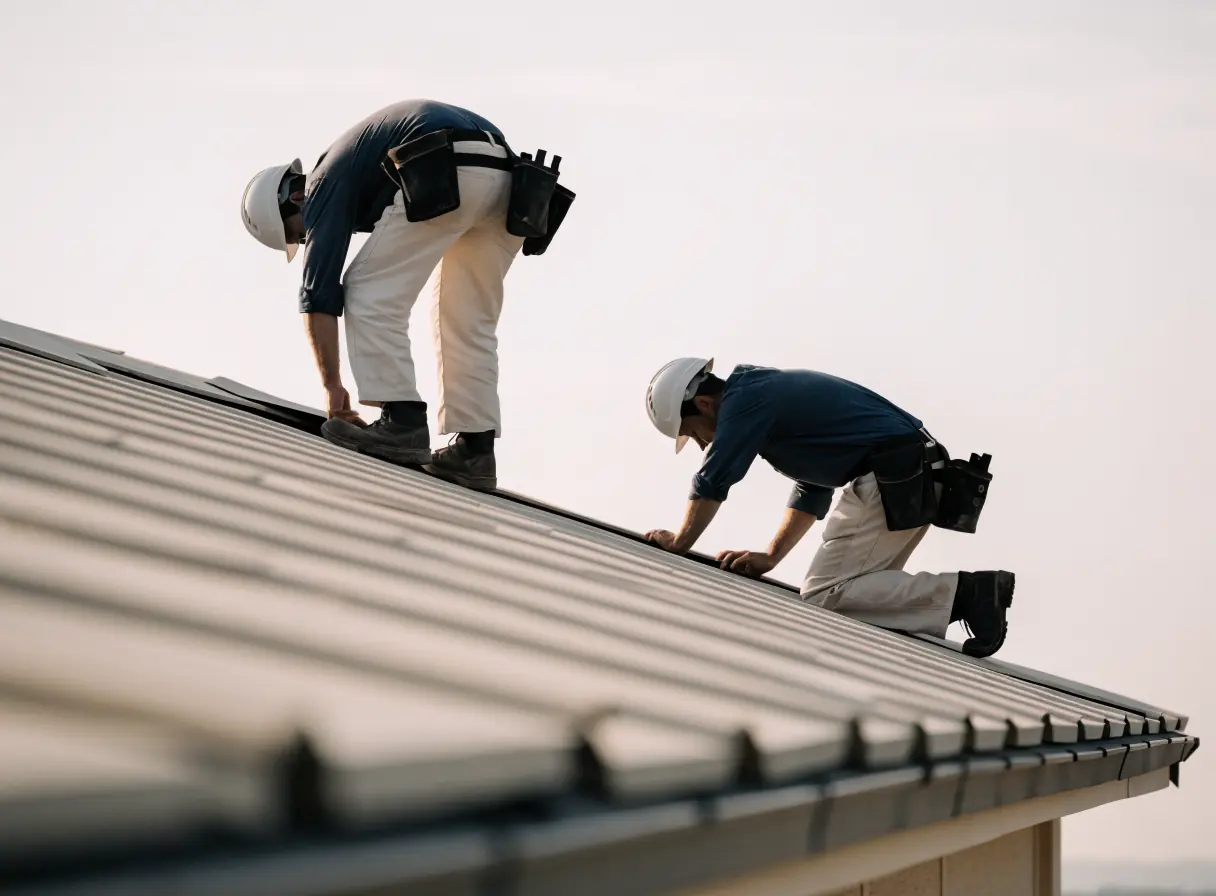
      Two workers wearing safety gear are installing large panels on a rooftop.

    Security dealers usually ask these questions first.

    Can the website collect alarm codes or camera logins?

    It should not. Keep access details in your monitoring and customer systems, and tell buyers the website will never ask for them.

    Should we publish monthly prices?

    Only prices you can stand behind. If pricing depends on the home, explain what changes it and let the consultation confirm the details.

    Can we add live chat for buyers?

    Chat can answer common questions about systems and plans. We review the chat tool and what it stores before setup, and chat should never ask for access details.

    Can the site connect to our monitoring software?

    Sometimes, but it needs review first. We check what the software allows and what data would move before we plan any connection.

    Back to top