


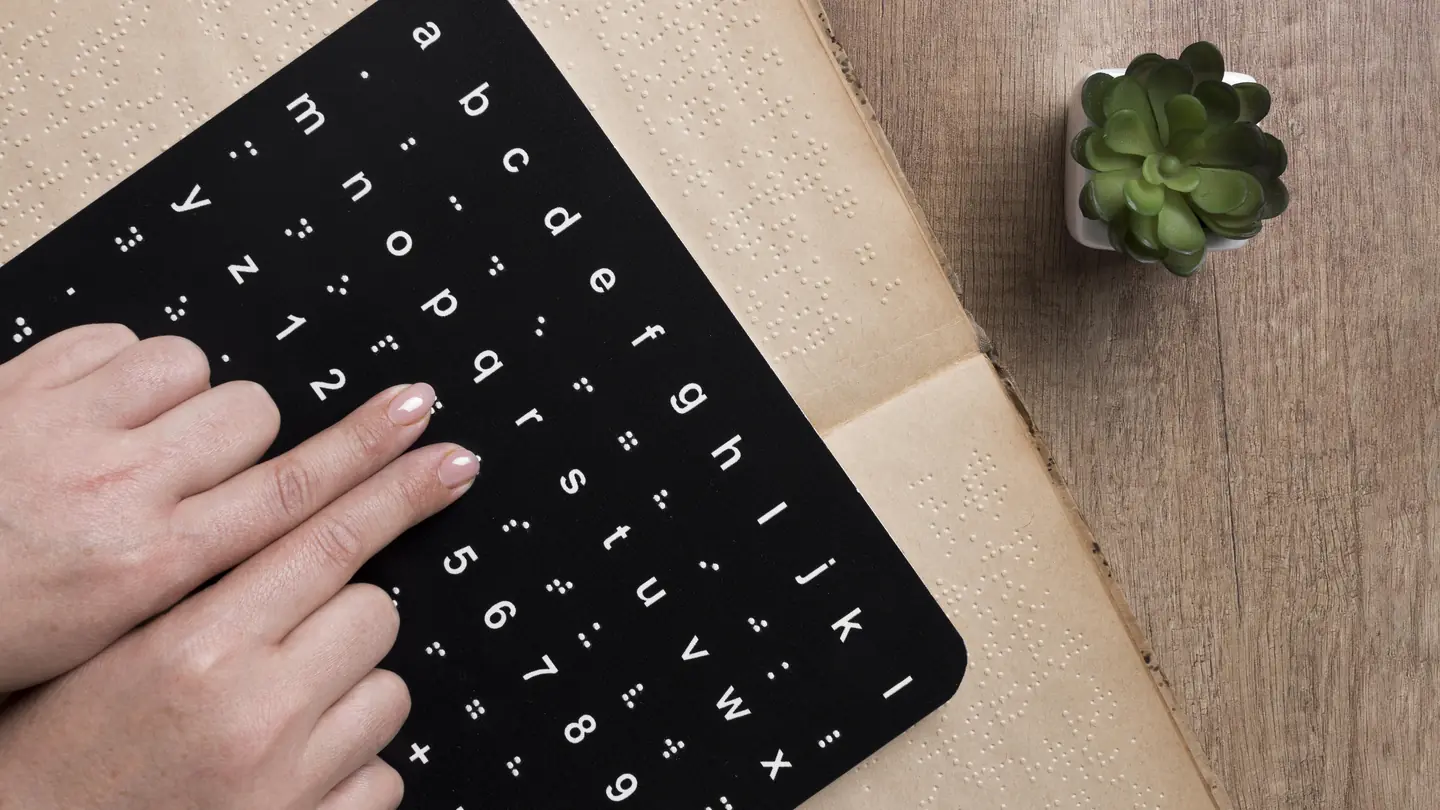
Give the agent the scope first.
Name the page or files, the browsers and devices, the journeys people must complete, the assistive technology you can test with, and the WCAG version you are targeting. Say whether the review covers content, code, design, or all three. The skill confirms this scope before it looks at anything.
Keyboard to content, area by area
- Keyboard: focus order, visible focus, traps, shortcuts, and finishing a task without a pointer.
- Structure: page title, headings, landmarks, lists, language, and reading order.
- Forms: labels, instructions, errors, required fields, autocomplete, and recovery.
- Visual: contrast, text resizing, motion, meaning carried by color alone, and touch targets.
- Media: captions, transcripts, audio controls, alternative text, and flashing content.
- Interaction: dialogs, menus, tabs, live regions, loading, and status messages.
- Content: plain language, link purpose, error messages, and consistent navigation.
Severity from critical to low
- Critical: the issue blocks a core journey.
- High: it affects many people or prevents completion.
- Medium: it adds friction, but a workaround exists.
- Low: fixing it improves clarity or resilience.
An issue table with a way to verify each fix
Every finding lists its location, the effect on people, the severity, the WCAG reference, the fix, and how to confirm the fix worked. Around the table, the skill adds a summary of each journey, prioritized fixes, quick wins, code or content examples, the test method it used, and a checklist for the retest.
The audit areas in the a11y-audit file
The scope, areas, and severity scale come from the a11y-audit skill file, which installs under the short name a11y-audit. It is released under the MIT License, “Copyright (c) 2026 ScayverGraphix.” The skills follow the Agent Skills spec published by vercel-labs/skills.
Try it on your signup page.
The skill’s own test case starts with a simple request.
Audit this signup page for accessibility.
Name the main task a visitor must finish on that page, such as creating an account. The skill ranks every issue by its effect on that task. Install it with npx skills add scayver/marketing-skills --skill a11y-audit.
A review is not a certificate.
The skill reports what it can observe in the scope you give it. Asked to certify a site as legally compliant from a single screenshot, it declines and explains what a real review would need. Treat its findings as a starting list, then confirm them with manual testing and assistive technology.
Barriers a score alone misses
Our Website Accessibility Audit service combines automated checks with manual review of representative pages and interactions. It documents what happened, where it happened, and how your team can test each repair.