


What is on sale this week?
Shoppers compare weekly specials before they decide where to go.
What the website needs to do
Post the weekly specials as readable text and images, on the same day each week.
Next: check department and holiday hours.
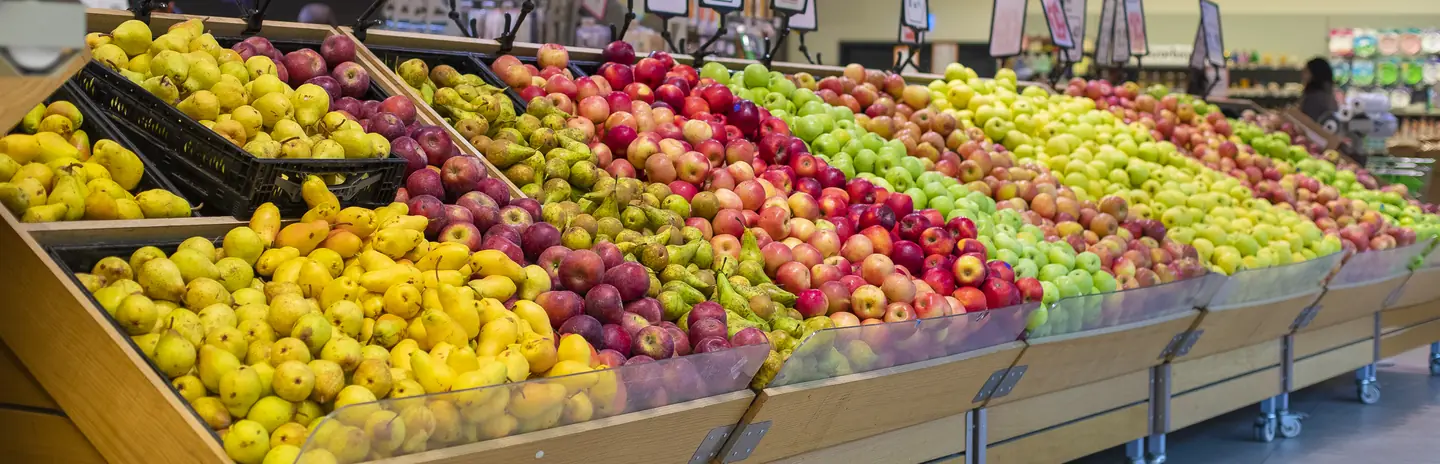
Grocery store website design puts weekly specials, holiday hours, and ordering options where shoppers plan their week, and shows the departments, local products, and people that set you apart.
Services
Shoppers plan around specials, hours, and convenience. Each service below supports one part of that plan.
For grocery stores when the weekly ad is a PDF nobody opens on a phone. A specials page your team updates each week shows the deals as readable text and images.
Start here when posting the weekly ad is a scramble every week.
Explore Web DevelopmentFor grocery stores when shoppers search for a store, a department, or holiday hours nearby. A complete map profile with current hours and services keeps them from guessing.
Start here when holiday hours cause phone calls and wasted trips.
Explore Local SEOFor grocery stores when online ordering, loyalty, and the website each hold different information. Connecting them, where the platforms allow it, cuts double entry, and we confirm what each system supports first.
Start here when your team updates the same information in several systems.
Explore API IntegrationFor grocery stores when shoppers would plan their trip around your specials if they saw them. A weekly email to shoppers who opted in shares the deals and events.
Start here when the weekly ad only reaches people who already walked in.
Explore Email MarketingFor grocery stores when local products, new arrivals, and in-store events go unnoticed. Regular posts show the people and products that make your store different.
Start here when shoppers do not know what your departments offer.
Explore Social Media ManagementDisciplines
What each service family must get right in this field. Open one to see its services.
Customer journey
Grocery shopping is planned, repeated, and practical. Walk through the four questions a shopper asks before choosing where to shop this week.
Shoppers compare weekly specials before they decide where to go.
Post the weekly specials as readable text and images, on the same day each week.
Next: check department and holiday hours.
Holiday and department hours are easy to get wrong, and a wrong answer means a wasted trip.
Keep store and department hours current on the site and map profile, and post holiday changes early.
Next: choose how to shop.
Some shoppers want to order ahead. Others want to know what you carry before they drive over.
Explain your ordering options clearly and link to the platform you use, with its fees stated.
Next: fill the cart.
Local products, service, and specials give shoppers a reason to return.
Invite shoppers to join your email list or loyalty program, and send useful weekly news.
Next: the next weekly ad goes out.
Information
Shoppers have many ways to buy groceries. When your specials are hard to find or the hours are wrong, they choose the store or app that makes it easy.
A printed circular turned into a PDF is hard to read on a phone and slow to load. Shoppers who cannot see the deals quickly move on.
Large chains and apps make ordering easy. Your site can show what they cannot, such as local products, service, and the people behind the counter.
Holiday closures, early deli closings, and seasonal hours change often. Update them everywhere at once.
Pickup and delivery platforms differ in fees, features, and control. Review each option before promising online ordering on the site.
Local search
Your shoppers live nearby and shop often. Make the local details and community ties easy to see.
Give each store its own page with hours, departments, services, and parking details.
Show the local farms and makers you carry, with details they have approved.
List tastings, food drives, and seasonal events, with dates and a clear way to join.
Process
The specials, hours, and ordering path should agree across the site, the map, and your emails. Your team should be able to post the weekly specials without a developer.
Create a page your team fills each week, with readable items, prices, and dates.
Publish the new specials on the same day each week and remove expired deals.
Compare pickup and delivery platforms on fees, features, and control before linking one.
Update store, department, and holiday hours on the site and map profile together.
Share specials and events with shoppers who asked to hear from you.
Readiness
This week's circular and your store hours are all you need to begin. They show us how shoppers plan a trip, build a list and choose between pickup and a visit. The boxes you tick are kept in this browser and go to no one.
Select the inputs you have ready.
More specialties
Other specialty pages under Food Services.
Show the daily bakes, take custom orders with every detail, and make pickup times easy to find.

Show the taps, the kitchen hours, and what is on tonight, and make group bookings easy to request.

Help people on the move find you open, read the menu, and order ahead or settle in for a while.

Show the events you cater, the menus you offer, and the areas you serve, then collect inquiries with the details you need.

Make delivery areas, fees, and ordering clear for customers, and give restaurants and drivers a simple way to join.

Give buyers accurate product specs and a clear wholesale path, and show shoppers where your products are sold.

Show where the truck is today, what is on the menu, and how to book it for a private event.

Help shoppers with specific diets see what you carry, ask about products, and request special orders.
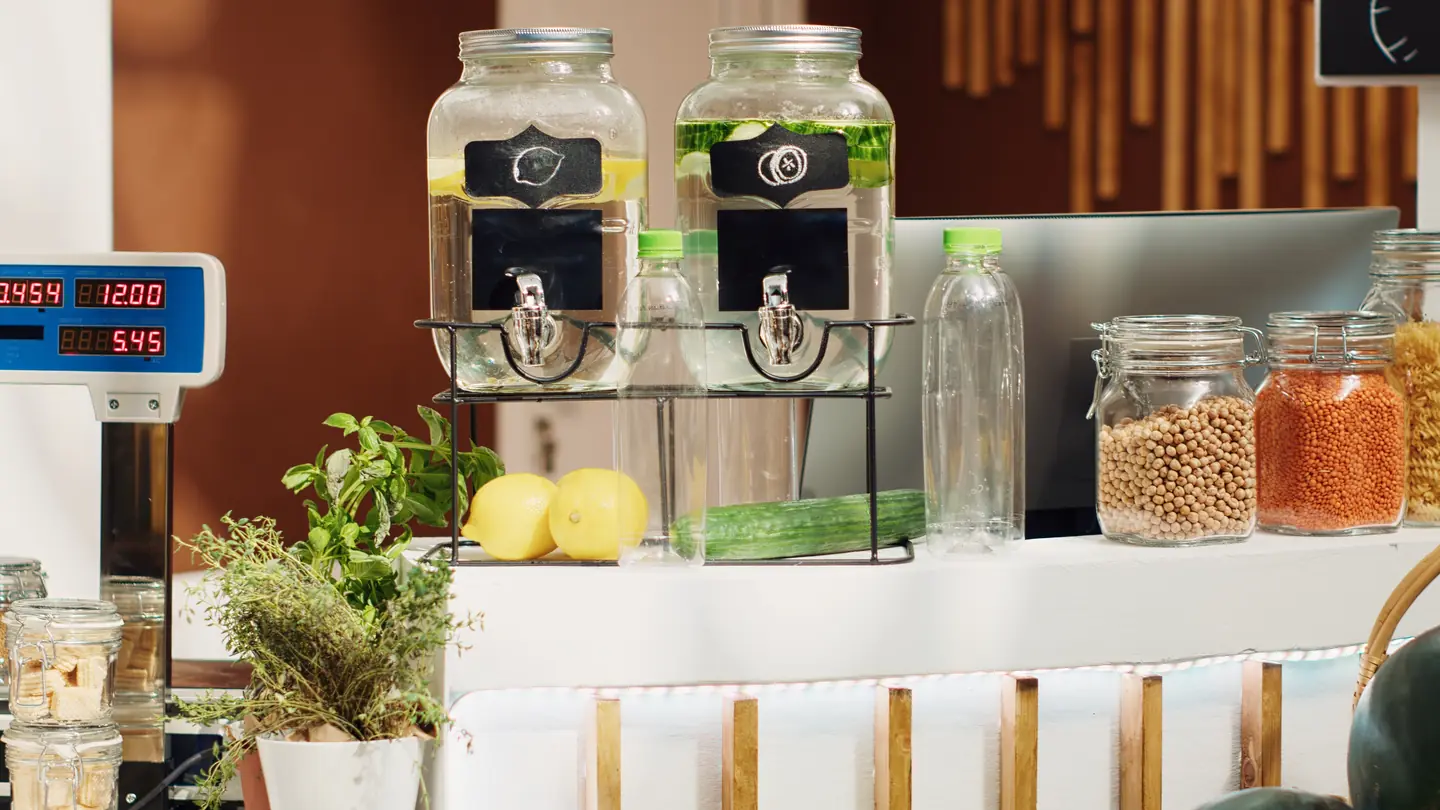
Give diners a readable menu, real photos, and a direct way to reserve, order takeout, or plan a private dinner.

Questions
That depends on the ordering platform you choose and how it connects to your inventory and point of sale. We review the options, their fees, and what each supports before recommending one. One path is to start by linking to a platform and decide on more later.
It depends on your ordering platform and on your store's own approval to accept benefits online. Confirm both before the site mentions it. Once confirmed, the ordering page can explain the option clearly.
Prices on weekly specials help shoppers plan. Keep site prices in step with the shelf and your point of sale, and date each ad. Prices that do not match cause frustration at the register.
Do not try to match every feature. Show what you do differently, such as local products, service, and departments, and make the basics easy to find. Specials, hours, and ordering should each be one tap from the home page.