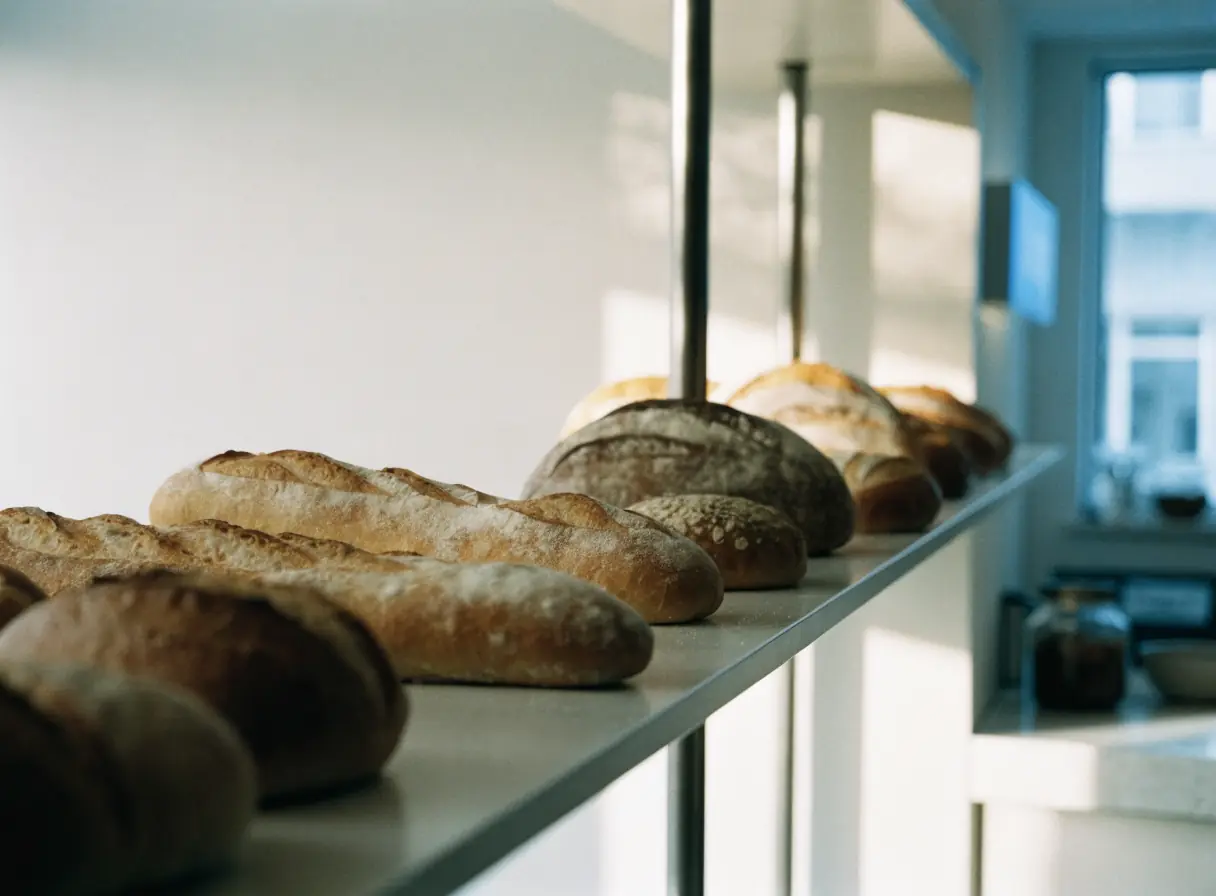
Several loaves of bread are neatly lined up on a wooden surface.

Bakery website design that makes custom orders easy.

Our website design for bakeries shows what you bake, how far ahead to order, and when to pick up, and takes complete cake or preorder requests without a phone call.

The work behind every order and pickup.

Pick the services that match where orders stall today. Each one fixes a step between the first idea and the pickup.

Illustration of Bakeries: the business, the customer path in four steps and five linked services.
Bakeries

Custom Quote Forms

For bakeries when custom cake requests arrive by phone, text, and direct message with details missing. A guided form asks for the date, servings, flavors, and design notes up front.

Start here when you spend more time chasing order details than baking.

Explore Custom Quote Forms

Local SEO

For bakeries when people search nearby and find old hours or no photos of your work. A complete map profile shows your hours, location, and real bakes.

Start here when customers arrive to find the doors already closed.

Explore Local SEO

Social Media Management

For bakeries when the daily case changes faster than the website can. Regular posts show today's bakes, seasonal items, and preorder dates.

Start here when your best items sell out before most people hear about them.

Explore Social Media Management

Payment Gateway Integration

For bakeries when large or custom orders need a deposit before you start. A payment processor you approve lets customers pay the deposit when they confirm.

Start here when unpaid orders leave you with cakes nobody collects.

Explore Payment Gateway Integration

Email Marketing

For bakeries when holiday preorders open and close on set dates. An email list tells regulars when ordering opens and when it ends.

Start here when seasonal orders depend on people remembering to check.

Explore Email Marketing

Bakeries, discipline by discipline.

What each service family must get right in this field. Open one to see its services.

    Follow one cake order from idea to pickup.

    Custom orders start days or weeks ahead, usually on a phone. Walk through the four moments where a customer decides to order from you or call someone else.

    Do you make what I have in mind?

    Real photos of your cakes, pastries, and breads show your style better than any description.

    What the website needs to do

    Group your work by occasion and type, and mark which items are daily and which need an order.

    Next: check the timing.
    How far ahead do I need to order?

    Lead times, busy seasons, and cutoff dates decide whether the order is possible at all.

    What the website needs to do

    Put lead times on the order page itself, not only in a policy page.

    Next: send the details.

    What do you need from me?

    A guided request collects the date, servings, flavors, dietary notes, and design ideas in one place.

    What the website needs to do

    Mark which details are required and say when your team will reply.

    Next: confirm the order.

    Is my order confirmed, and when do I collect it?

    A request is not a confirmed order until your team accepts it and any deposit is paid.

    What the website needs to do

    Send a confirmation with the pickup date, time window, and location.

    Next: the order joins your baking schedule.

    Website design for bakeries, starting where orders go missing.

    Customers plan cakes ahead but still decide fast. Missing lead times, old photos, or a buried order form send them to the next bakery.

    Order details

    Custom orders that arrive half complete

    Requests come in by phone, text, email, and direct message. Each one needs a follow-up before you can quote, and some go unanswered until it is too late.

    Daily case

    Selling out before customers arrive

    Popular items sell out while the website still shows them. Post the daily case where people check, and say when to come early.

    Seasonal orders

    Holiday rushes and preorder cutoffs

    Seasonal orders open and close on fixed dates. One page with the dates, the items, and the form keeps the rush in one place.

    Dietary questions

    Allergy and dietary questions

    People ask about nuts, gluten, dairy, and eggs. Publish only what your kitchen can confirm for every batch, and invite questions before ordering.

    From a cake search nearby to pickup at your case.

    Most bakery customers live or work close by. Keep the local details the same everywhere they look.

    1. Show up for nearby searches

      Keep your map profile complete, with current hours, photos of real bakes, and categories that match what you sell.

    2. Make pickup simple

      Explain where to park, where to collect orders, and what happens if someone arrives before the order is ready.

    3. Serve local businesses

      If you supply cafes, offices, or events, give wholesale and large orders their own page and contact route.

    Who does what, from form to pickup.

    The order path should work on a phone and ask for each detail once. Your daily case, hours, and seasonal dates should match on the site, the map, and social posts.

    1. Scayver Graphix

      Build a guided order request

      Collect date, servings, flavors, and design notes in one form, and send it to the person who quotes.

    2. Your team

      Set lead times and order rules

      Decide how far ahead you need orders, when deposits apply, and when you stop taking requests.

    3. Together

      Keep hours and listings in step

      Update holiday hours and closures on the site and the map profile at the same time.

    4. Your team

      Post the daily case

      Share real photos of what is fresh and what is coming, and link each post to the order page.

    5. Together

      Run seasonal preorders

      Give each holiday its own page with dates, items, and the form, and take it down when orders close.

    Bring your order book. We will sort the rest.

    Start with last month's custom cake requests and your current lead times, even if they live in a notebook. They show us where an order stalls between the first message and the deposit. Your answers here never leave this page.

    Select the inputs you have ready.

    More beside Bakeries.

    Other specialty pages under Food Services.

    1. Bars & Pubs

      Show the taps, the kitchen hours, and what is on tonight, and make group bookings easy to request.

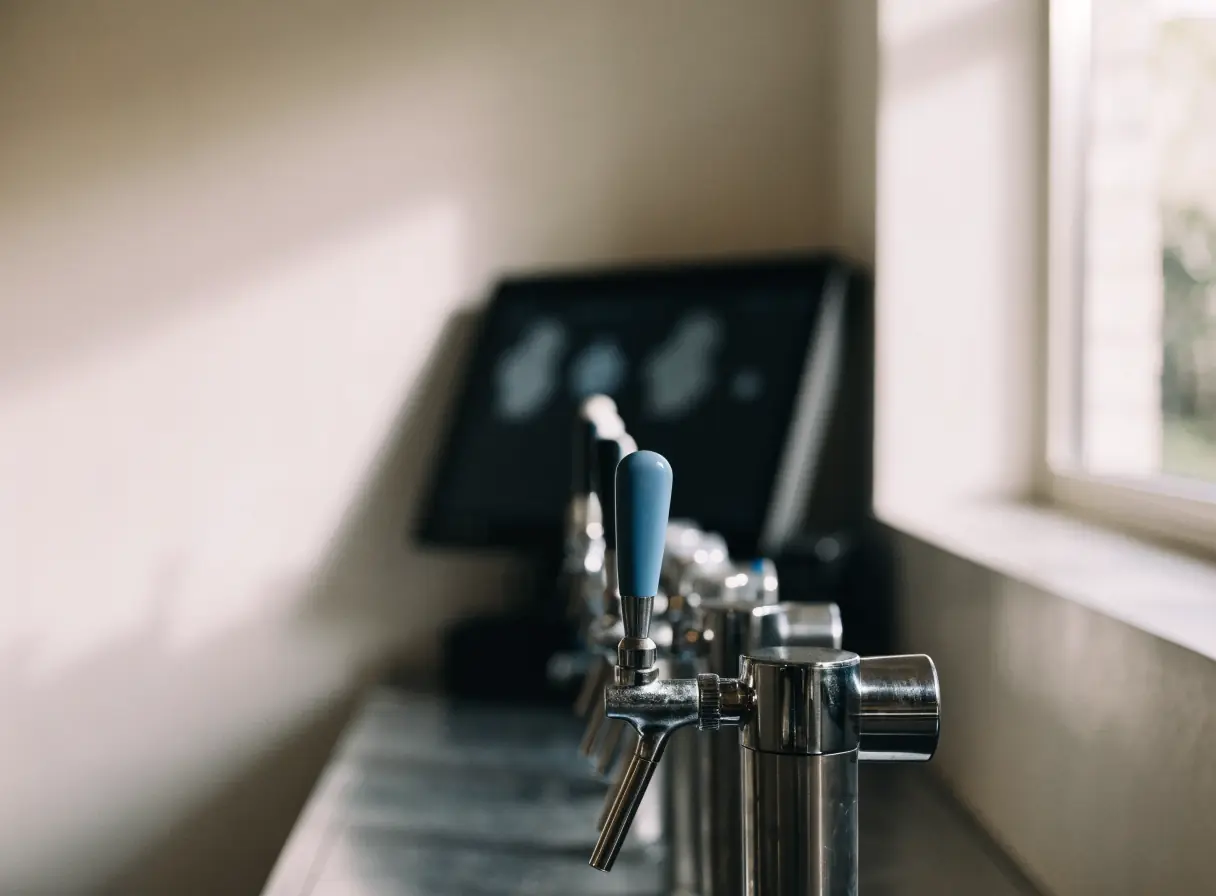
      Row of metal drink taps with blue handles lined up on a shiny countertop.
    2. Cafes & Coffee Shops

      Help people on the move find you open, read the menu, and order ahead or settle in for a while.

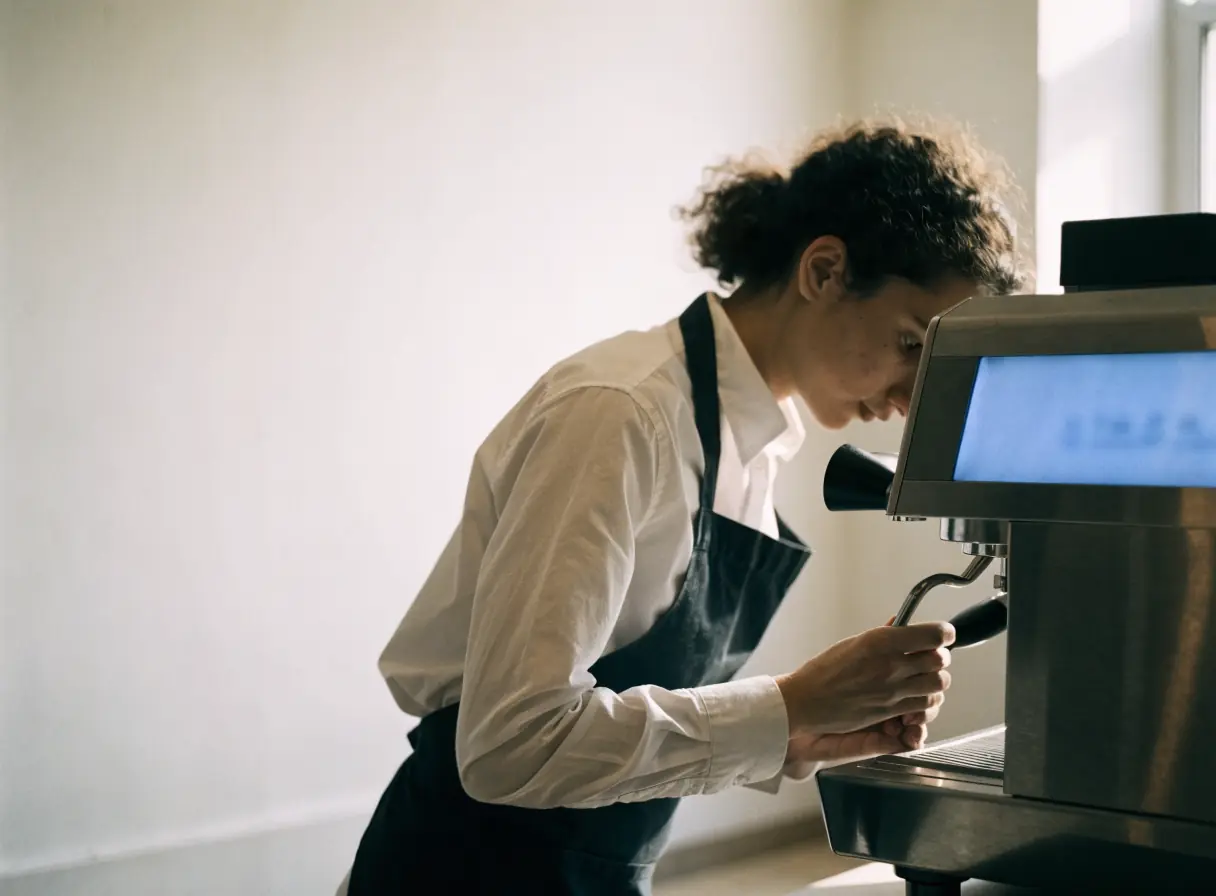
      Barista in apron operates espresso machine beside a large window in a modern coffee shop.
    3. Catering Services

      Show the events you cater, the menus you offer, and the areas you serve, then collect inquiries with the details you need.

      Man in a white shirt holding a dessert and looking at it closely indoors.
    4. Food Delivery Services

      Make delivery areas, fees, and ordering clear for customers, and give restaurants and drivers a simple way to join.

      Person rides a bicycle carrying a large black delivery bag on their back.
    5. Food Manufacturing

      Give buyers accurate product specs and a clear wholesale path, and show shoppers where your products are sold.

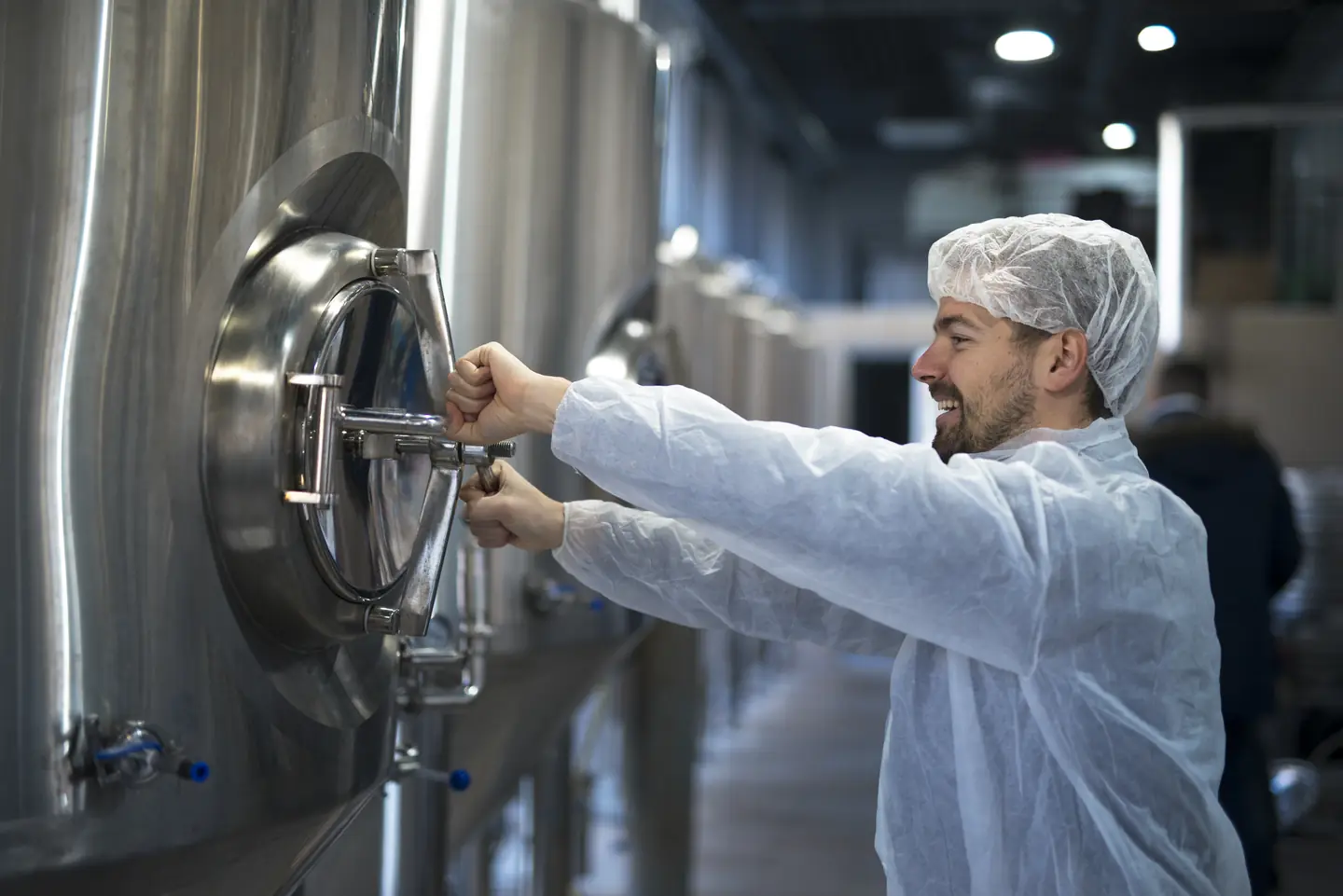
      Man wearing protective gear opens a large stainless steel tank in an industrial facility.
    6. Food Trucks

      Show where the truck is today, what is on the menu, and how to book it for a private event.

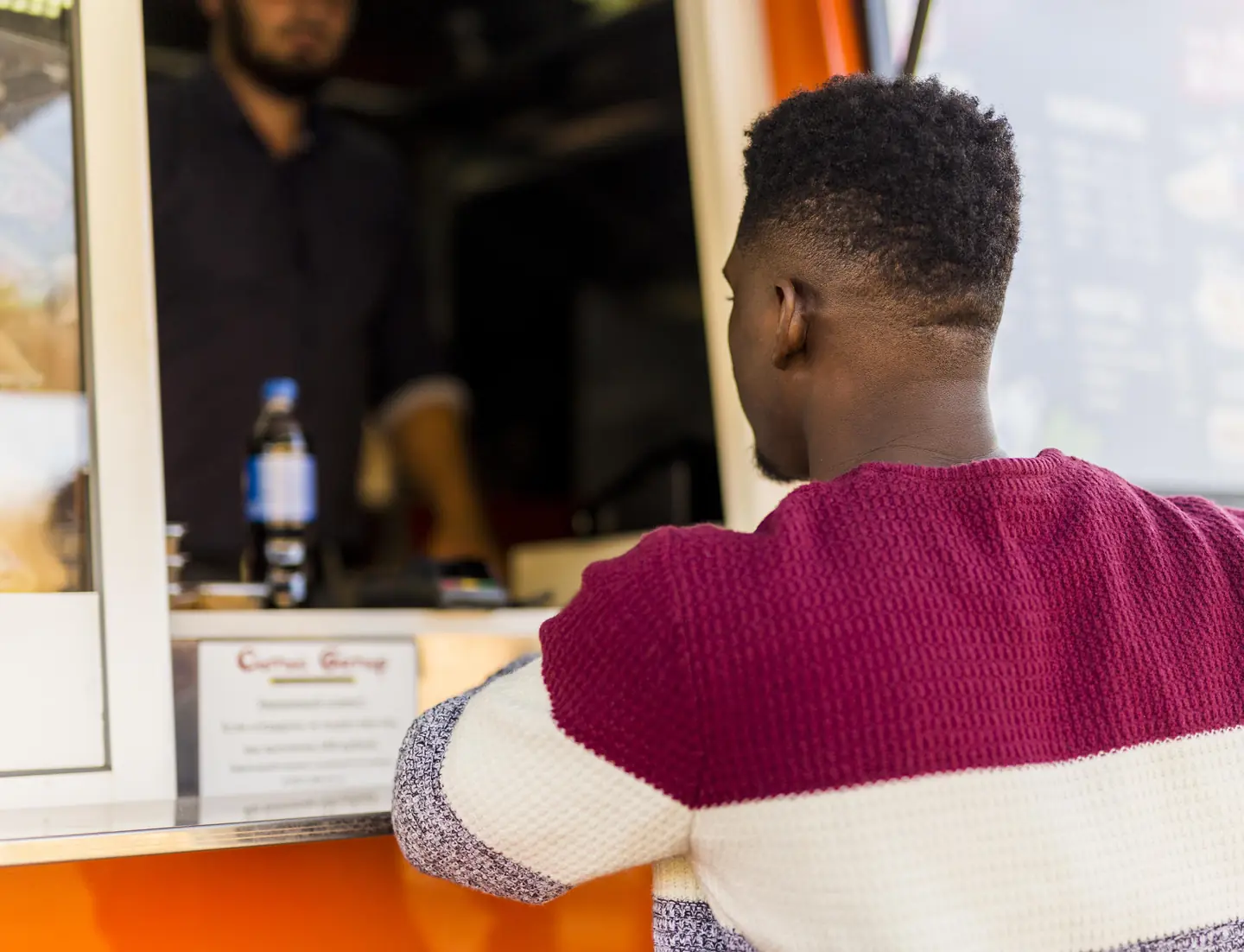
      A man in a striped sweater stands at an outdoor food truck, waiting to order food.
    7. Grocery Stores

      Put the weekly specials, holiday hours, and online ordering where shoppers look, and show what sets your store apart.

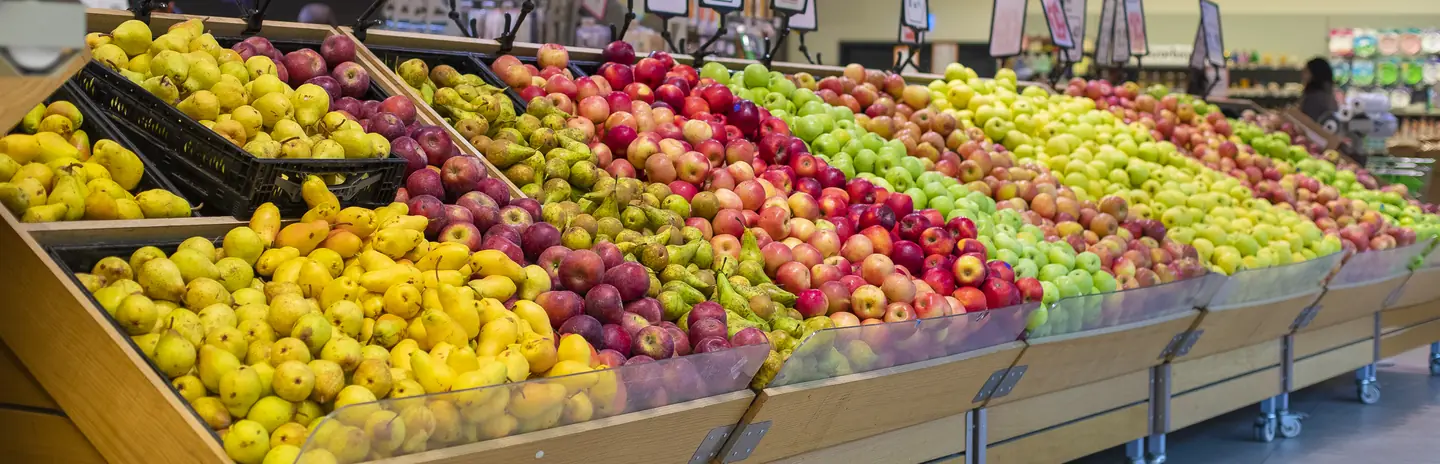
      Red and green apples with pears are neatly displayed in rows on grocery store shelves.
    8. Health Food Stores

      Help shoppers with specific diets see what you carry, ask about products, and request special orders.

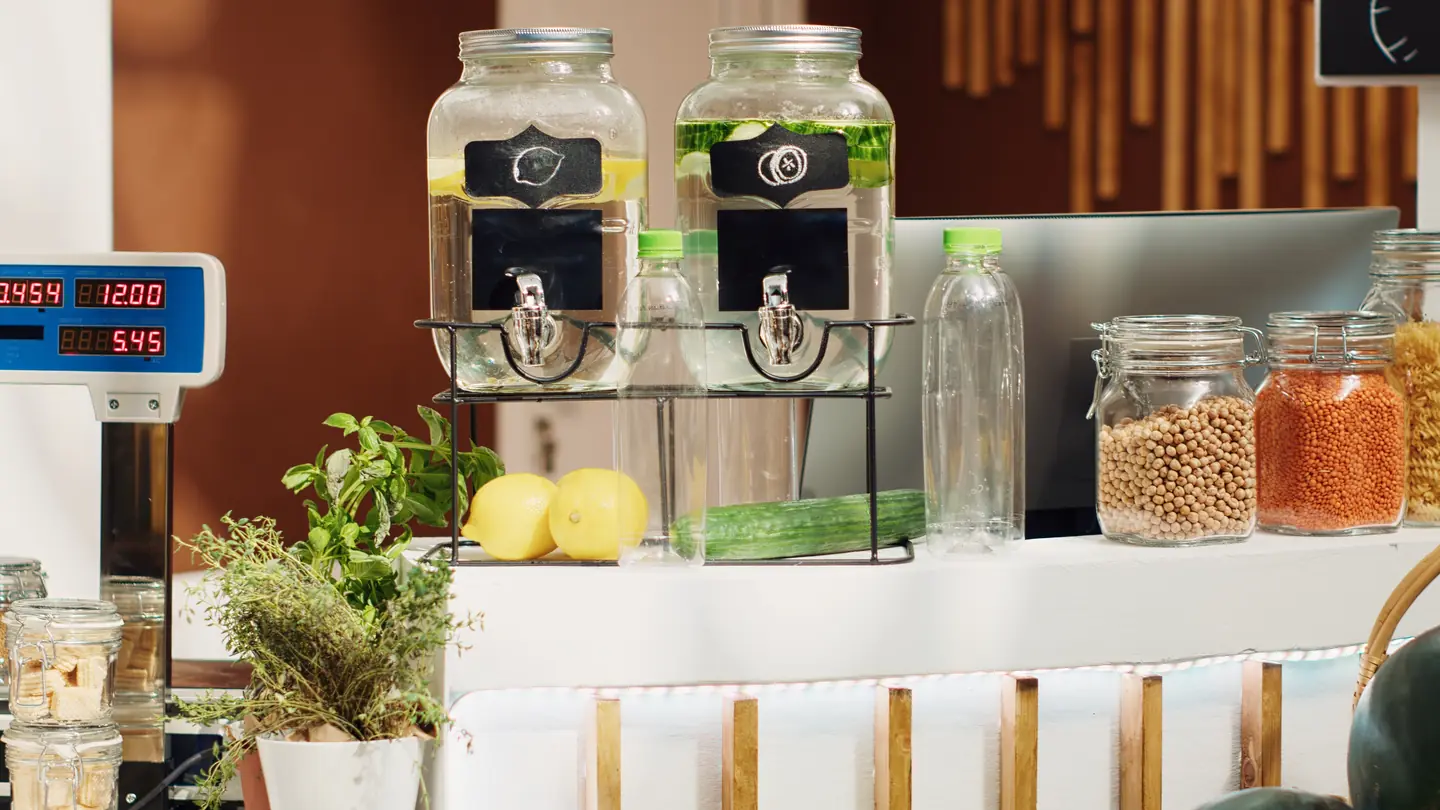
      Glass drink dispensers filled with beverages are arranged on a counter.
    9. Restaurants

      Give diners a readable menu, real photos, and a direct way to reserve, order takeout, or plan a private dinner.

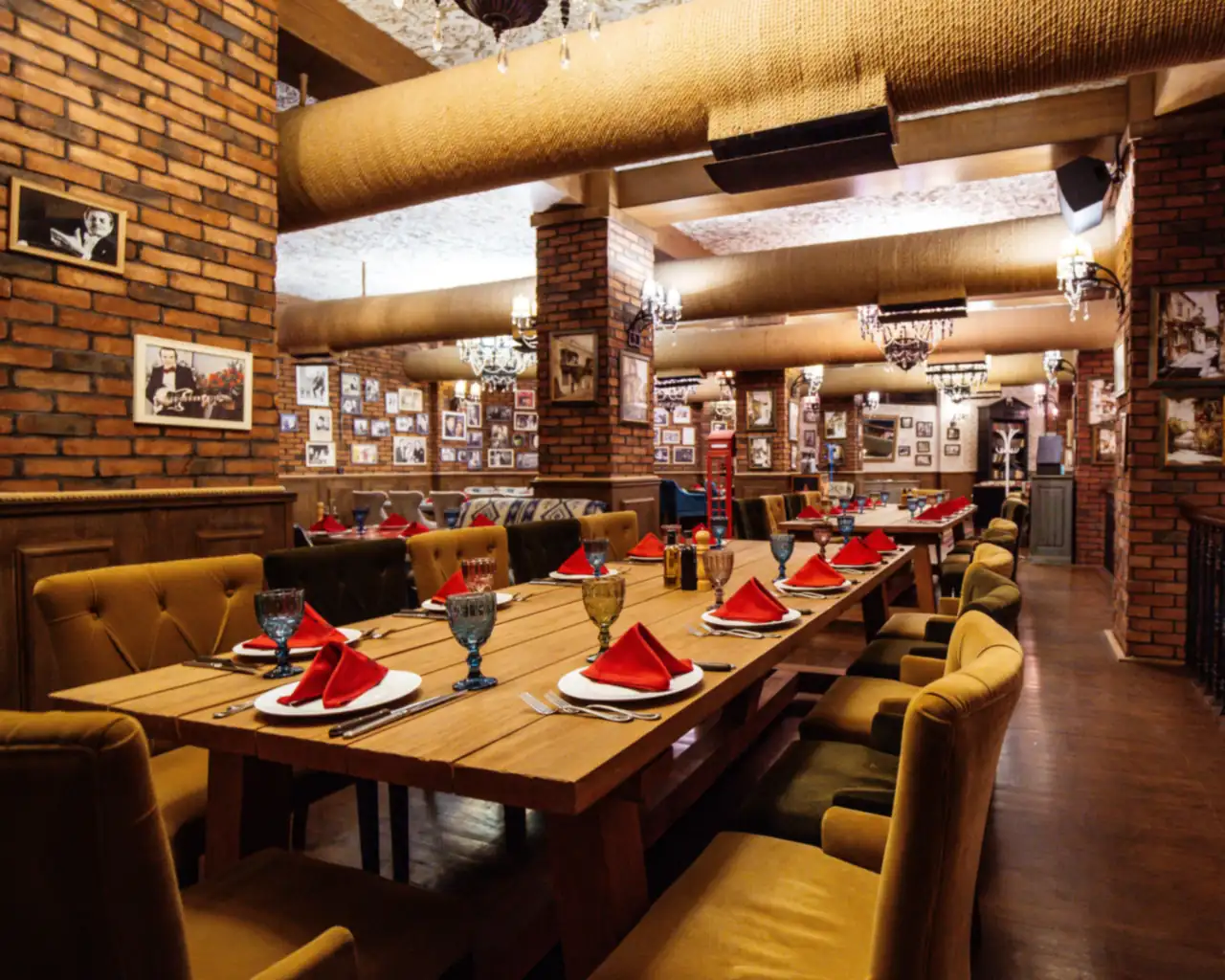
      Long wooden tables with red napkins and exposed brick walls inside a restaurant.

    Questions bakery owners ask first.

    Can customers pay a deposit online?

    It is possible once you choose a payment processor and set your deposit rules. We review the processor, its fees, and how it fits your order process before building anything. Your team still confirms each order before it goes on the schedule.

    How do we stop orders that come in too late?

    State your lead times on the order form itself. Many form tools can block dates inside your lead time, and we confirm what yours supports. Late requests can still go to a person who decides.

    Can we list allergens for each item?

    You can, if your kitchen can confirm them for every batch. Shared equipment matters, so the wording needs your own review. When in doubt, invite customers to ask before they order.

    Should we take orders online or keep them by phone?

    It depends on how many custom orders you take and how much time the phone takes. One option is an online request form with payment at pickup, with deposits added later. We help you choose the first step that fits your kitchen.

    Back to top