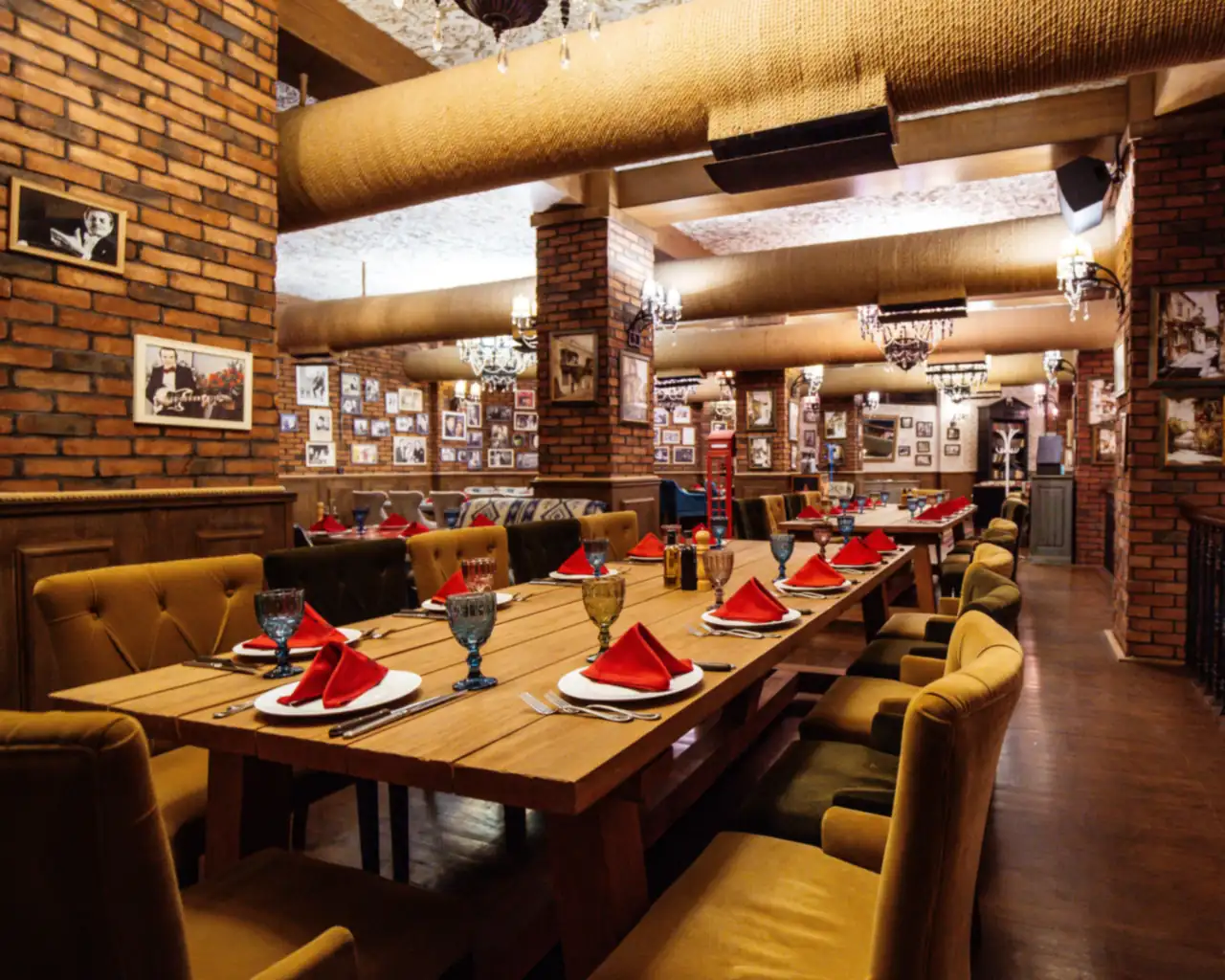
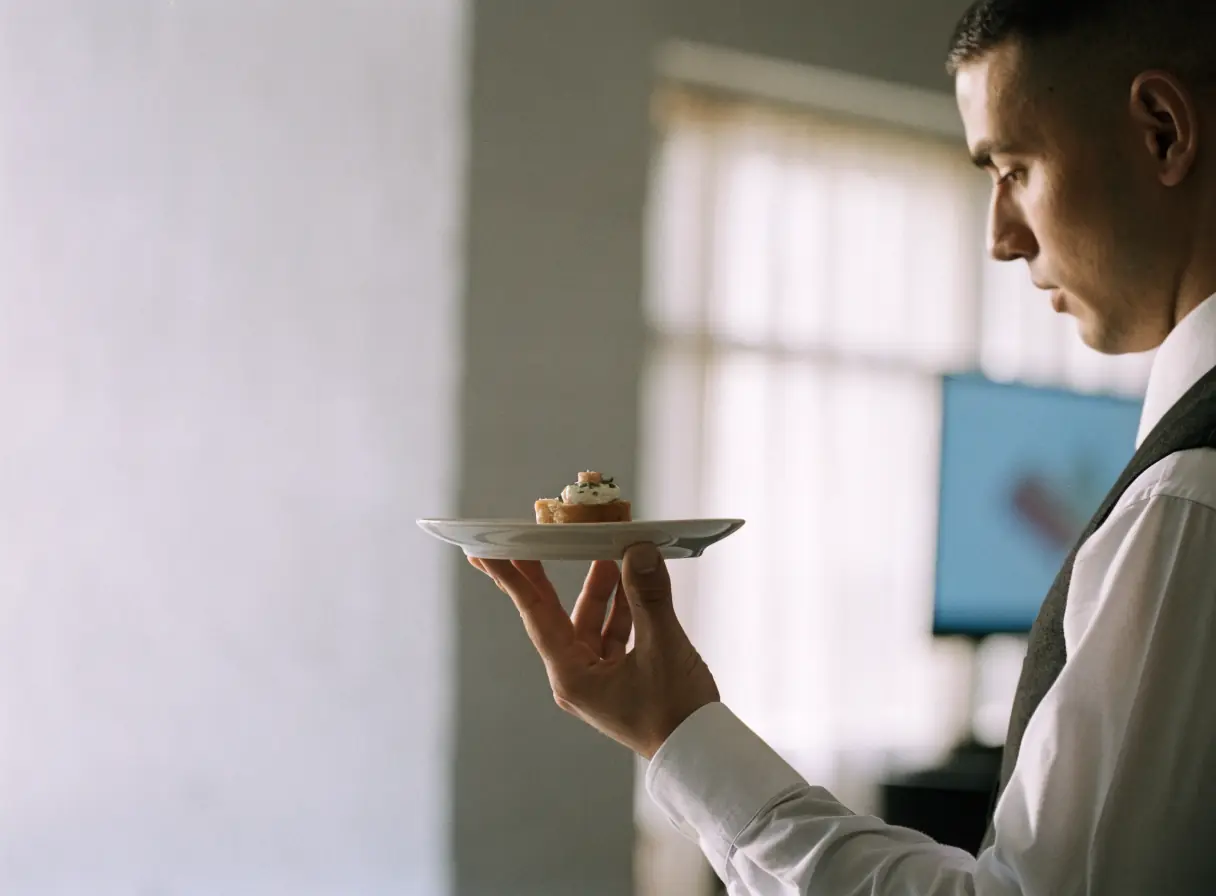
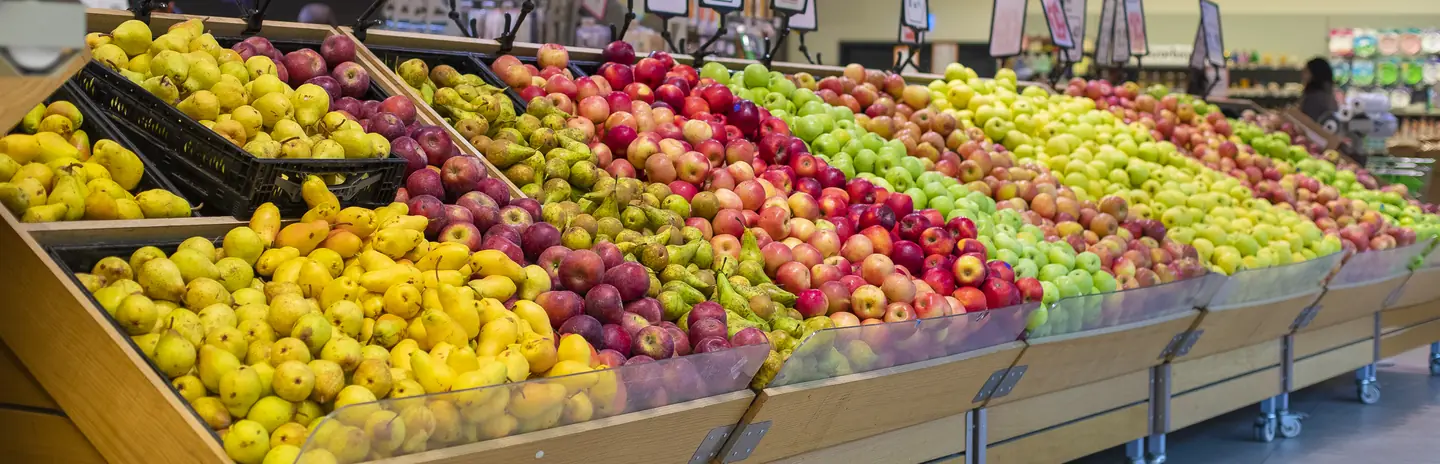
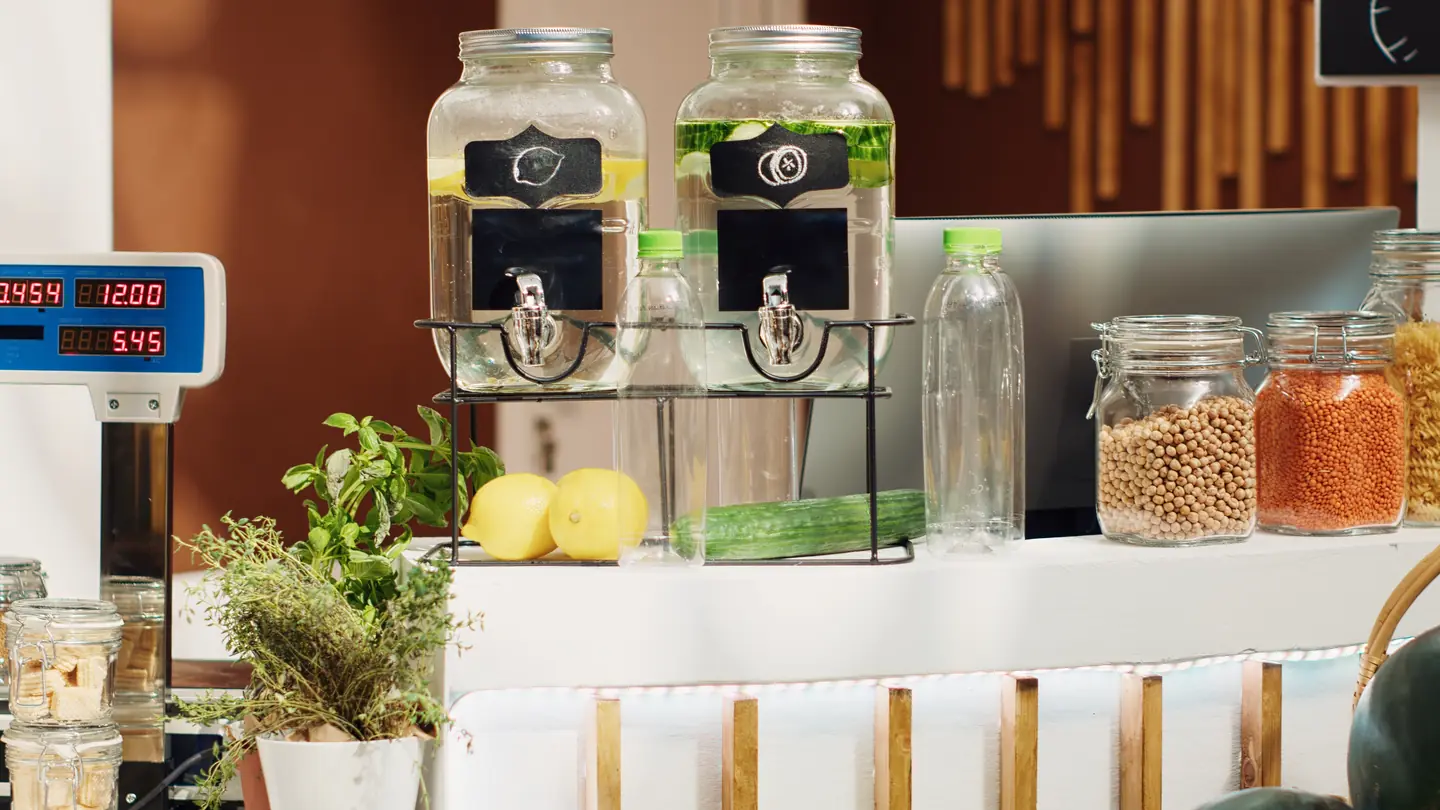
Does this look like the meal I want tonight?
Real photos and a readable menu answer this faster than any description.
Show current dishes with photos you own, and keep the menu as text, not a scanned image.
Next: check hours, parking, and tables.

Diners check the menu, photos, and hours before they decide. Our website design for restaurants gives them a direct way to reserve, order takeout, or ask about a private dinner.
Services
Each service below fixes one step between a diner's first look and a confirmed table or order. Start where diners drop off today.
For restaurants when reservations come by phone during service and some get missed. A reservation tool, chosen after we review its fees and features, lets diners book on your site.
Start here when the phone rings through the dinner rush.
Explore Appointment Booking SystemsFor restaurants when takeout runs through apps that charge a fee on every order. Direct ordering on your site needs a payment setup you control, reviewed with your point of sale first.
Start here when app fees cut into your takeout orders.
Explore Payment Gateway IntegrationFor restaurants when diners search by cuisine or neighborhood and see outdated details. A complete map profile with current hours, a menu link, and real photos keeps you in the running.
Start here when your listing shows old hours or photos you did not choose.
Explore Local SEOFor restaurants when photos alone do not show the room, the kitchen, or the people. Short videos of real dishes and service give diners a feel for the night.
Start here when the atmosphere is part of what people come for.
Explore Video MarketingFor restaurants when private dining and large party requests arrive without a date, headcount, or budget. A guided form collects them before your events lead replies.
Start here when private dining inquiries take a string of emails to quote.
Explore Custom Quote FormsDisciplines
What each service family must get right in this field. Open one to see its services.
Customer journey
Diners often decide on a phone, sometimes just before they leave. Walk through the four questions they ask before they reserve or order.
Real photos and a readable menu answer this faster than any description.
Show current dishes with photos you own, and keep the menu as text, not a scanned image.
Next: check hours, parking, and tables.
Hours, location, parking, and availability decide whether the plan works.
Keep hours identical everywhere and put the reservation link beside them.
Next: reserve or order.
Diners expect to finish the task on your site without calling.
Link the reservation tool and direct ordering clearly, and explain any deposit or cancellation rules.
Next: plan something bigger.
Birthdays, rehearsal dinners, and company events need more than a standard reservation.
Explain private dining options and collect the date, headcount, and budget in one request.
Next: your team follows up with a proposal.
Information
Diners compare several places before they commit. A scanned menu, a missing booking link, or old photos push them to the next listing.
Delivery apps bring orders and take a fee on each one. A direct option on your site lets regulars order from you without the app in between.
Scanned menus and PDFs load slowly and cannot be searched. A text menu, kept current, is easier to read and to update.
When the phone is the only way to book, calls during the rush go unanswered. Online booking gives diners a way to reserve without calling.
Groups want to know capacity, menus, and minimums before they inquire. A clear page and a guided request make the first conversation useful.
Local search
Most diners choose from what is close and open. Keep your local details consistent so the choice is easy.
Match your name, address, hours, and menu link across your site, map profile, and review sites.
Reply to reviews calmly and fix what they point to, so new diners see a restaurant that listens.
Share parking, transit, the accessibility details your team has confirmed, and where to collect takeout.
Process
Diners should reach the menu, hours, and booking link from any page. Takeout and private dining should each have one clear path on your own site.
Choose a reservation tool, review its fees and features, and place the link beside the hours.
Connect ordering on your site to a payment setup reviewed with your point of sale.
Update dishes, prices, and seasonal changes on the site first, then everywhere else.
Collect the date, headcount, budget, and occasion in one form, and route it to your events lead.
Share short videos and photos of your own food and team on a steady schedule.
Readiness
Bring the current menu and a rough sense of how reservations, takeout and private dining reach you today. That lets us map where a diner gives up between the menu and a booked table. The checklist runs in your browser and sends us nothing.
Select the inputs you have ready.
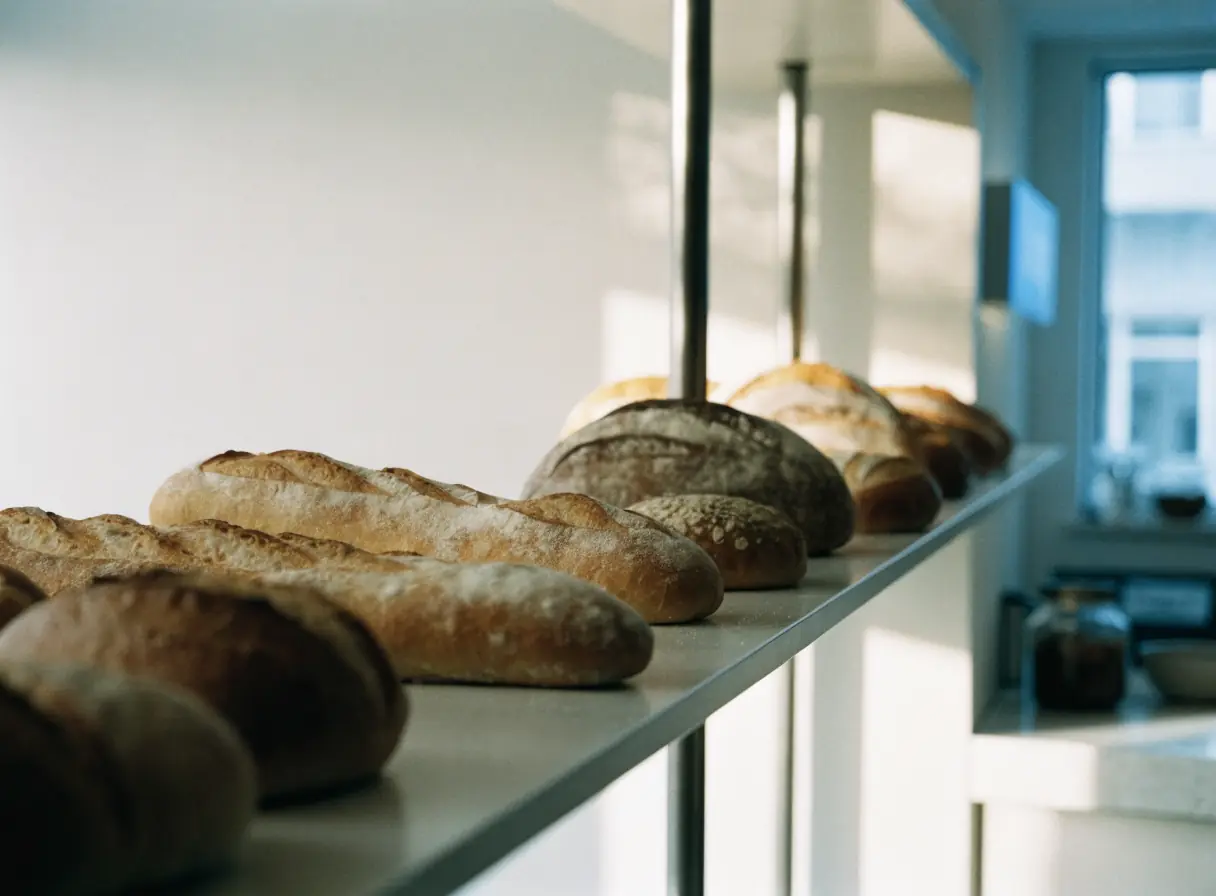
Show the daily bakes, take custom orders with every detail, and make pickup times easy to find.

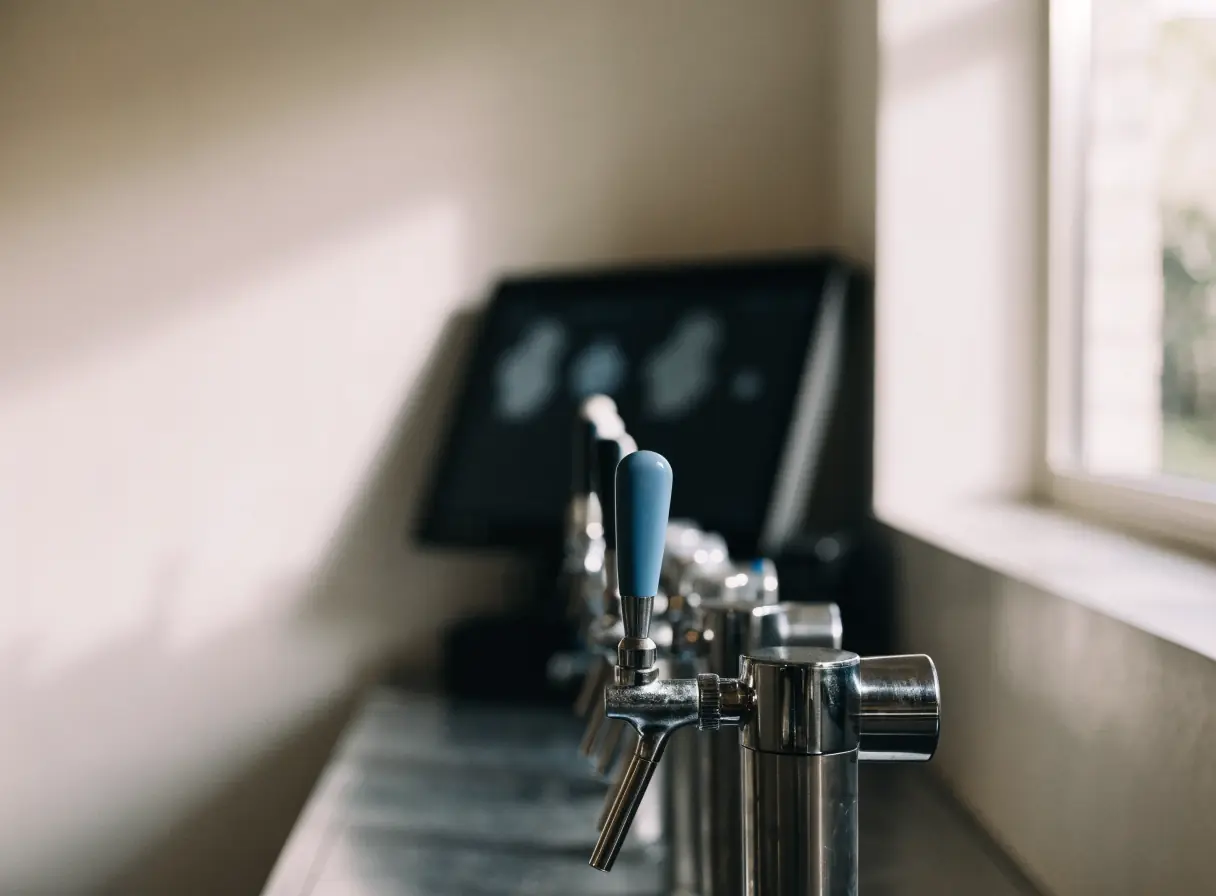
Show the taps, the kitchen hours, and what is on tonight, and make group bookings easy to request.

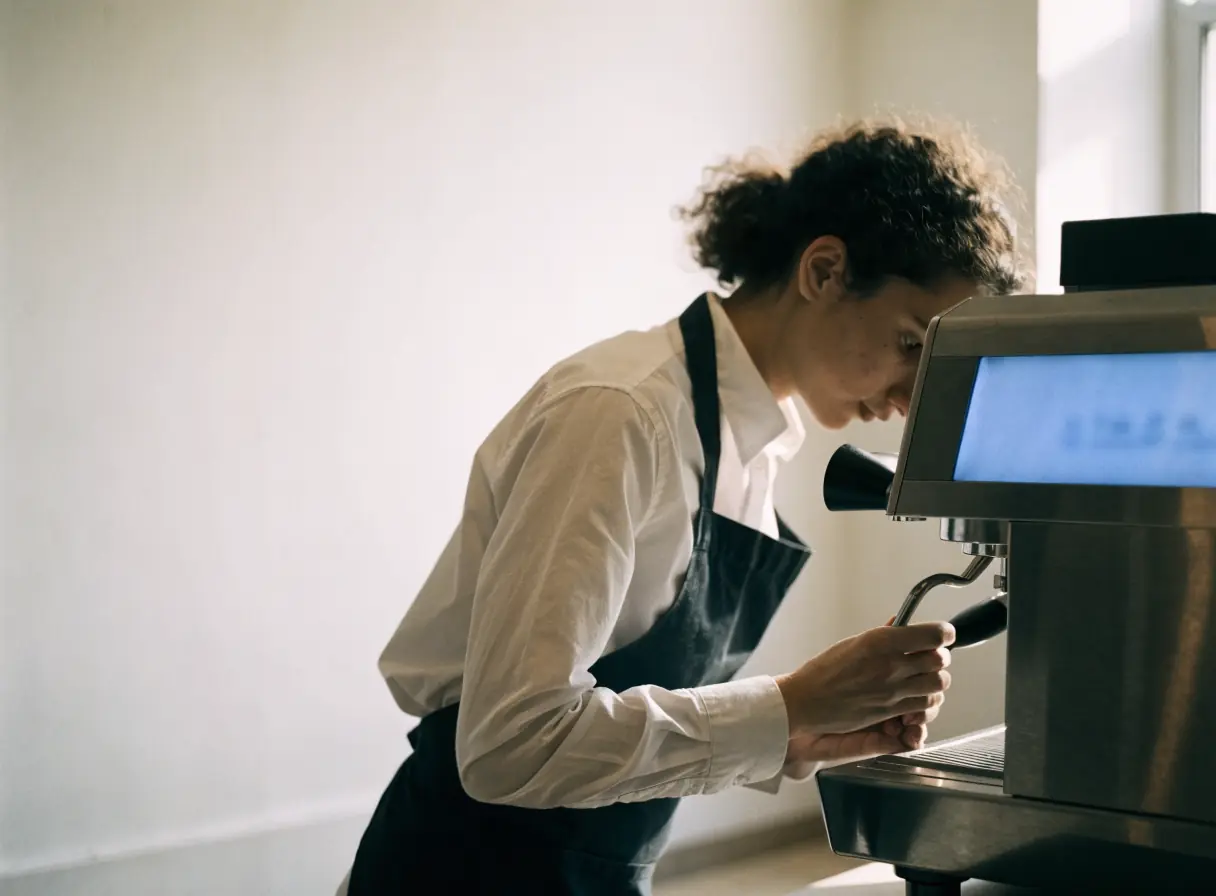
Help people on the move find you open, read the menu, and order ahead or settle in for a while.

Show the events you cater, the menus you offer, and the areas you serve, then collect inquiries with the details you need.

Make delivery areas, fees, and ordering clear for customers, and give restaurants and drivers a simple way to join.

Give buyers accurate product specs and a clear wholesale path, and show shoppers where your products are sold.

Show where the truck is today, what is on the menu, and how to book it for a private event.

Put the weekly specials, holiday hours, and online ordering where shoppers look, and show what sets your store apart.

Help shoppers with specific diets see what you carry, ask about products, and request special orders.

Questions
It depends on your volume, your staff, and how you seat tables. A reservation tool gives diners a way to book without calling, but it carries fees and setup. We review the options with you before recommending one.
Yes, if your point of sale supports online ordering or connects to a tool that does. We review the platform, its fees, and how orders reach the kitchen before building anything. You can keep app listings while adding a direct option.
Publish only what your kitchen can confirm for every dish. Shared equipment and substitutions change the answer, so the wording needs your review. Asking diners to tell their server about allergies keeps that conversation with your staff.
Diners read them before they ever reach your site. Reply in public, fix what reviews point to, and link to your review profiles if you choose. Never write or buy reviews, since that breaks trust and the platforms' rules.