Man in a white shirt holding a dessert and looking at it closely indoors.

Catering website design that turns inquiries into quotes.

Catering website design shows the events you cater, sample menus, and the areas you serve, then asks for the date, guest count, venue, and service style before the first call.

The work behind a complete inquiry.

Event planners compare caterers before they call anyone. Each service below answers one part of that comparison.

Illustration of Catering Services: the business, the customer path in four steps and five linked services.
Catering Services

Custom Quote Forms

For caterers when inquiries arrive as a date and a vague headcount. A guided form asks for the event type, guest count, venue, service style, and dietary needs.

Start here when every inquiry needs several emails before you can quote.

Explore Custom Quote Forms

Web Design

For caterers when menus live in old PDFs and the site does not show the events you do best. Clear pages show sample menus, service styles, and real event photos.

Start here when planners cannot tell from your site whether you fit their event.

Explore Web Design

Local SEO

For caterers when planners search for catering in a town or at a venue you serve. A complete profile and service area pages help them find you.

Start here when you serve a wide area but only show up near your kitchen.

Explore Local SEO

Payment Gateway Integration

For caterers when deposits and final balances get chased by phone and paper checks. A payment processor you approve lets clients pay deposits and invoices online.

Start here when collecting deposits slows down holding the date.

Explore Payment Gateway Integration

CRM Integration

For caterers when inquiries, tastings, and follow-ups live in separate inboxes. Connecting the site to your CRM, once the connection is reviewed, keeps each event's history in one place.

Start here when leads slip away between the first call and the tasting.

Explore CRM Integration

Catering Services, discipline by discipline.

What each service family must get right in this field. Open one to see its services.

    Follow one event from the first search to the signed menu.

    Planners often compare several caterers for one date. Walk through the four questions they need answered before they choose.

    Do you cater events like mine?

    Planners look for their event type, their guest count range, and their area first.

    What the website needs to do

    Show the event types you serve, the areas you cover, and real photos from events you have permission to share.

    Next: review the menus.
    What would we eat, and can you handle our dietary needs?

    Sample menus and service styles help planners picture the event and estimate the budget.

    What the website needs to do

    Publish sample menus, explain drop-off and full service, and say how you handle dietary requests.

    Next: send the inquiry.

    What do you need to give me a quote?

    A guided inquiry collects the date, guest count, venue, service style, and budget range in one step.

    What the website needs to do

    Mark the required details and say when the client will hear back.

    Next: tasting and proposal.

    How do I hold the date?

    Explain the steps to confirm, such as a proposal, a signed agreement, and a deposit, and when the final headcount is due.

    What the website needs to do

    Send the proposal and payment request through the tools you use, and confirm the date in writing.

    Next: your team plans the menu and staffing.

    Catering website design for the inquiries that stall.

    Planners want to know quickly whether you fit their event. Vague menus, missing service areas, or a bare contact form slow the decision.

    Inquiry quality

    Inquiries that arrive without the basics

    A contact form that only asks for a name and a message starts a long email chain. A guided inquiry gets the date, guest count, venue, and service style in one step.

    Sample menus

    Menus and pricing that are hard to compare

    Planners want a sense of options and cost before they call. Sample menus and clear service styles help, even when every quote is custom.

    Dietary needs

    Dietary and allergy requests

    Events bring many dietary needs at once. Explain how you handle requests, and publish only what your kitchen can confirm.

    Busy seasons

    Busy seasons and date conflicts

    Wedding season and holidays can fill your calendar early. Say when to inquire, and answer quickly when a date is already taken.

    Show the ground you cover.

    Catering is local, but the service area can be wide. Planners need to know you can reach their venue before they read further.

    1. Define your service area

      List the towns, regions, and venues you serve, and explain any travel or delivery rules you set.

    2. Describe the venues you know

      If you cater often at specific venues, describe what you have served there with photos you have permission to use.

    3. Keep business details accurate

      Your map profile should match your business name, address, and phone, even if clients never visit the kitchen.

    Public menus. Private event details.

    Your website sells the event. Contracts, payments, and guest details need a safer home than a web form or an inbox.

    Public information

    Where planners can browse before they call

    Show sample menus, service styles, the areas you serve, and a guided inquiry that asks only for the event basics you need to quote.

    Private workflows

    Inside your contracts, deposits and guest lists

    Keep signed agreements, deposits, card payments, venue access details, and named guest dietary or allergy lists in the invoicing, payment, and event tools your business approves.

    Privacy and payment security requirements need review for your business. The website should never ask for card numbers in a form or an email.

    From inquiry to event, who owns what.

    The inquiry path should collect the basics once and route them to the person who quotes. Menus, service areas, and busy seasons should be clear before a planner calls.

    1. Scayver Graphix

      Build the guided event inquiry

      Ask for event type, date, guest count, venue, service style, and budget range, and route it to your sales lead.

    2. Together

      Publish sample menus and service styles

      Turn current menus into readable pages that your team can update each season.

    3. Your team

      Set booking and deposit rules

      Decide lead times, deposits, and final headcount deadlines, and state them plainly.

    4. Your team

      Follow up on every inquiry

      Reply within the time the site tells planners to expect, and log each inquiry where your team can see it.

    5. Together

      Show real events

      Add photos from events you have permission to share, grouped by event type.

    Bring your menus. We will build the inquiry path.

    A few past quotes and the questions planners ask on a first call are a good start. They show us what your inquiry form must collect before you can price an event. This list works only on your screen and sends nothing.

    Select the inputs you have ready.

    More beside Catering Services.

    Other specialty pages under Food Services.

    1. Bakeries

      Show the daily bakes, take custom orders with every detail, and make pickup times easy to find.

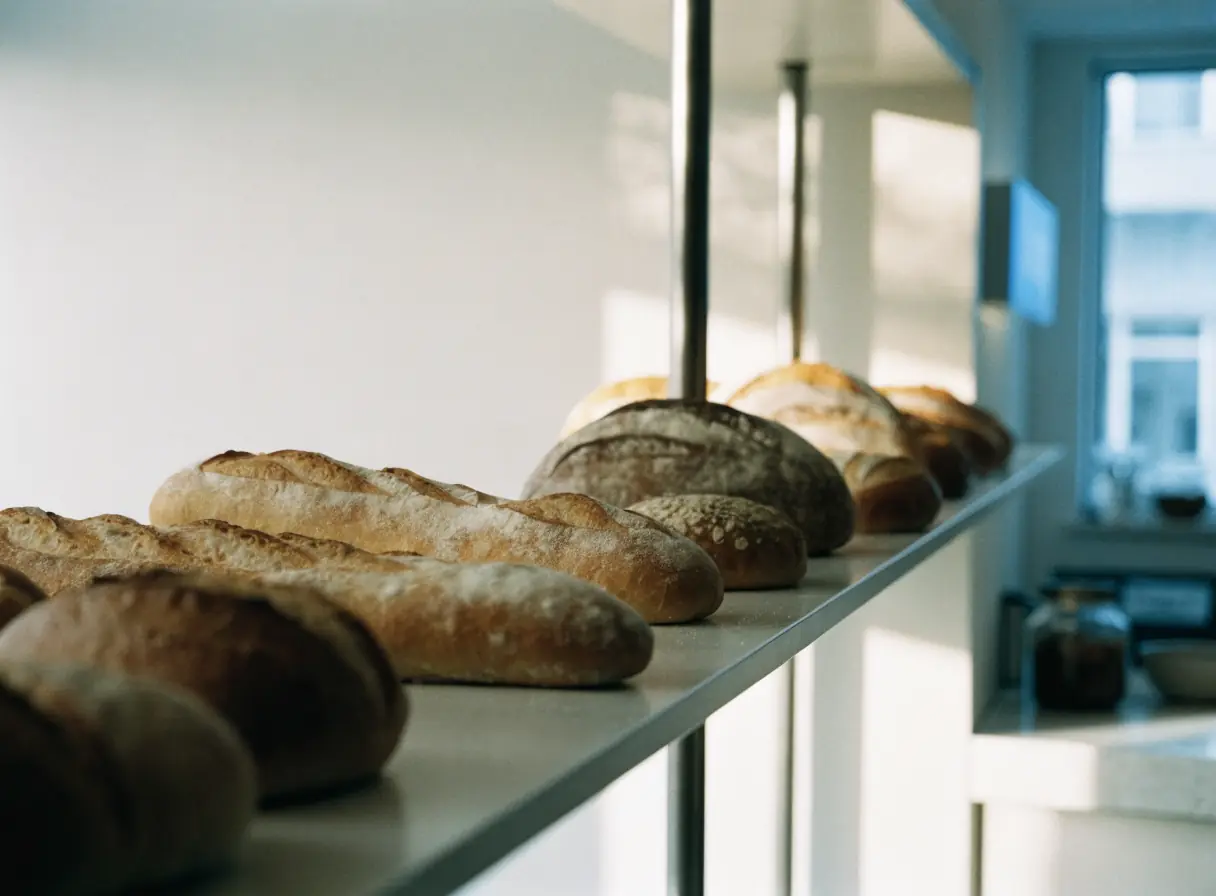
      Several loaves of bread are neatly lined up on a wooden surface.
    2. Bars & Pubs

      Show the taps, the kitchen hours, and what is on tonight, and make group bookings easy to request.

      Row of metal drink taps with blue handles lined up on a shiny countertop.
    3. Cafes & Coffee Shops

      Help people on the move find you open, read the menu, and order ahead or settle in for a while.

      Barista in apron operates espresso machine beside a large window in a modern coffee shop.
    4. Food Delivery Services

      Make delivery areas, fees, and ordering clear for customers, and give restaurants and drivers a simple way to join.

      Person rides a bicycle carrying a large black delivery bag on their back.
    5. Food Manufacturing

      Give buyers accurate product specs and a clear wholesale path, and show shoppers where your products are sold.

      Man wearing protective gear opens a large stainless steel tank in an industrial facility.
    6. Food Trucks

      Show where the truck is today, what is on the menu, and how to book it for a private event.

      A man in a striped sweater stands at an outdoor food truck, waiting to order food.
    7. Grocery Stores

      Put the weekly specials, holiday hours, and online ordering where shoppers look, and show what sets your store apart.

      Red and green apples with pears are neatly displayed in rows on grocery store shelves.
    8. Health Food Stores

      Help shoppers with specific diets see what you carry, ask about products, and request special orders.

      Glass drink dispensers filled with beverages are arranged on a counter.
    9. Restaurants

      Give diners a readable menu, real photos, and a direct way to reserve, order takeout, or plan a private dinner.

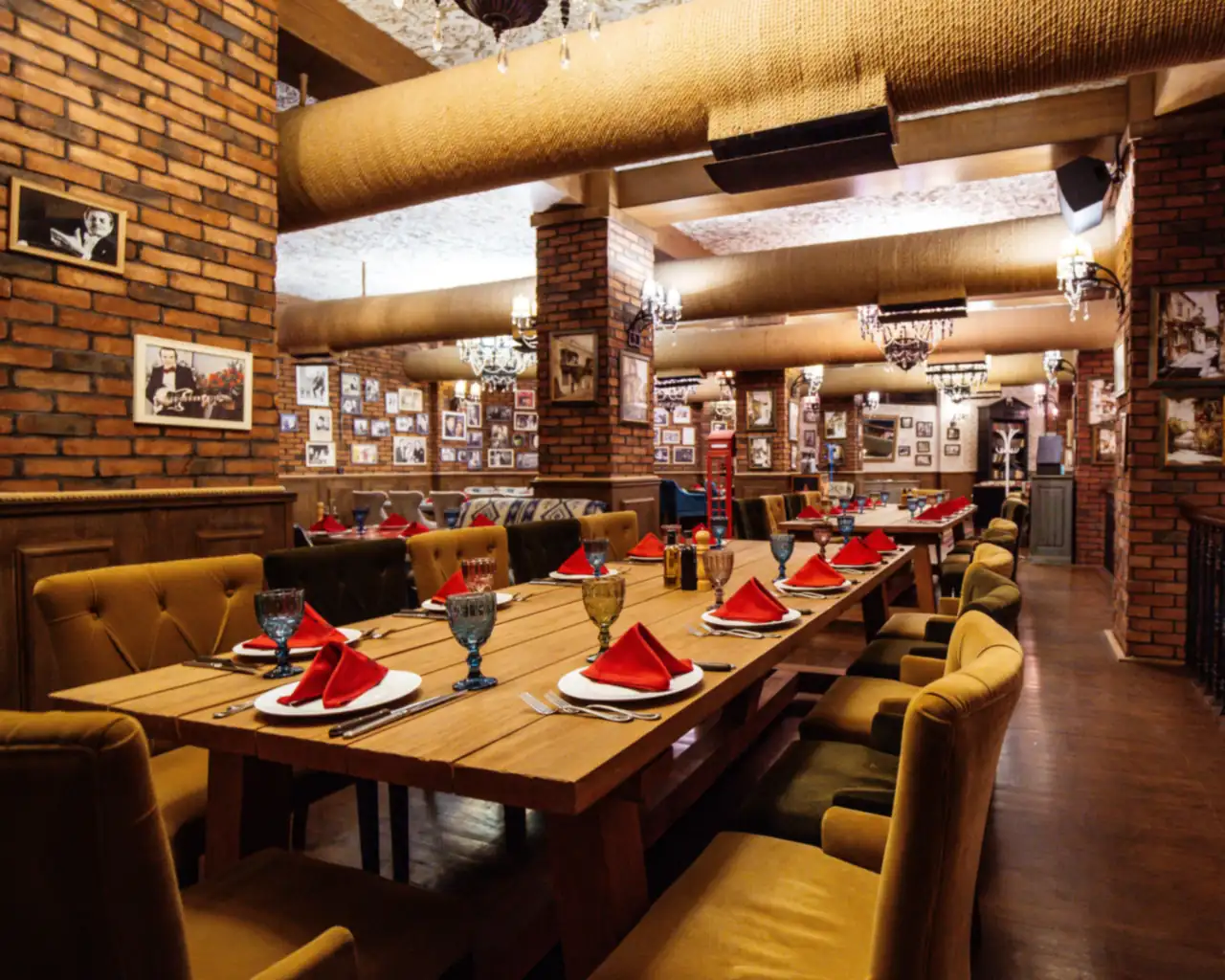
      Long wooden tables with red napkins and exposed brick walls inside a restaurant.

    Questions caterers ask first.

    Should we publish prices on the website?

    That is your decision. Some caterers show starting points or sample packages, and others quote every event. Either way, sample menus and clear service styles help planners decide whether to reach out.

    Can clients pay deposits online?

    Online deposits need a payment processor you choose and clear deposit rules. We review the processor, its fees, and how it fits your invoicing before building anything. Card details go to the processor, never into a form or an email.

    How do we handle dietary and allergy requests online?

    Explain your process and what your kitchen can and cannot accommodate. The inquiry can ask whether the event has dietary needs, and your team gathers the specifics directly. Allergy wording needs your own careful review before it appears on the site.

    Can the inquiry form connect to our CRM or event software?

    It depends on the software. We confirm what your tool allows, such as a supported integration or an export, before planning the connection. If it cannot connect, the form can still send a complete summary to your team by email.

    Back to top