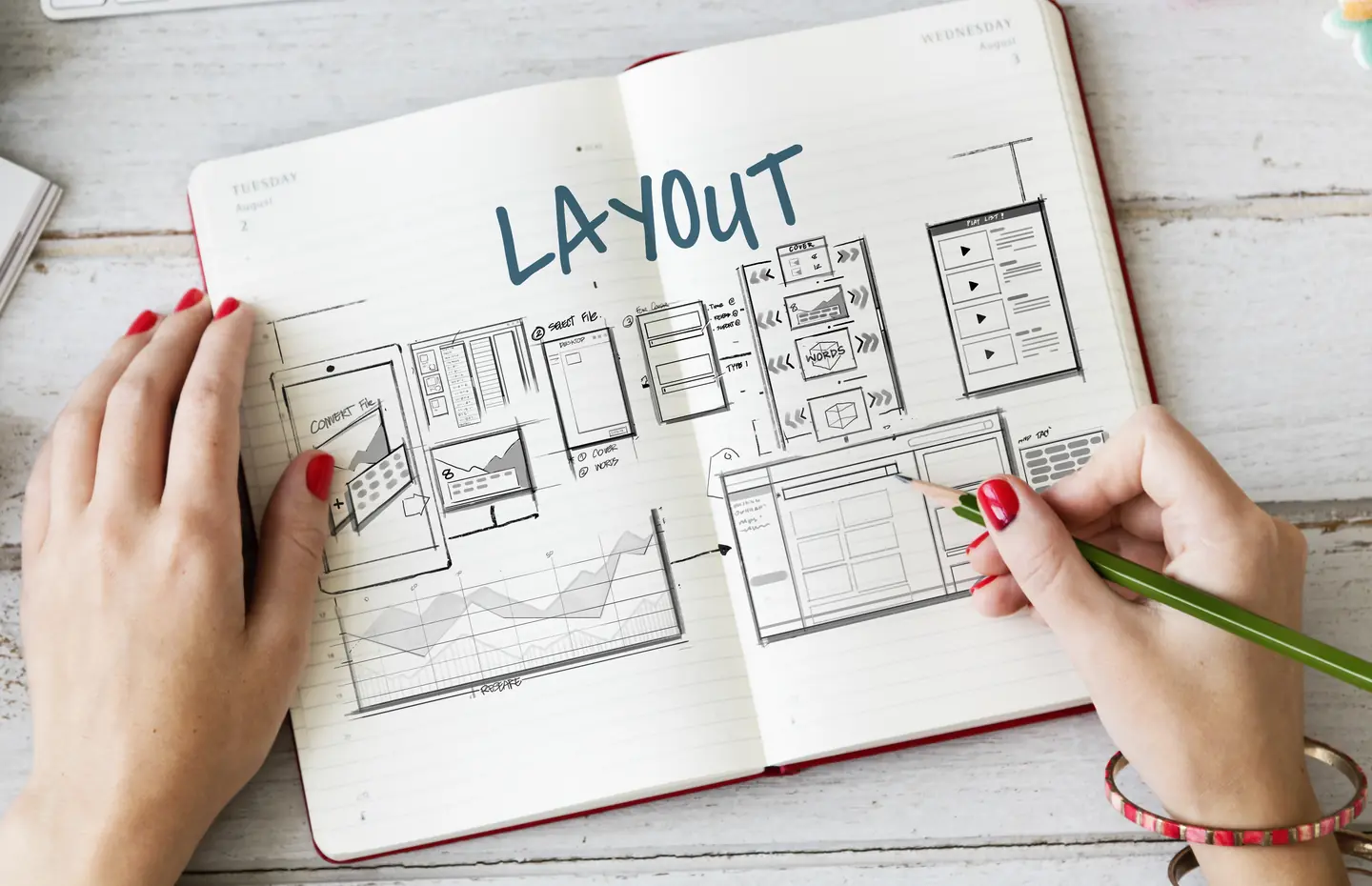
Give every image a job.
A page does not need a hero photograph simply because its template has space for one. Decide how each image behaves when the page changes size, because an image without a purpose can dilute the message and create more work for editors.
A team photograph can help visitors see who they may work with. A real project image can illustrate a design or implementation decision, if you have permission to show it. A diagram can explain how services connect. A product image can show what is being sold. Write the purpose beside each proposed placement. If the purpose is only “make this section less empty,” reconsider the layout or content.
Do not use an invented dashboard, staged customer, or fabricated result as evidence. Atmospheric art can support a mood, but it should not look like a real client outcome. Be especially careful when the page discusses regulated or sensitive work. The image should not imply a relationship or result that the copy cannot verify.
Track rights and source context.
Record who owns the asset, where it came from, which uses are permitted, whether a person or client consented, and when a license needs review. A file sitting in a shared drive is not proof of publication permission. The same image may be approved for a private proposal but not for a public case study or advertisement.
Keep a fallback for assets that cannot be used. A page should still work if an image is removed during review. This avoids pressuring the team to keep questionable media simply because the layout depends on it.
Plan crop and alternative text together.
Mark the subject and focal point so responsive crops do not remove the important part. If text appears inside an image, decide how that information remains available as real text. For accessibility, the correct alternative depends on the image’s role. The W3C image decision tree distinguishes informative, functional, redundant, and decorative uses. Write the alt decision for the placement, not just the file, because one asset can serve different purposes in different contexts.
Check file size and display behavior on real devices. A large decorative image can delay the answer. A tightly cropped image may lose its meaning on mobile. Do not choose a single asset in isolation from the page where people will see it.
Make the website image strategy maintainable.
Give editors clear filenames, approved variants, placement notes, and a person to contact when an asset expires or changes. If the site uses many service and industry pages, avoid assigning the same generic image everywhere. A distinct visual is worthwhile only when it adds genuine context, not when it creates a large set of interchangeable decoration.
What would the visitor misunderstand if this image disappeared? If nothing changes, the image may be optional. If the meaning collapses, give it a stronger text explanation and an accessibility plan.
List your assets and their permissions.
Web design can place approved media in a coherent page system. Talk to a Specialist with a list of available assets and their permission status before planning imagery around them.