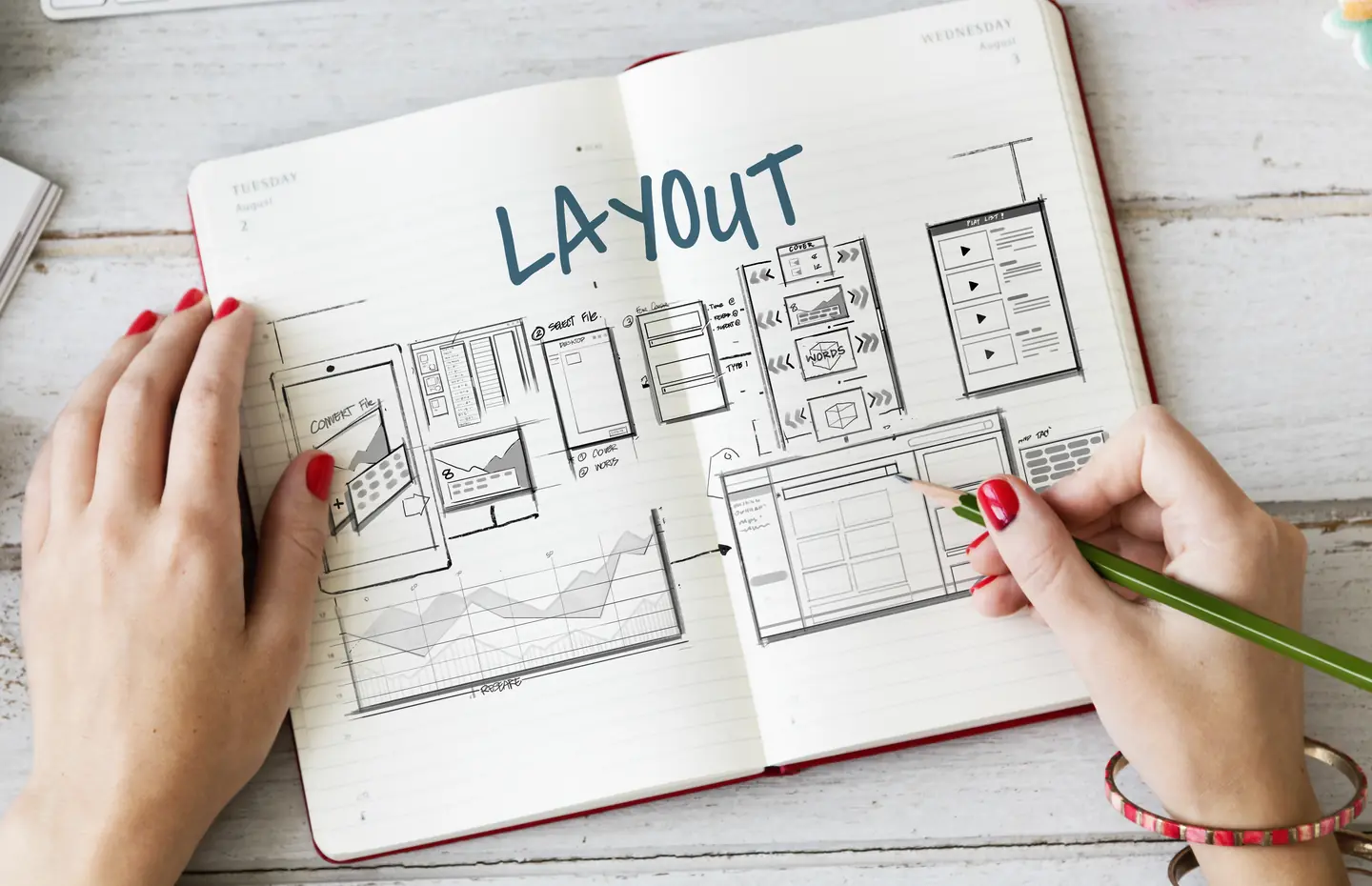
Group pages by job, not by department.
The goal is neither a unique design for every URL nor one template stretched across the entire site. It is a content system that editors can maintain and visitors can understand, even when details differ.
Start with a page inventory. Service pages may need an audience, problem, scope, process, pricing context, related work, and inquiry path. Industry pages may instead need operating conditions, relevant services, and proof boundaries. A resource guide needs an answer and useful method before it points to a service. Those are different page families, even if they share a header and button style.
Within a family, compare five real pages. Identify information that appears on all of them, information that varies, and information only one page needs. Stable repeated elements are candidates for template fields or components. One unusual section does not automatically require a new template. It may be an optional, controlled section with a clear reason to appear.
Model content before copying layouts.
If editors repeatedly paste the same service description, location facts, or pricing note into many pages, the problem is likely the content model. Store governed facts once where the platform allows, then display them through appropriate relationships. A service can connect to relevant industries, pricing packages, and related guides without manually maintaining every link in several places.
The WordPress developer documentation explains how custom post types give recurring content its own identity. That is one implementation option, not a rule that every small site needs a new post type. The decision is whether the content has its own lifecycle, archive, relationships, editing owner, or repeated placement.
Protect useful differences.
A template should not turn thirty service pages into the same paragraph with a different title. Require each page to answer its own buyer question, define its scope, and explain the relevant tradeoffs. The template gives structure and editing safeguards. The content supplies the distinction. If a field is empty on most pages, reconsider whether it belongs in the shared model.
Allow different page archetypes within a family when the reader’s task warrants them. A complex integration service may need a data-flow explanation. A visual design service may need a process sample. Both can share metadata, navigation, and CTA components without sharing an identical middle section.
Test the editor experience.
Ask an editor to add a new page, update a shared fact, replace an image, and preview the result on a phone. Can they see where the content will appear? Do required fields prevent a page from being published without a useful answer? Can they change copy without breaking structure? If editing requires cloning an old page and deleting irrelevant blocks, the system is creating future inconsistencies.
Document who can edit the template and who can edit its content. A writer may own the text but not the layout. An administrator may own global contact information. Separating those responsibilities reduces accidental changes to every page in a family.
Decide which reusable page templates to build once.
Before implementation, map each page family, required fields, optional fields, relationships, shared components, and the exceptions that deserve a distinct layout. Include empty and missing-content states. Test a small representative set before populating the full catalog. A reusable system should make the tenth good page easier to produce without making it less specific.
WordPress website development and information architecture can help connect the editing model to the visitor journey. Talk to a Specialist if your growing site has become a collection of pages nobody can update confidently.