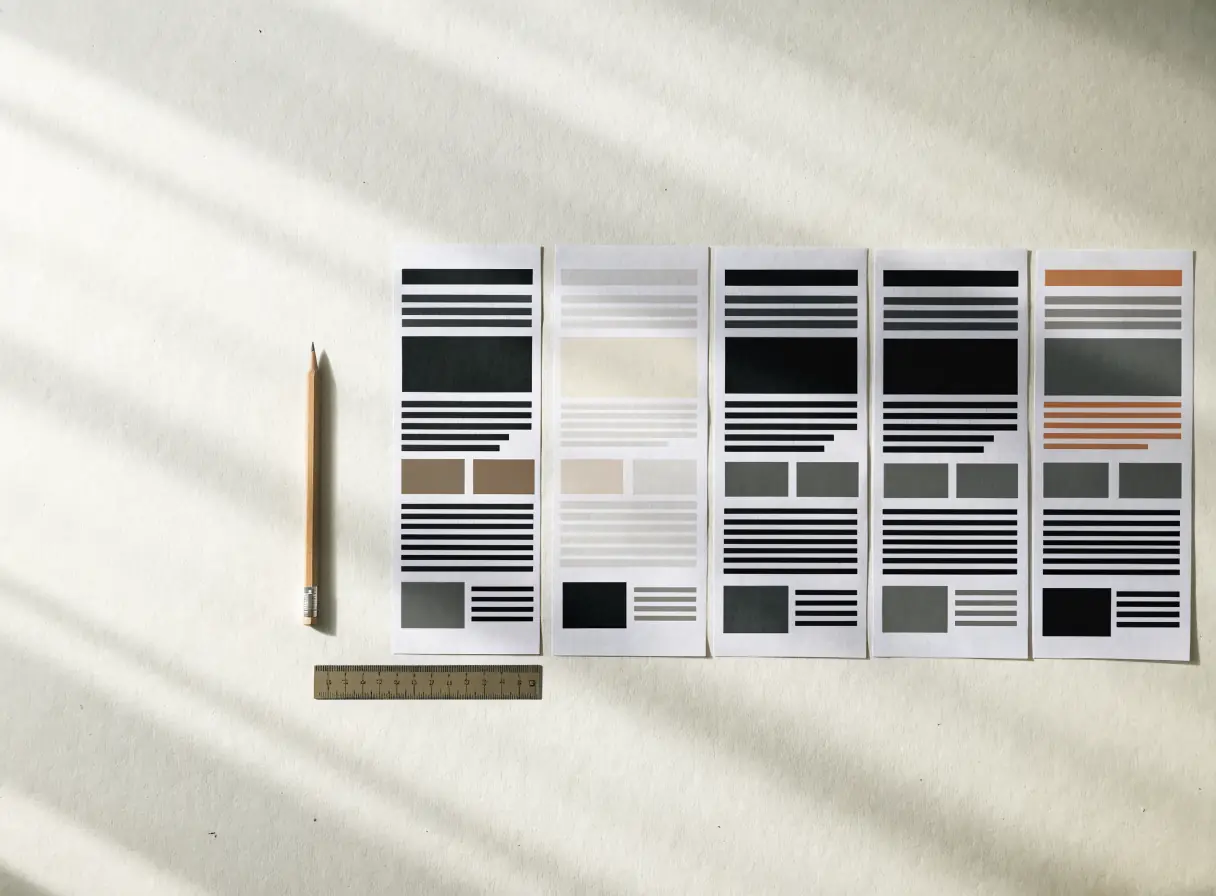
Decide what wireframes in web design must answer.
A wireframe makes content order, navigation, actions, and missing information visible without asking anyone to react to colors or imagery. It does not need to be a polished drawing.
Begin with a question. Can a first-time visitor distinguish your main services? Does the page explain enough before asking for an inquiry? Can someone find pricing context or process details without leaving the journey? A wireframe should test those questions. If it only fills rectangles with “image here” and “text here,” it may conceal rather than resolve the content problem.
Write rough real headings and section summaries. Placeholder text makes every structure look plausible. A service page with a genuine scope explanation may need room for inputs, deliverables, related work, and limitations. Once real content appears, you can see whether the proposed sequence supports the decision.
Use the right level of fidelity.
A quick paper sketch can settle the order of major ideas. A digital low-fidelity wireframe can compare variants and show behavior across screen sizes. An interactive prototype becomes useful when navigation, forms, or state changes need testing. Do not spend time perfecting wireframe decoration. Decide what evidence you need from each level and stop when it has answered the question.
The team may skip a separate wireframe phase for a familiar, simple page using an established template. That can be reasonable if the content model, layout behavior, and acceptance criteria already exist. Skipping wireframes should be a conscious choice, not a way to avoid defining the page.
Test the structure before visual review.
Give someone a task, such as finding the right service for an existing site or locating the contact path after reading a case example. Observe where they look. Ask them to describe what they expect from each section before revealing a finished design. Their confusion can point to a missing answer, a poor label, or a section in the wrong place.
Test both a narrow and wide viewport. A page that reads clearly in a desktop column may bury the main decision on mobile. Note how long headings, missing images, and expanded FAQ answers affect the order. The wireframe does not prove the final site works, but it can expose structural risk early.
Know what wireframes cannot settle.
They cannot tell you whether the final typography is readable, whether imagery is credible, whether contrast works, or whether the built form reaches the correct inbox. Keep those as separate design and implementation checks. A clean wireframe can still lead to a weak site when real content, interaction, and operations are ignored.
What would you change after seeing the wireframe that you might resist changing after a polished mockup? That is the decision this stage is meant to protect.
Bring the question to the right work.
Gather the page purpose, real content, and main visitor task. Wireframes and prototypes can test the structure before the visual layer. If you are unsure which pages need this step, talk to a specialist about the routes carrying the most uncertainty.